


water reader
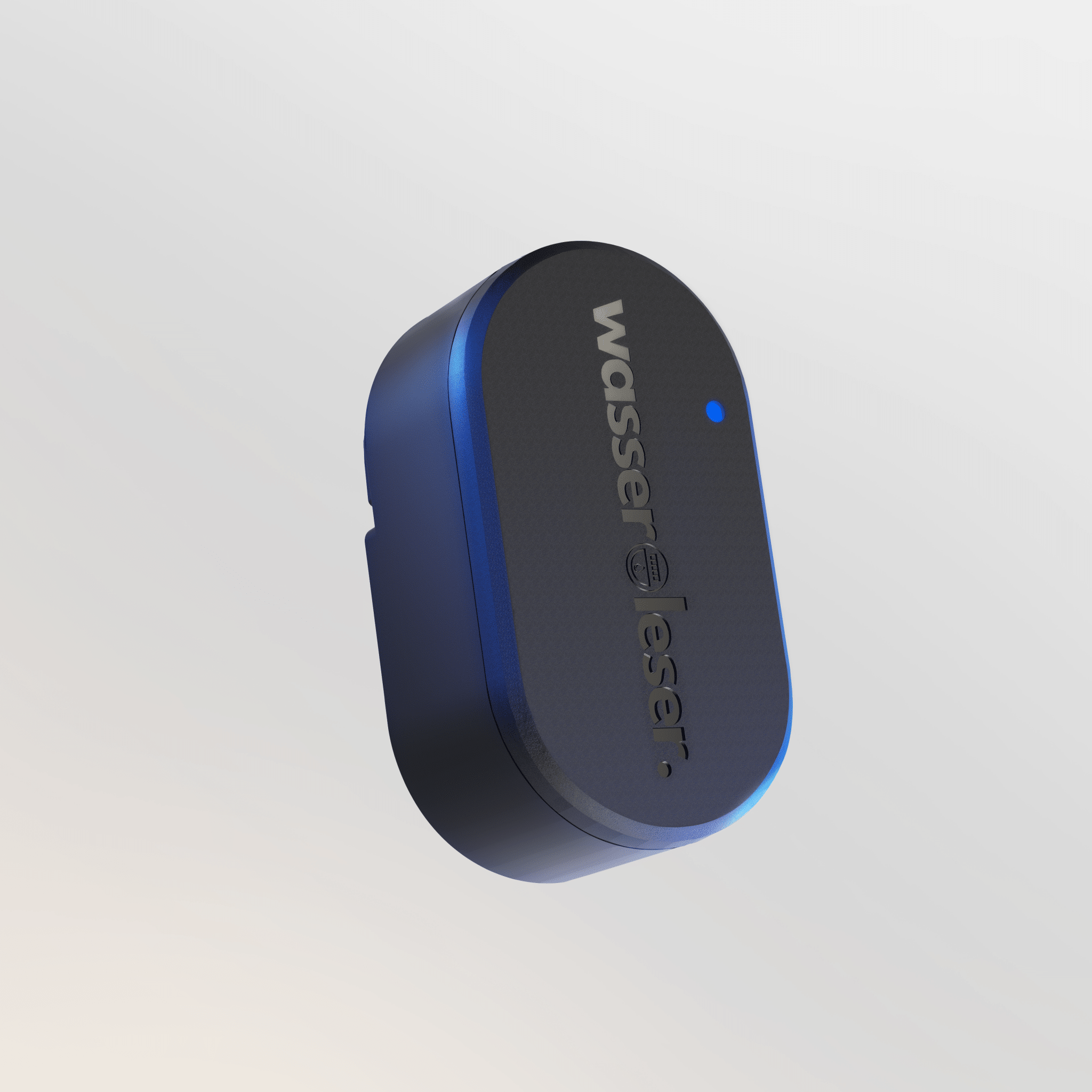
- Make water meters smart
- Plug & Play Installation with adapter or metal plate – no conversion required
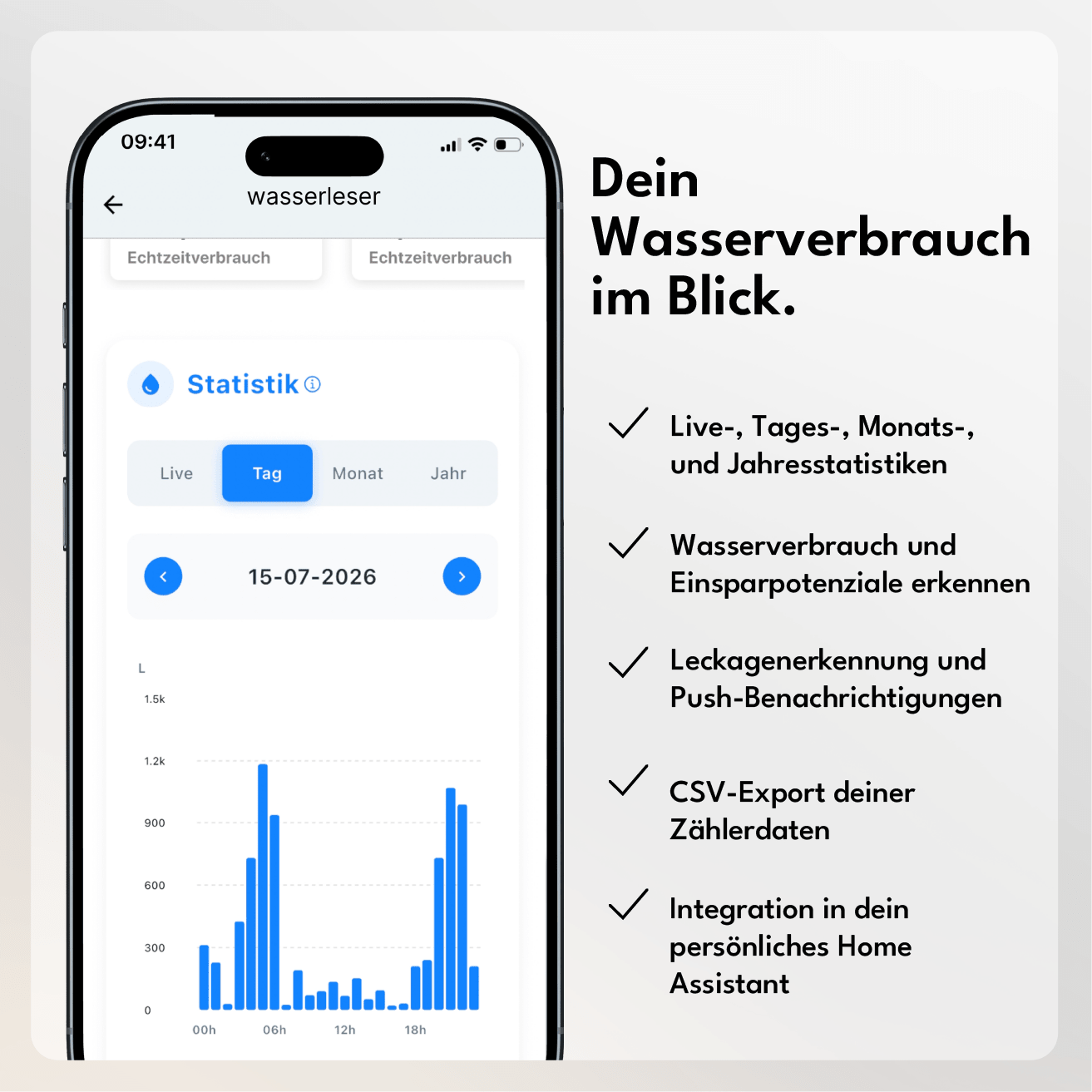
- Live consumption in the app with diagrams and integrated leak warning
- Socket & Wi-Fi reception necessary
- Home Assistant Integration available
- For Zenner water meters: wasserleser.reed
Comprehensive Guides and Documentation
If you are unsure whether your water meter is compatible, simply send us a photo at info@energieleser.de. For all other questions – e.g. regarding installation – we are always there for you: 0711 39687998
 Pay in 30 days
 Pay in 30 days


1. How does the installation work – do I need an electrician?
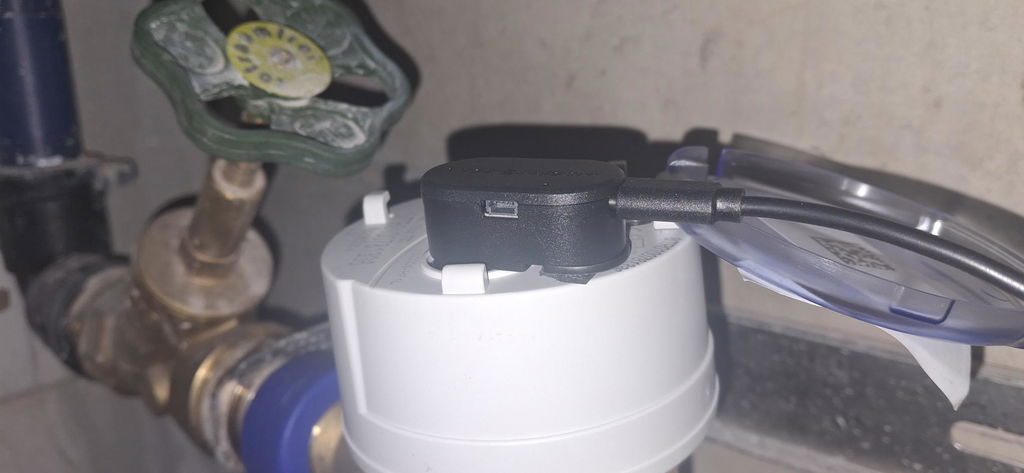
No, you don't need an electrician. Our reading heads operate on a plug-and-play principle: you simply attach the reading head to your meter, connect it to the power supply, and pair it with your smartphone via Bluetooth using the energieleser app.
2. How often is my data read and where can I view it?
wasserleser reads your data at the exact interval your meter sends it. Since your wasserleser reads via pulses, you will see your first data as soon as water actually flows.
3. What happens in case of power failure / WiFi failure?
In the event of a Wi-Fi outage, your water meter simply continues to read normally – as soon as the connection is restored, your data will automatically update in the app.
In the event of a power outage, the reading is interrupted because the reading head requires a constant power supply. Unlike digital electricity meters, your water meter cannot digitally transmit its reading itself – therefore, you must manually update the current meter reading in the app once after a power outage.
4. Do I need a subscription or is there a recurring cost for the app/cloud?
No – to retrieve your data, all you need is the free energieleser app from the Apple App Store or Google Play Store. There are no hidden or recurring costs.
5. Can I also export the data myself or use it with an API/Home Assistant?
Yes - our devices are Home Assistant (Silver) certified and can be integrated without any problems. And if you prefer to process your data yourself: A CSV export is possible at any time directly from the app.
6. How quickly will I see the first data after installation?
Once your reader is attached and set up, it measures directly what it receives from your meter. Since your water reader uses pulses, you will see your first data as soon as water actually flows. Only the transmission to your app may take a moment.
You can find out if your water meter model is compatible in our compatibility overview, or with the help of our compatibility bot.


You can find detailed instructions in our documentation or in our YouTube video.

Attach to the meter
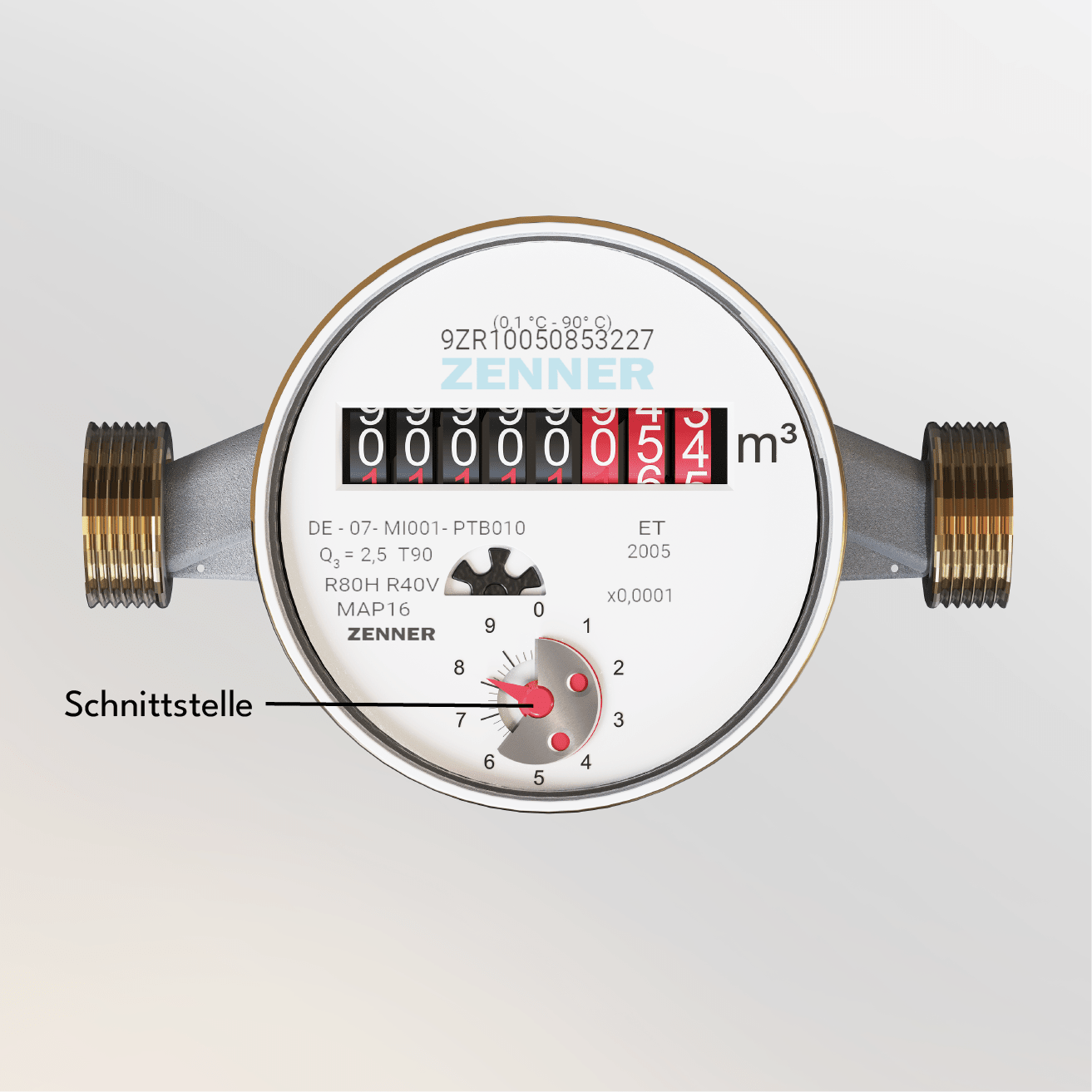
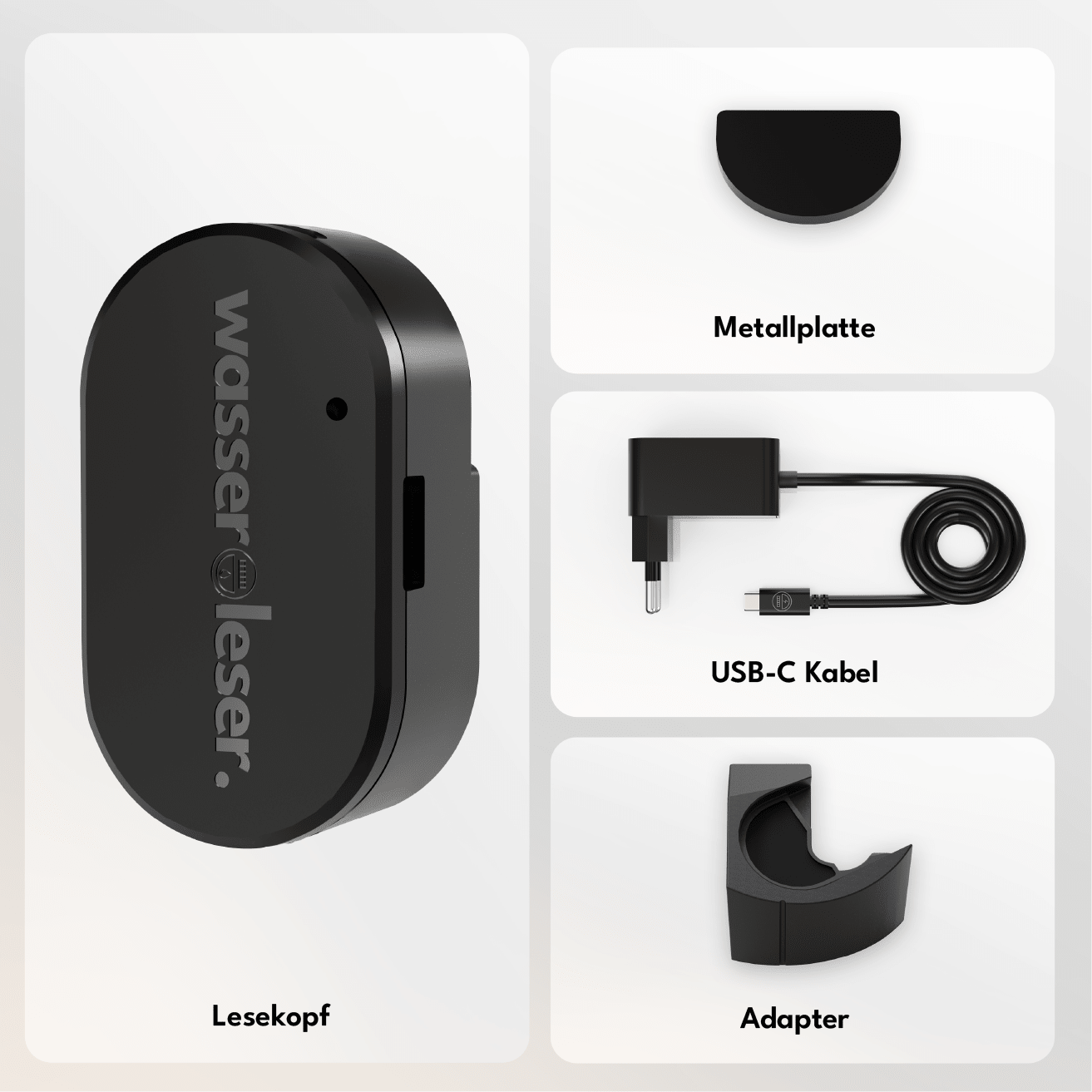
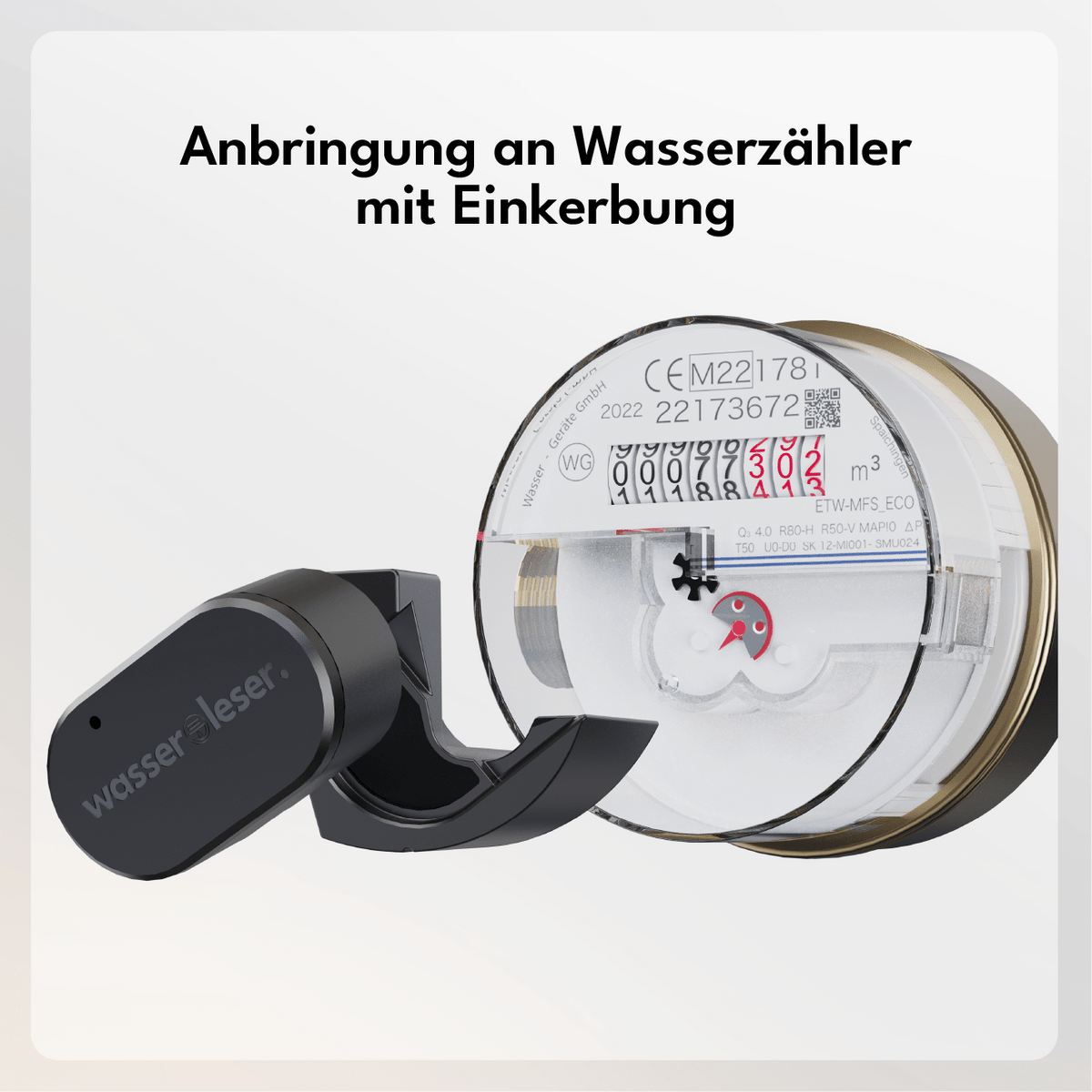
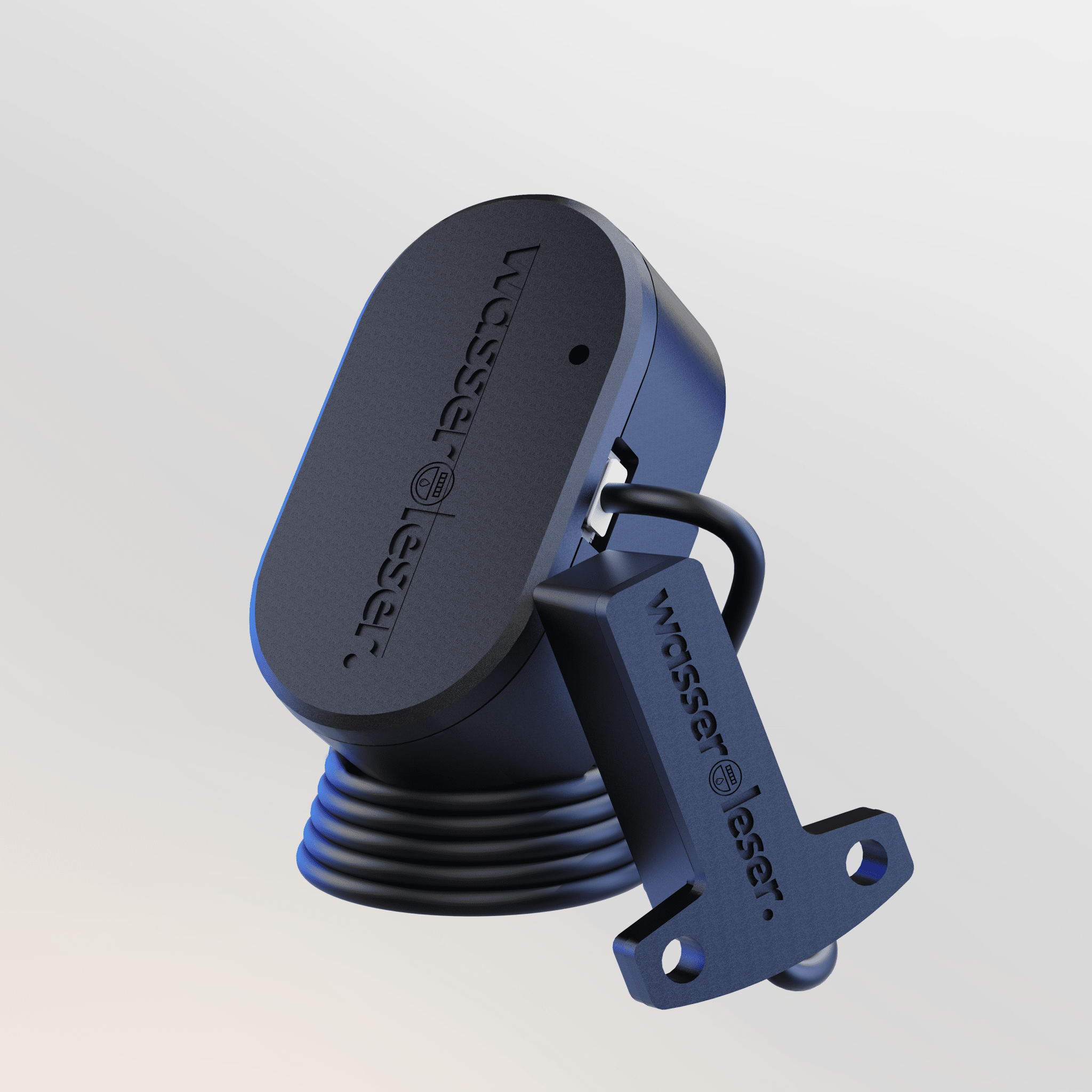
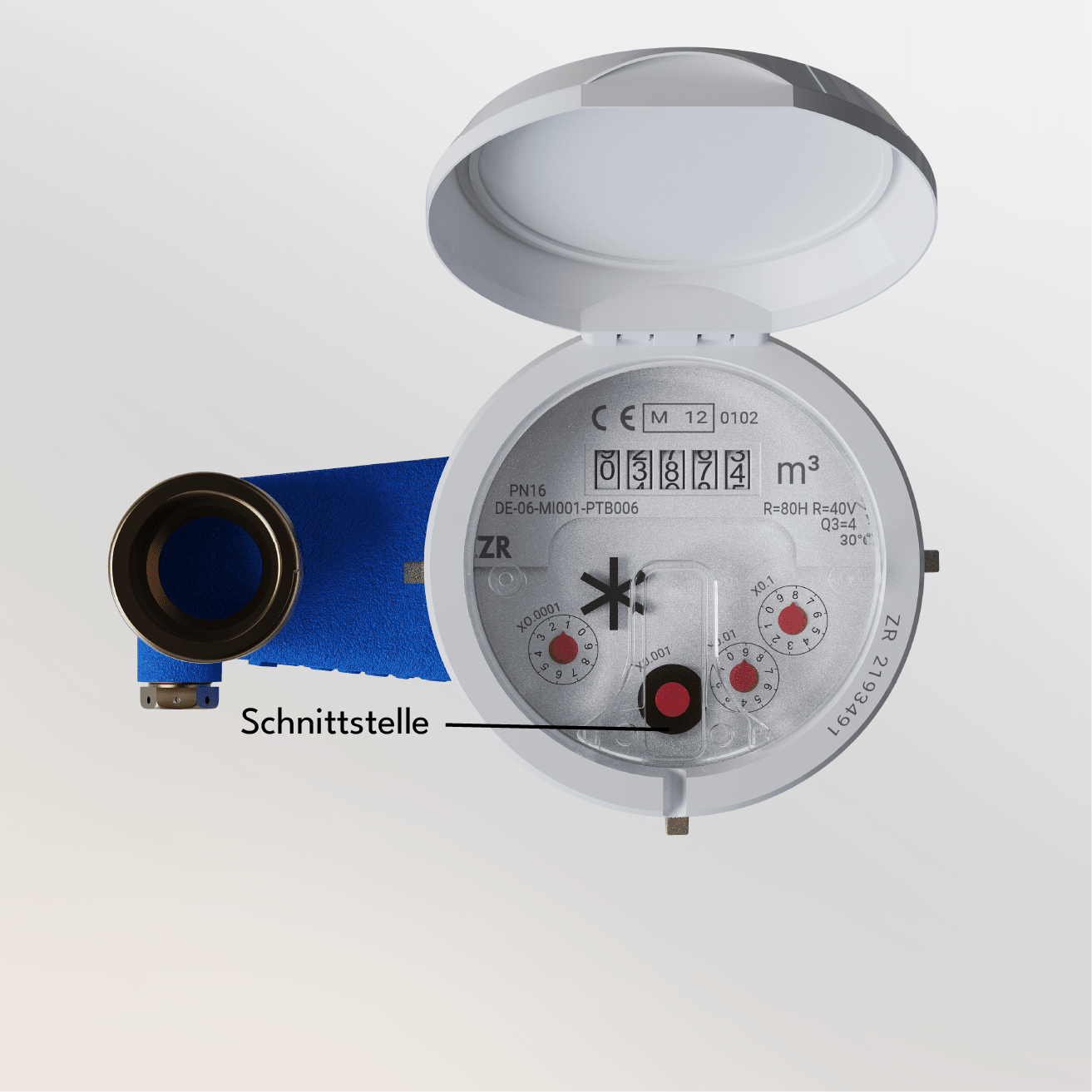
Attach the water meter reader directly to the appropriate location on your water meter. If the meter has a notch, use the enclosed adapter for secure mounting.

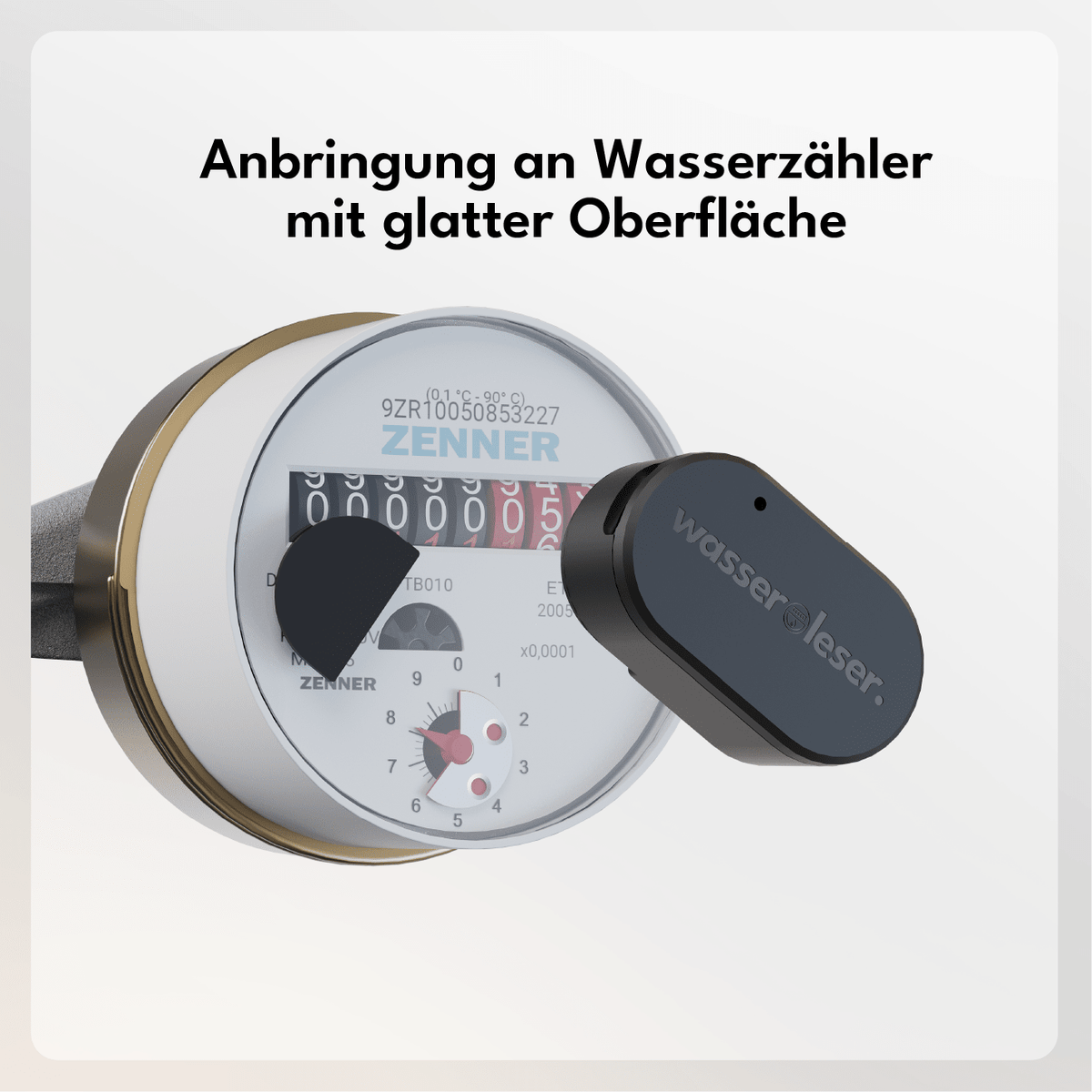
Use metal plate
If your water meter has a smooth surface, glue the supplied metal plate in such a way that the reading unit of the sensor is precisely positioned above the rotating metal disc. This way, the pulses can be precisely detected and water consumption reliably measured.

Integrate into your app
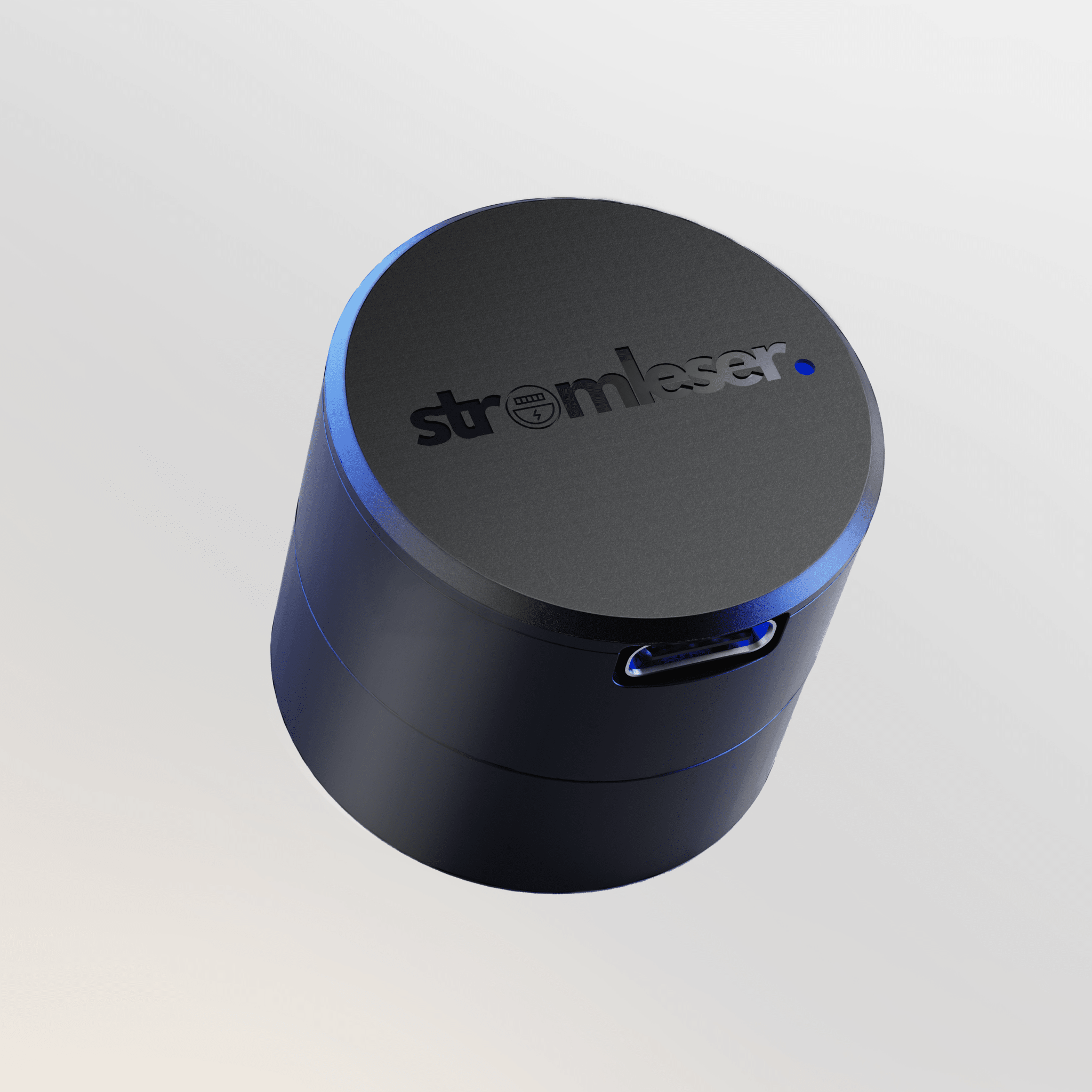
Download the energieleserApp from the Apple App Store or Google Play Store. Install and connect your stromleser.one and keep an eye on your data from now on.
-> To the instructions

With the energieleser app, you have your data at a glance at all times. Download the app - connect the reading head - read out data.


Features

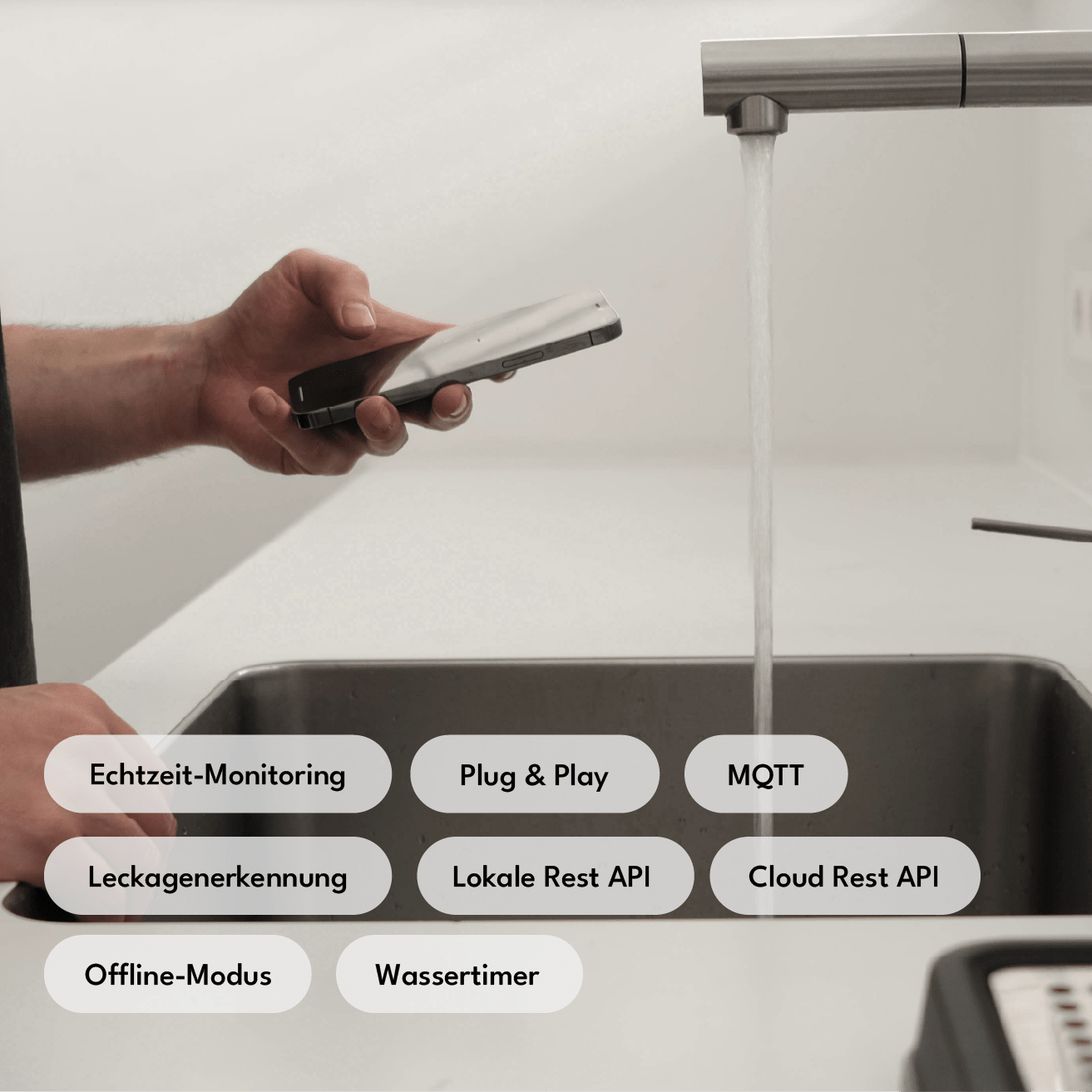
Local REST API
Full local API access without cloud dependency—ideal for developers and advanced home automation users.

Cloud REST API
Remote access and control via our secure cloud infrastructure — accessible from anywhere.

Offline Mode
Complete separation from the cloud for maximum data protection — all functions remain locally available.

Leak Detection
Automatic Leak Alerts — preventing water damage before it occurs.

Water timer / Water consumption
Time or volume-based water withdrawal limit — useful for irrigation, rental, or consumption budgets.

Home Assistant
Your meter data can be directly integrated into your personal Home Assistant.

MQTT
Supports industry-standard messaging — seamlessly integrates with any smart home broker.

Dual Wi-Fi Mode
Simultaneous connection to two Wi-Fi networks for increased connectivity and automatic failover.

OTA Updates
Firmware updates are installed automatically via Wi-Fi — no cables, no manual intervention, always up to date.

Data Storage
Measurements are stored in the cloud and can be accessed at any time — for consumption history, analyses, and billing.

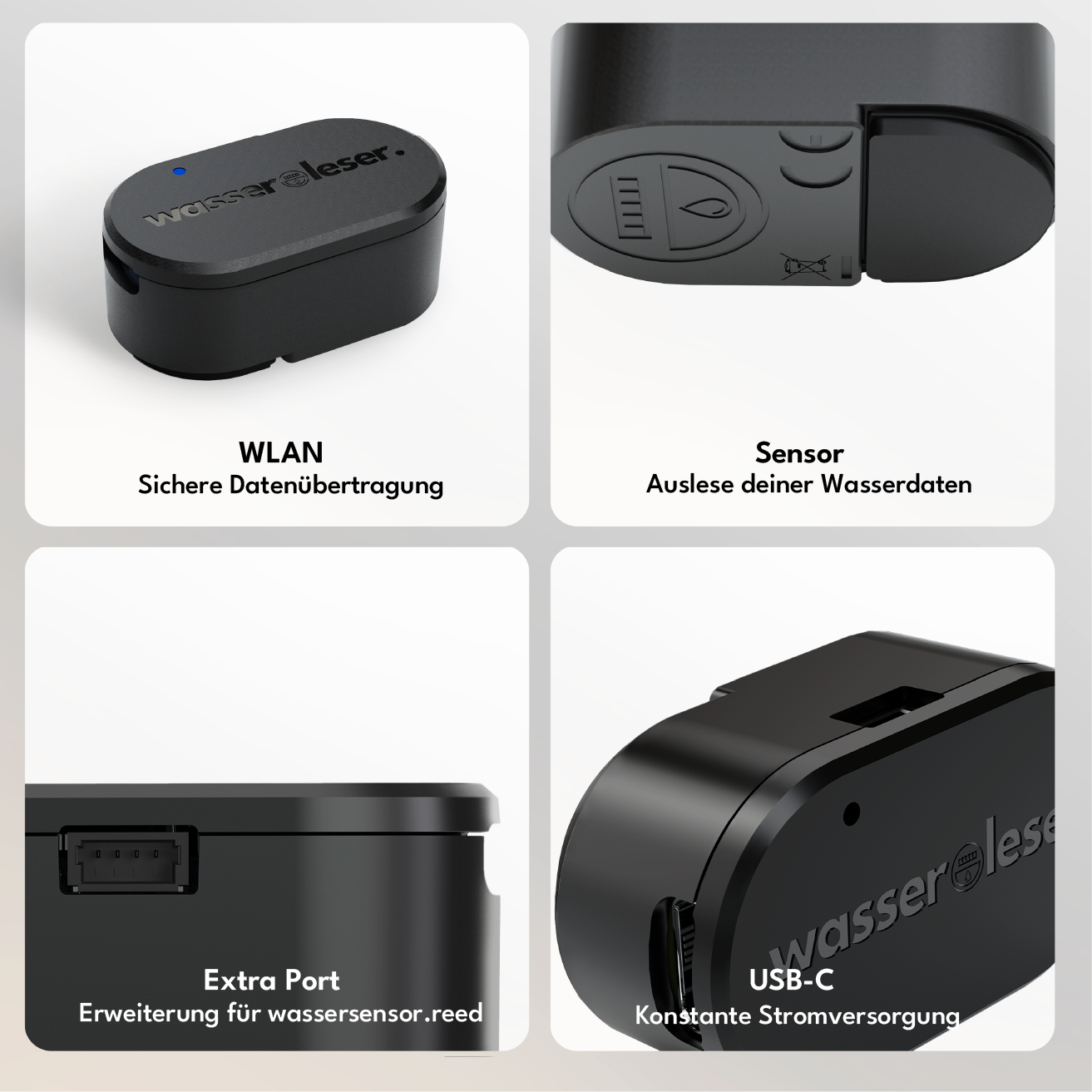
Additional Port
Dedicated expansion port for adapters such as the water meter reed — enables compatibility with a wide range of meter types.

LED
Status LED for quick feedback and easy diagnosis without an app.
Local REST API
Full local API access without cloud dependency—ideal for developers and advanced home automation users.
Cloud REST API
Remote access and control via our secure cloud infrastructure — accessible from anywhere.
Offline Mode
Complete separation from the cloud for maximum data protection — all functions remain locally available.
Leak Detection
Automatic Leak Alerts — preventing water damage before it occurs.
Water timer / Water consumption
Time or volume-based water withdrawal limit — useful for irrigation, rental, or consumption budgets.
Home Assistant
Your meter data can be directly integrated into your personal Home Assistant.
MQTT
Supports industry-standard messaging — seamlessly integrates with any smart home broker.
Dual Wi-Fi Mode
Simultaneous connection to two Wi-Fi networks for increased connectivity and automatic failover.
OTA Updates
Firmware updates are installed automatically via Wi-Fi — no cables, no manual intervention, always up to date.
Data Storage
Measurements are stored in the cloud and can be accessed at any time — for consumption history, analyses, and billing.
Additional Port
Dedicated expansion port for adapters such as the water meter reed — enables compatibility with a wide range of meter types.
LED
Status LED for quick feedback and easy diagnosis without an app.
You might also like:
Funded by:

