

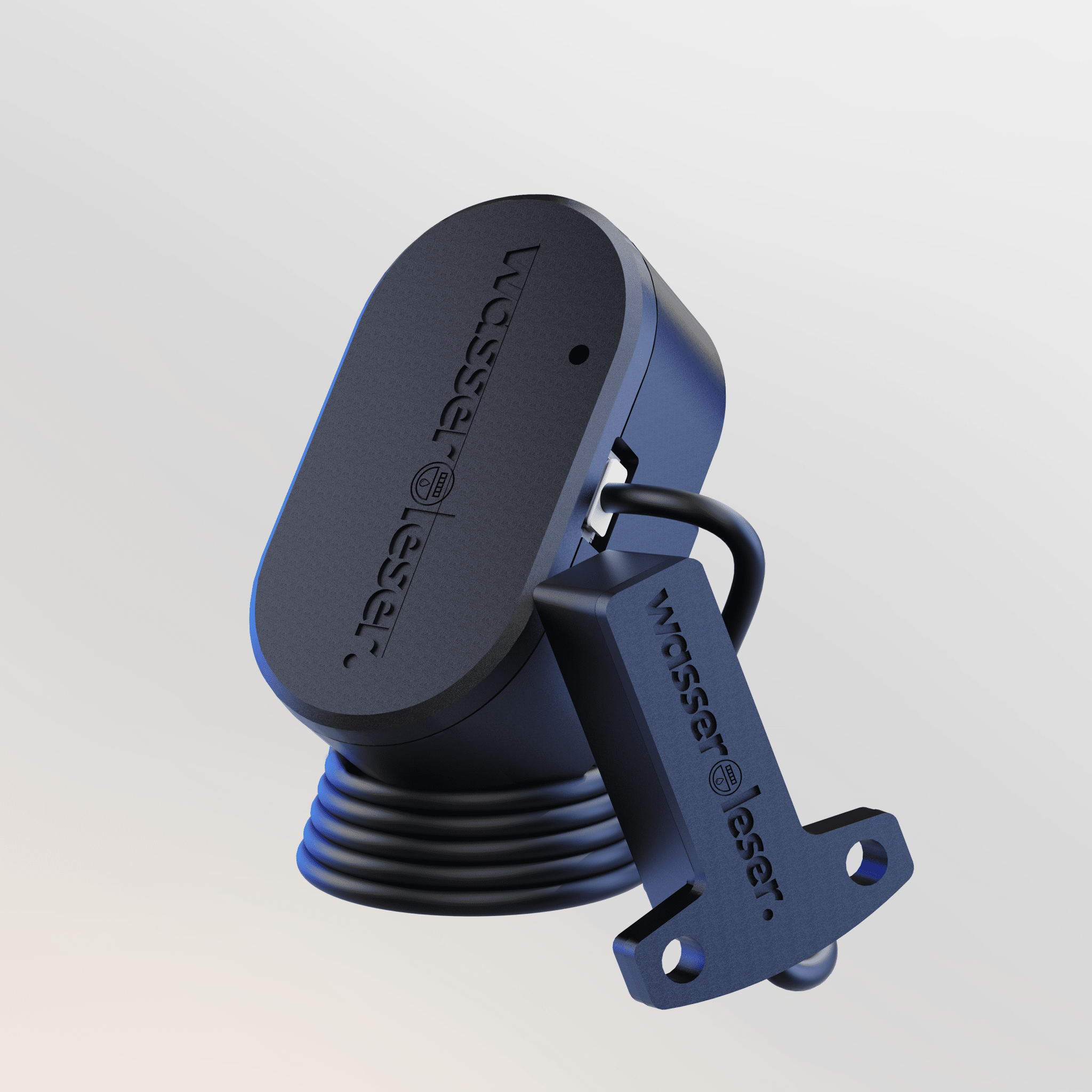
water-reader.reed
- Smartly read Zenner water meters with reed contact
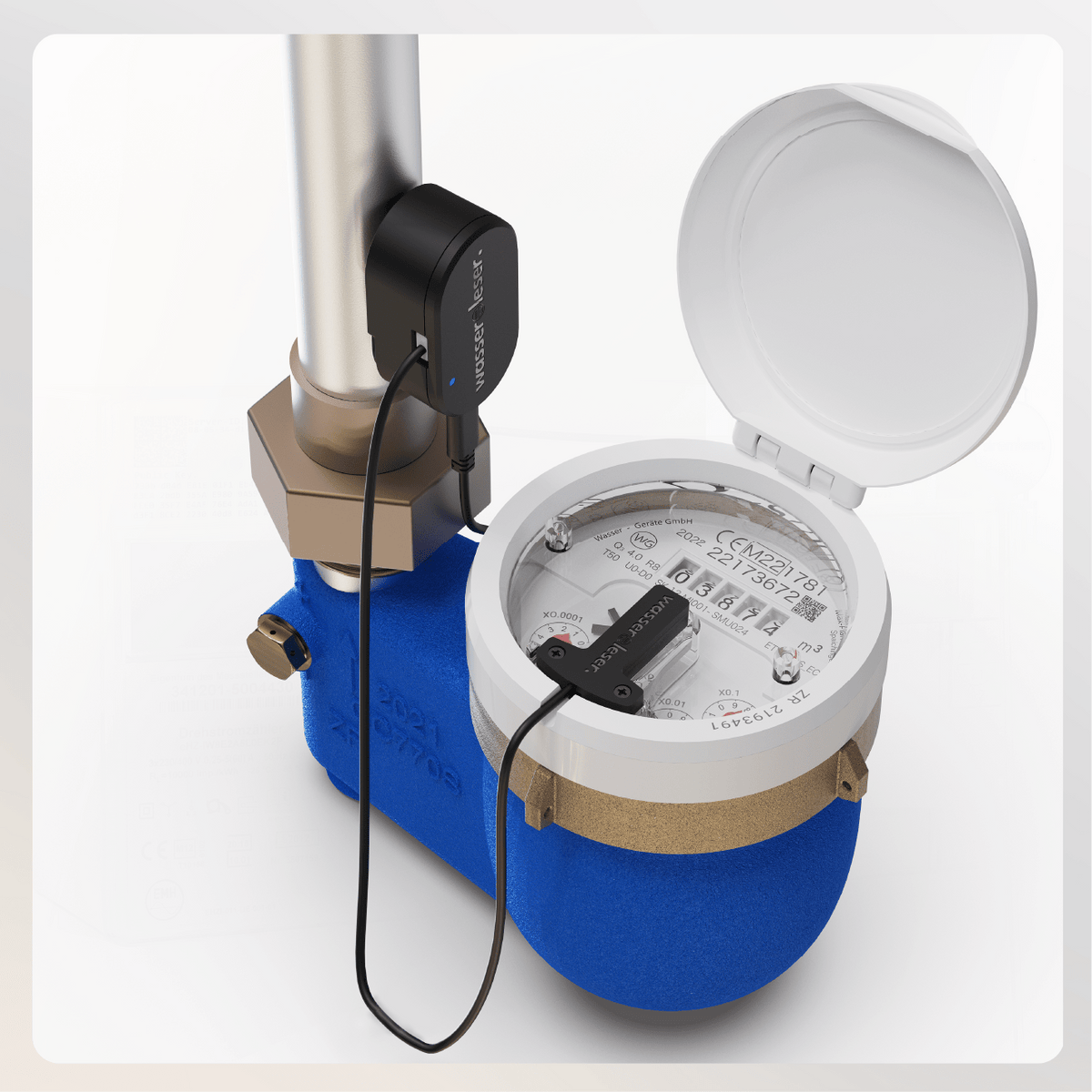
- Plug & Play installation directly on the Zenner water meter – no conversion
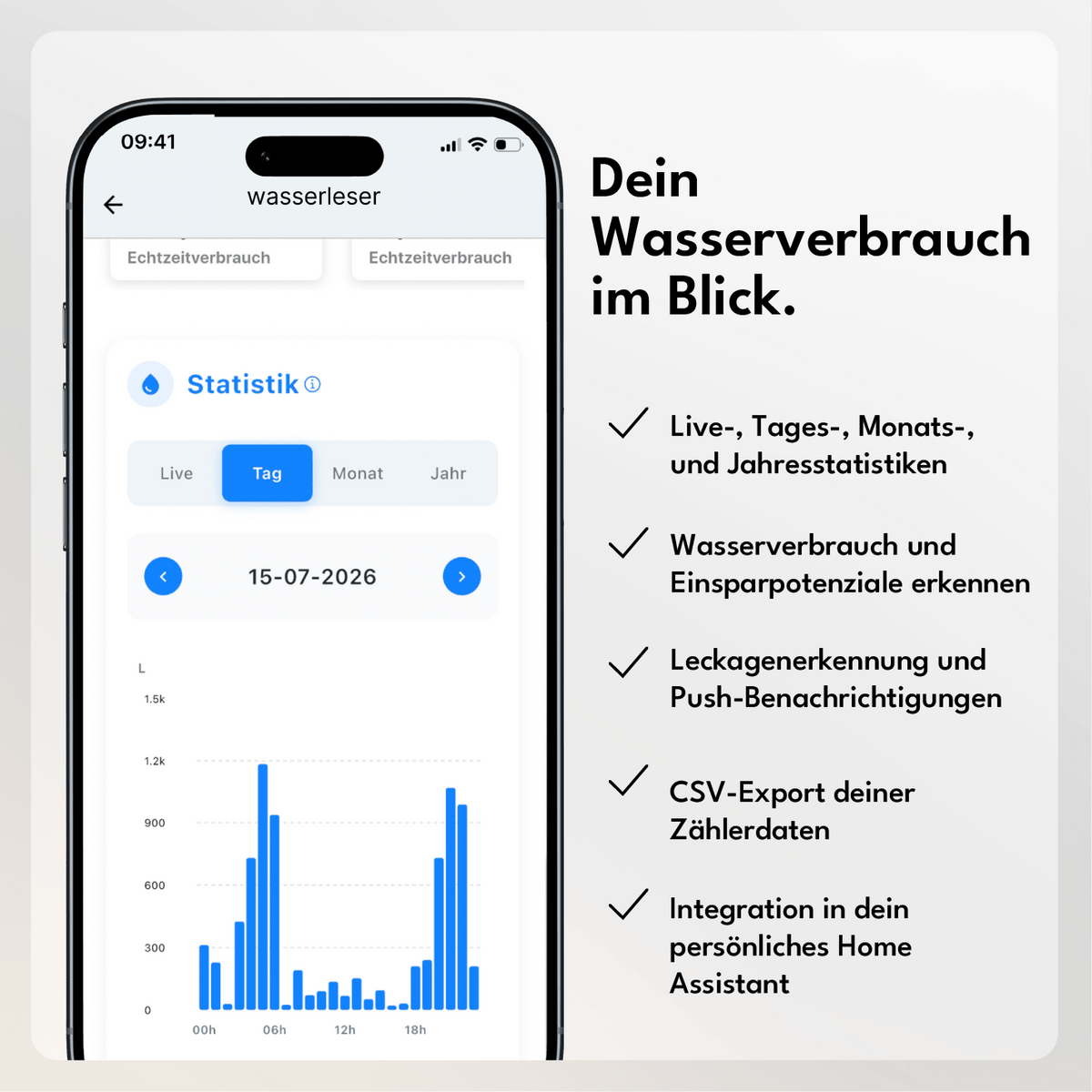
- Track water consumption live with diagrams and integrated leakage warning
- Power outlet & Wi-Fi reception required
- Home Assistant integration available
Comprehensive instructions and documentation
If you are unsure whether your water meter is compatible, simply send us a photo to info@energieleser.de. We are also always available to answer any other questions you may have – e.g. regarding installation: 0711 39687998
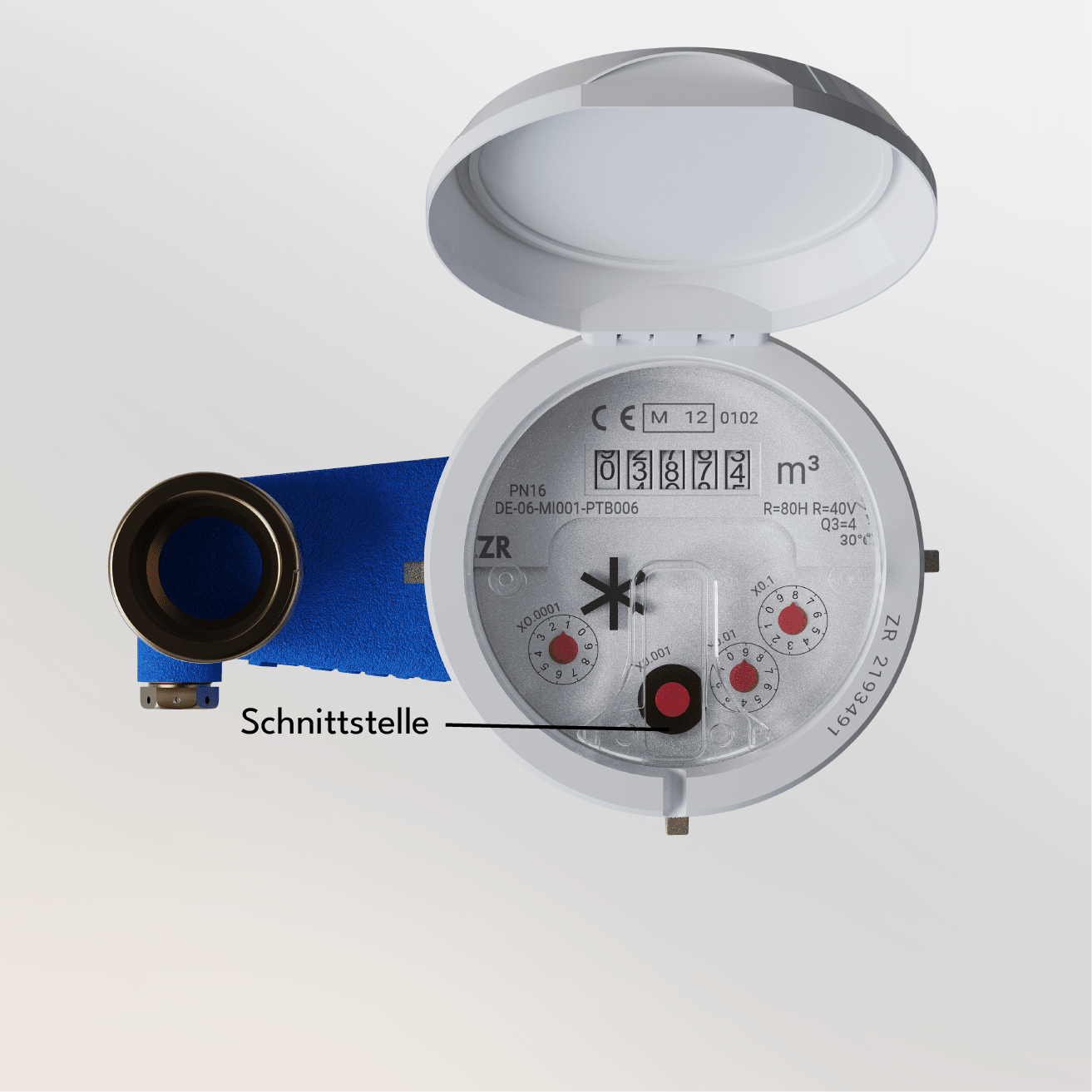
The wasserleser.reed only works with MNK Zenner water meters that have a T-shaped notch.
 Pay in 30 days
 Pay in 30 days
The wasserleser.reed is compatible with the following Zenner models thanks to its reed sensor: MNK-N, MNK-P-N, and MNK-ST.


Eine ausführliche Anleitung findest du in unserer Dokumentation.

Reed-Sensor anbringen
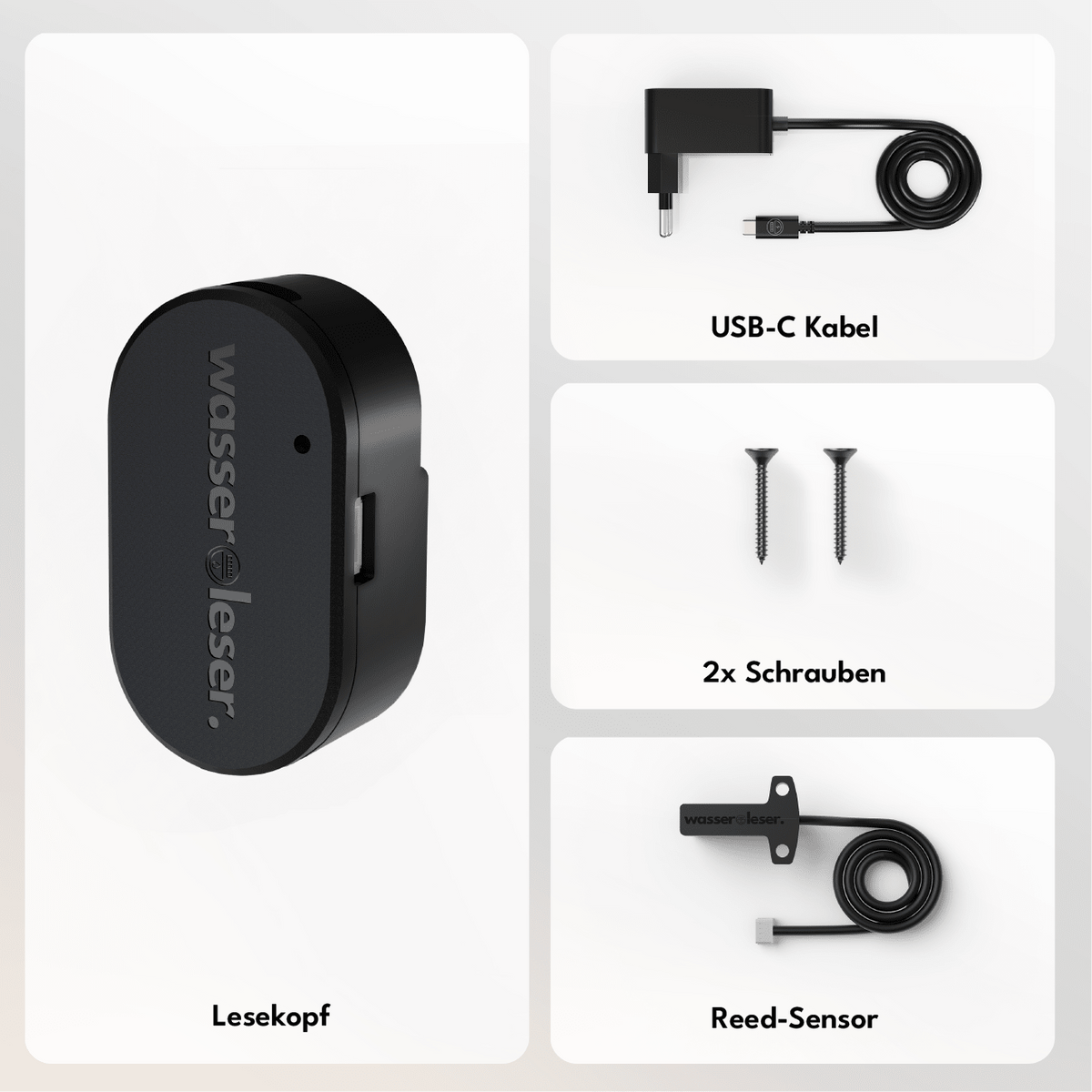
Setze den Reed-Sensor in die Einkerbung deines Zenner-Zählers ein und befestige diesen anschließend mithilfe der zwei mitgelieferten Schrauben am Wasserzähler.

wasserleser anschließen
Verbinde den Reed-Sensor über das Kabel mit deinem wasserleser. Stecke anschließend den wasserleser mit dem mitgelieferten Netzteil in die Steckdose.

In deine App integrieren
Lade dir die energieleserAppaus demApple App StoreoderGoogle Play Store herunter. Installiere und verbinde deinenstromleser.oneund behalte ab sofort deine Daten im Blick.
-> Zur Anleitung.


With the energieleser app, you have your data at your fingertips at all times. Download the app - connect the reading head - read out data.


Features

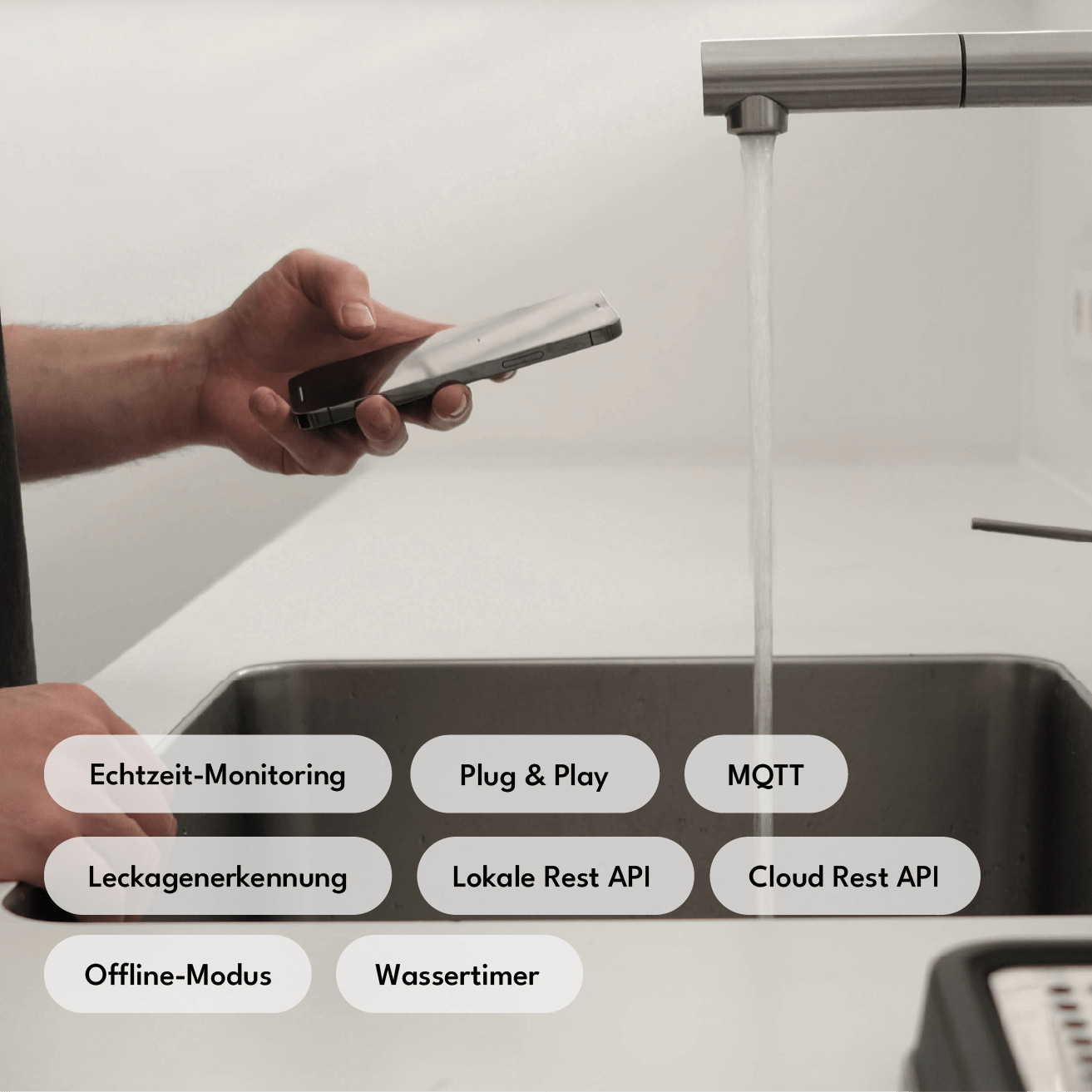
Local REST API
Full local API access without cloud dependency – ideal for developers and advanced home automation users.

Cloud REST API
Remote access and control via our secure cloud infrastructure — accessible from anywhere.

Offline mode
Complete separation from the cloud for maximum data protection — all functions remain locally available.

Leak detection
Automatic Leak Alerts — prevents water damage before it occurs.

Water Timer / Quantity Extraction
Time- or volume-based water withdrawal limitation — useful for irrigation, rentals, or consumption budgets.

Home Assistant
Your meter data can be directly integrated into your personal Home Assistant.

MQTT
Support for the industry standard for messaging—seamless integration into any smart home broker.

Dual Wi-Fi Mode
Simultaneous connection to two Wi-Fi networks for increased connectivity and automatic failover.

OTA Updates
Firmware updates are automatically installed via Wi-Fi — no cables, no manual intervention, always up-to-date.

Data Storage
Measurements are stored in the cloud and can be accessed at any time — for consumption history, analyses, and billing.

Additional Port
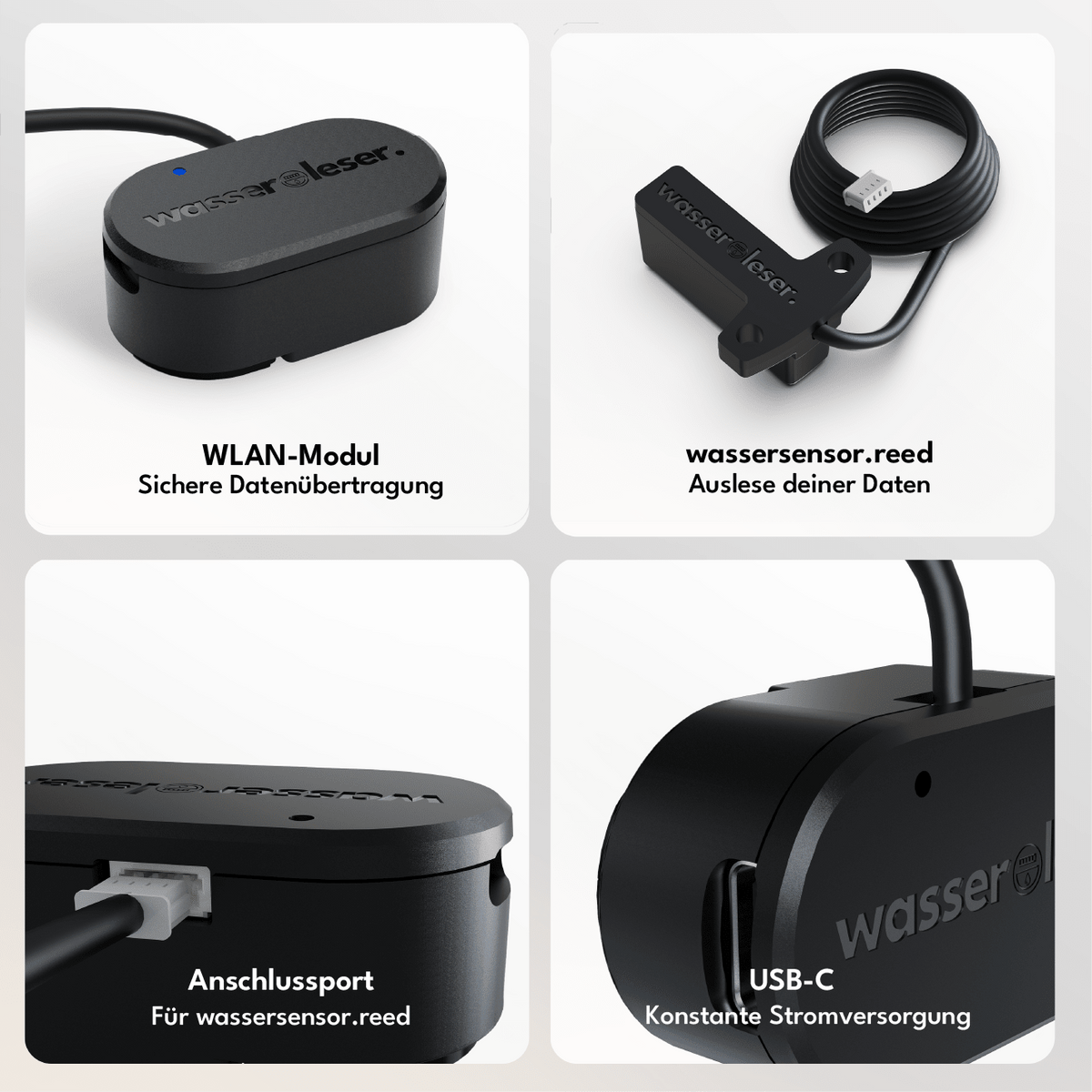
Dedicated expansion port for adapters such as the water meter reed reader — enables compatibility with a variety of meter types.

LED
Status LED for quick feedback and easy diagnosis without an app.
Local REST API
Full local API access without cloud dependency – ideal for developers and advanced home automation users.
Cloud REST API
Remote access and control via our secure cloud infrastructure — accessible from anywhere.
Offline mode
Complete separation from the cloud for maximum data protection — all functions remain locally available.
Leak detection
Automatic Leak Alerts — prevents water damage before it occurs.
Water Timer / Quantity Extraction
Time- or volume-based water withdrawal limitation — useful for irrigation, rentals, or consumption budgets.
Home Assistant
Your meter data can be directly integrated into your personal Home Assistant.
MQTT
Support for the industry standard for messaging—seamless integration into any smart home broker.
Dual Wi-Fi Mode
Simultaneous connection to two Wi-Fi networks for increased connectivity and automatic failover.
OTA Updates
Firmware updates are automatically installed via Wi-Fi — no cables, no manual intervention, always up-to-date.
Data Storage
Measurements are stored in the cloud and can be accessed at any time — for consumption history, analyses, and billing.
Additional Port
Dedicated expansion port for adapters such as the water meter reed reader — enables compatibility with a variety of meter types.
LED
Status LED for quick feedback and easy diagnosis without an app.
Funded by:

