
water-reader.reed
- Read Zenner water meters smartly with a reed contact
- Plug & Play installation directly on the Zenner water meter – no modifications
- Track water consumption live with diagrams and integrated leakage warning
- Power outlet & Wi-Fi reception required
- Home Assistant integration available
Estimated delivery date: Mid-April
Comprehensive guides and documentation
If you are unsure whether your water meter is compatible, simply send us a photo to info@energieleser.de. For all other questions – e.g. regarding installation – we are always available to help: 0711 39687998
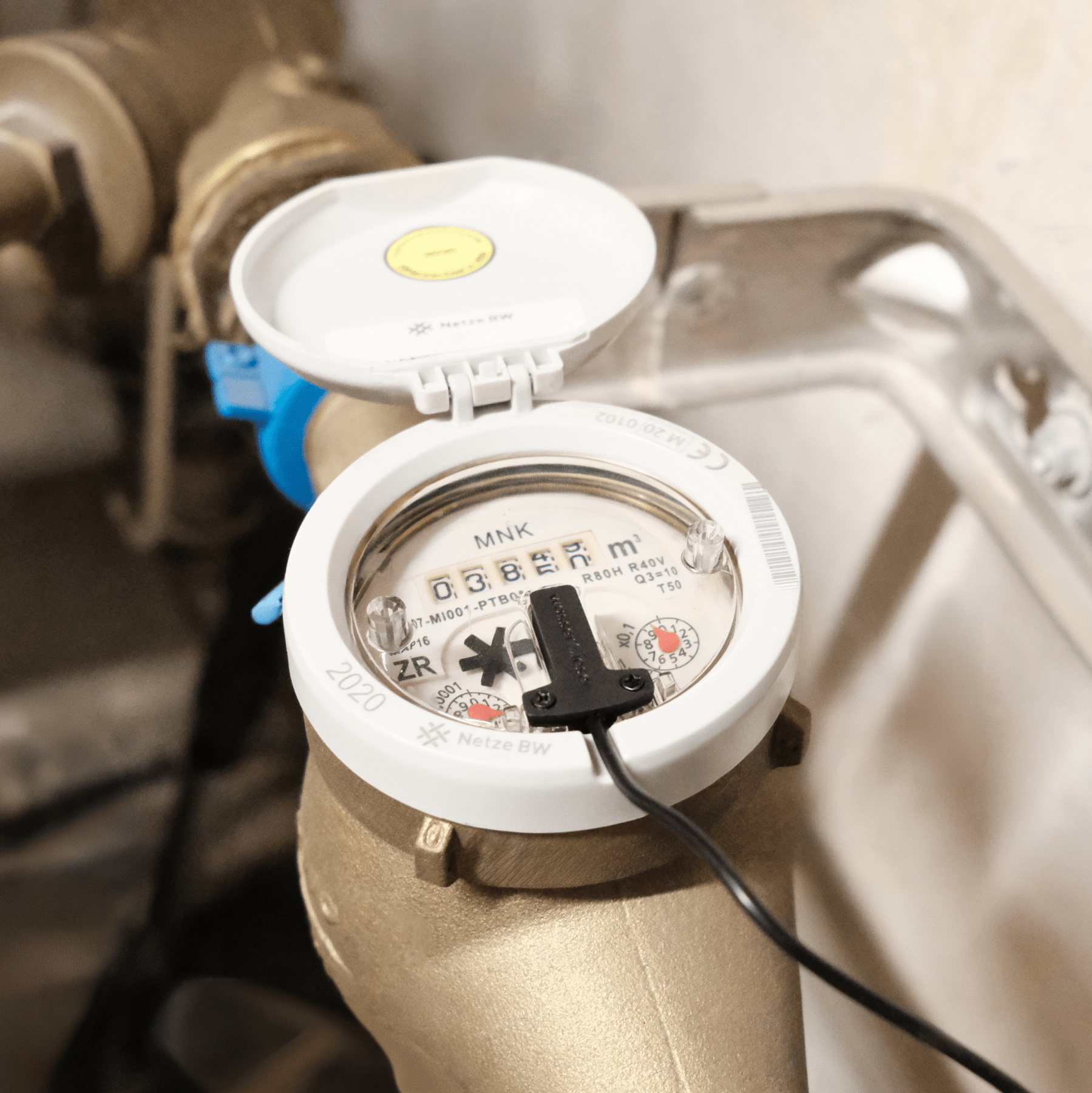
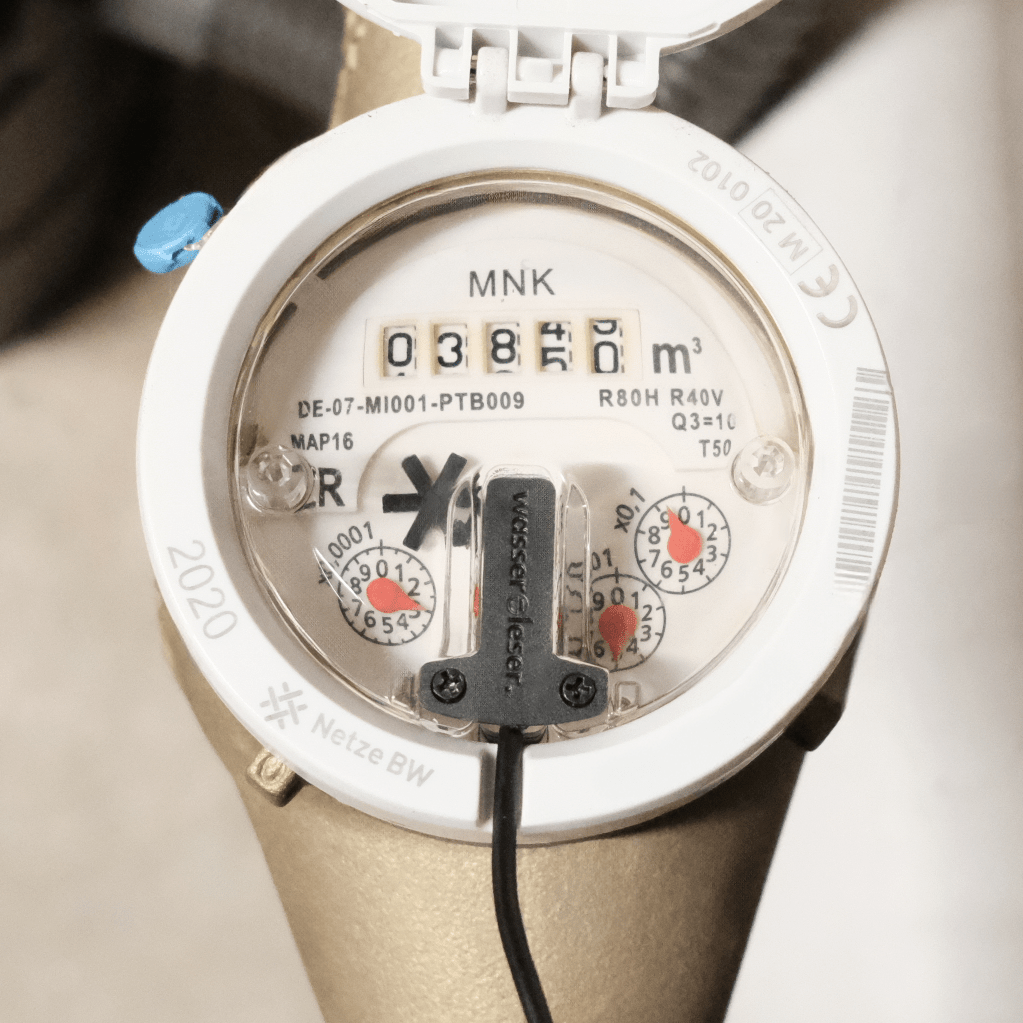
The water reader.reed only works with Zenner MNK water meters that have a T-shaped notch.
 Pay in 30 days
 Pay in 30 days

Keep track of your consumption at all times – with live displays, daily and monthly values, and clear charts in the stromleser app. This allows you to identify trends and save water effectively.

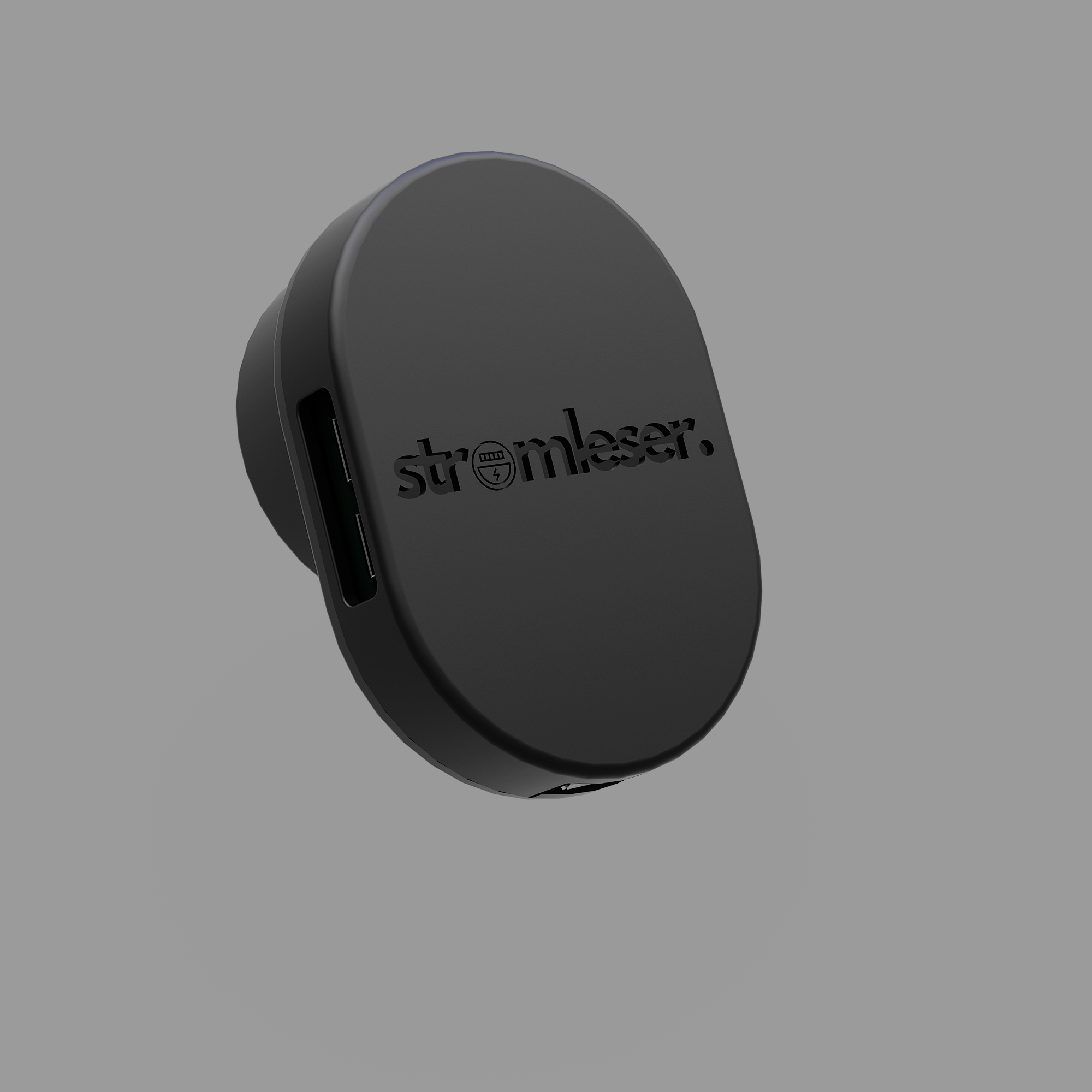
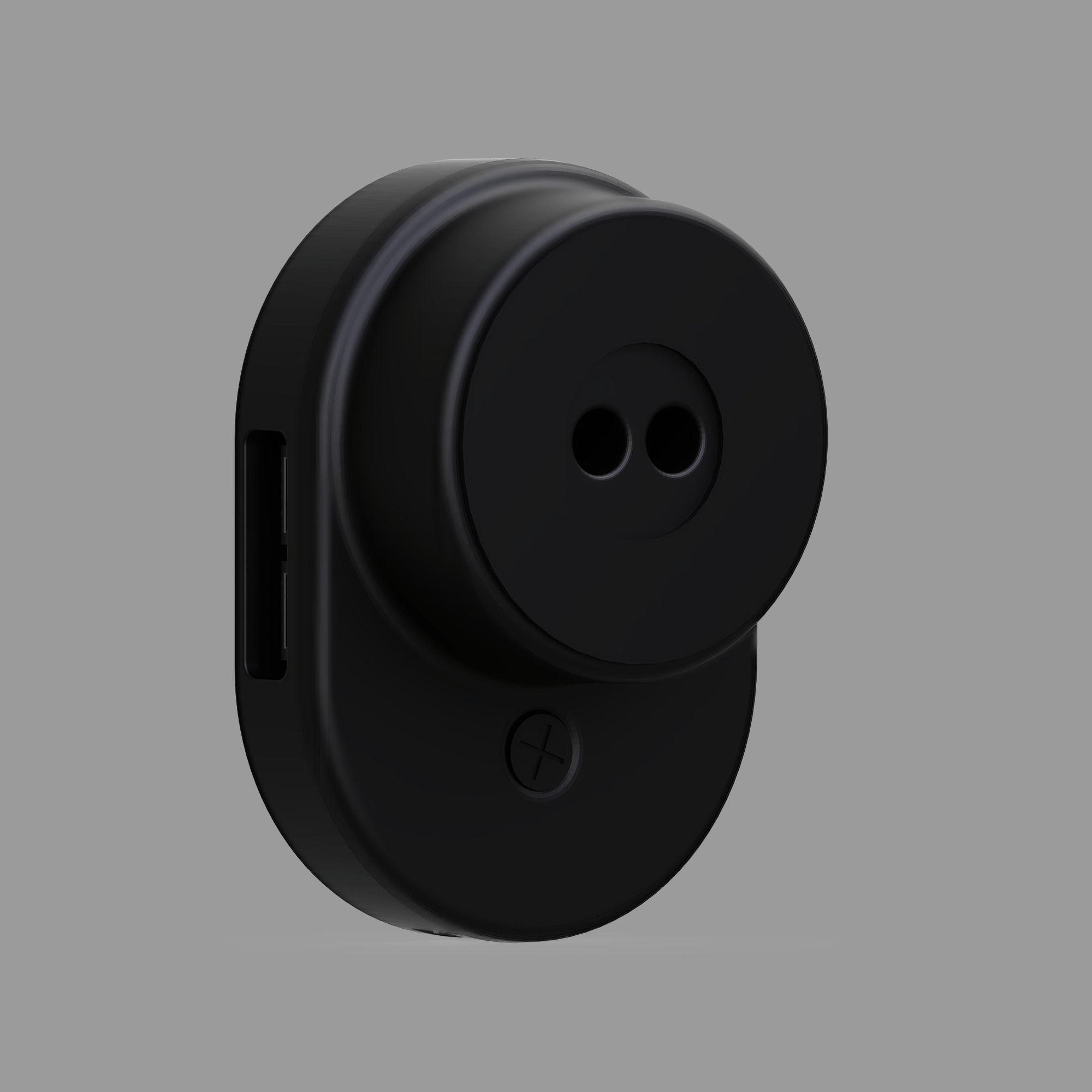
water reader.
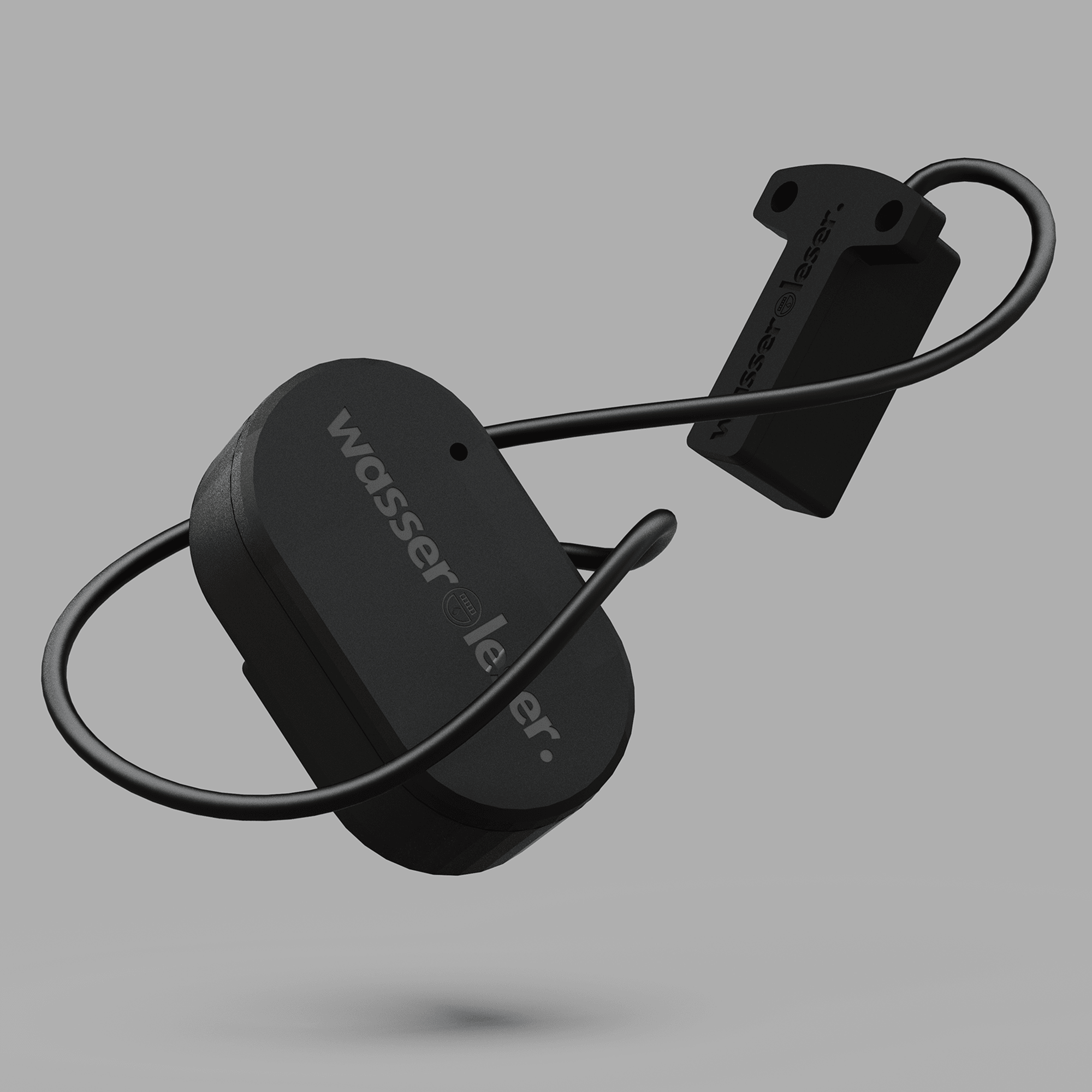
In combination with the reed switch, the water reader serves as a communication interface and data transmitter for your energyleaser app.
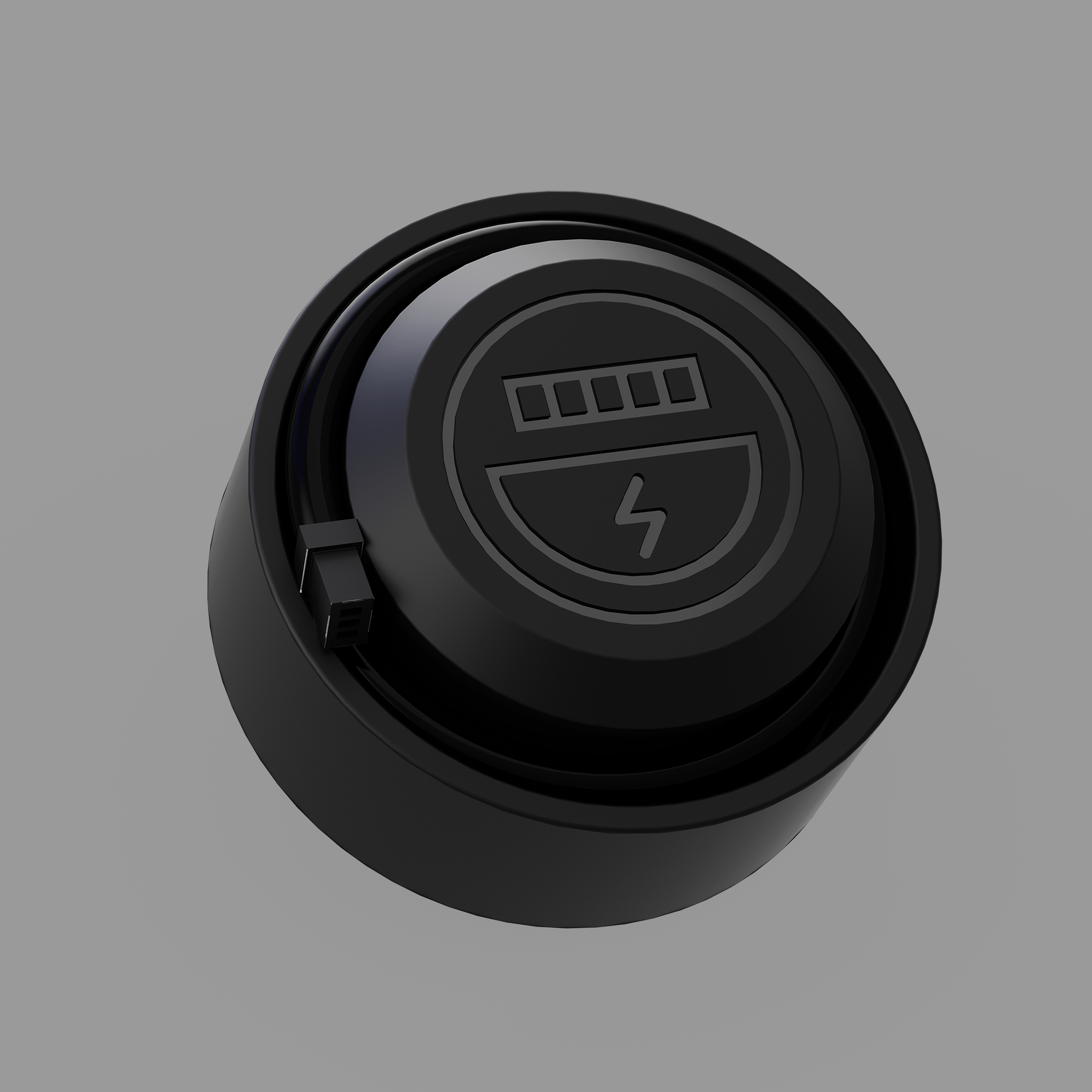
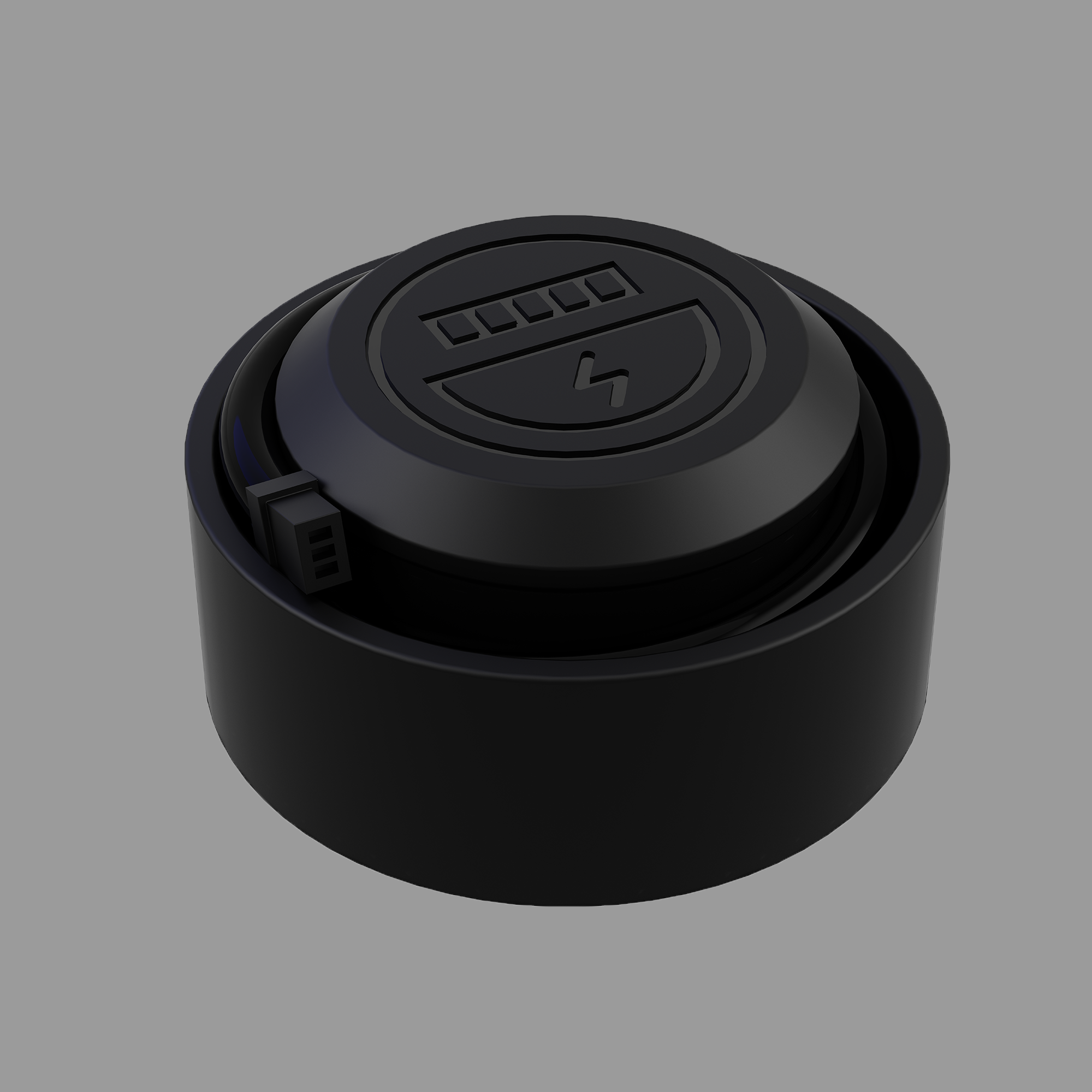
water reader.reed contact
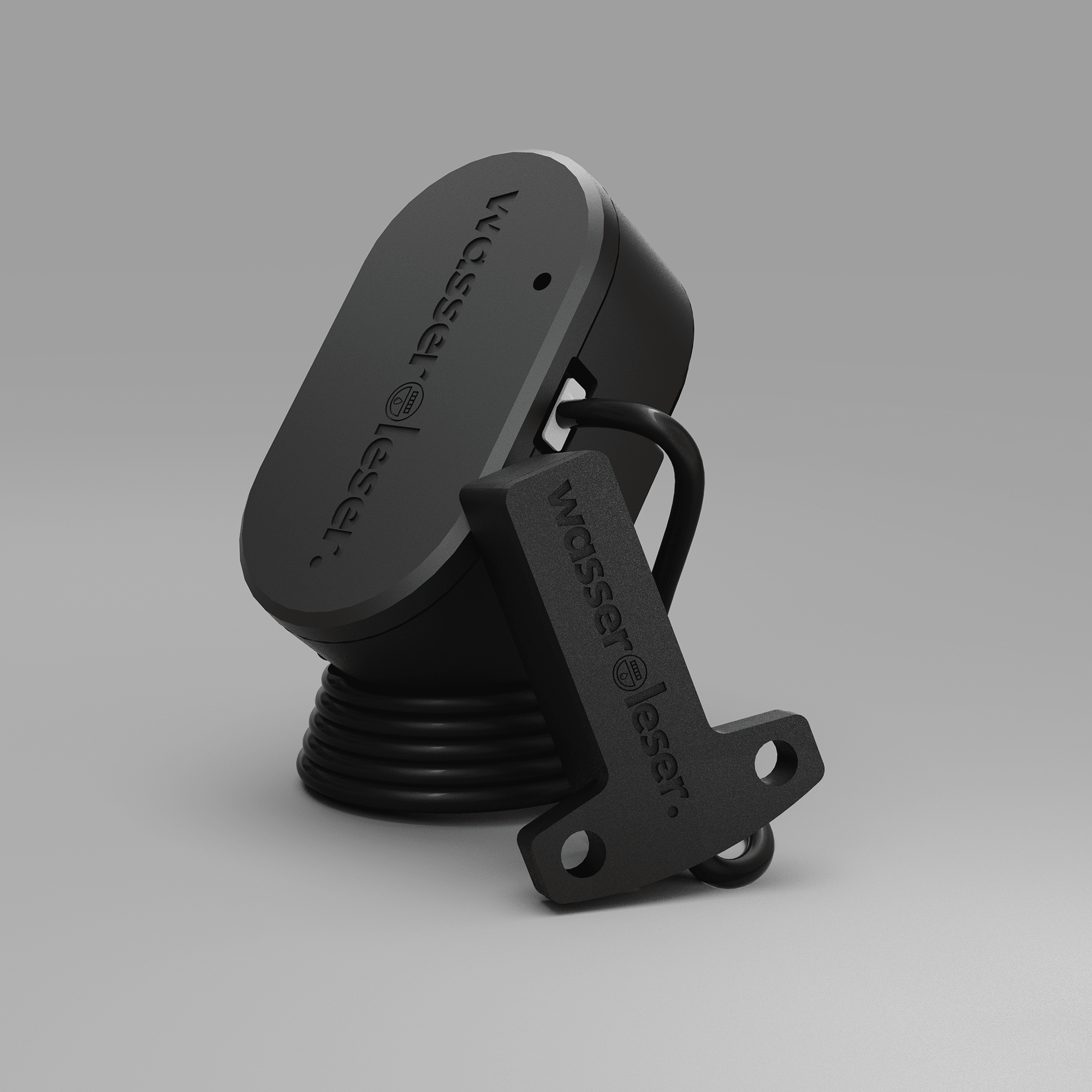
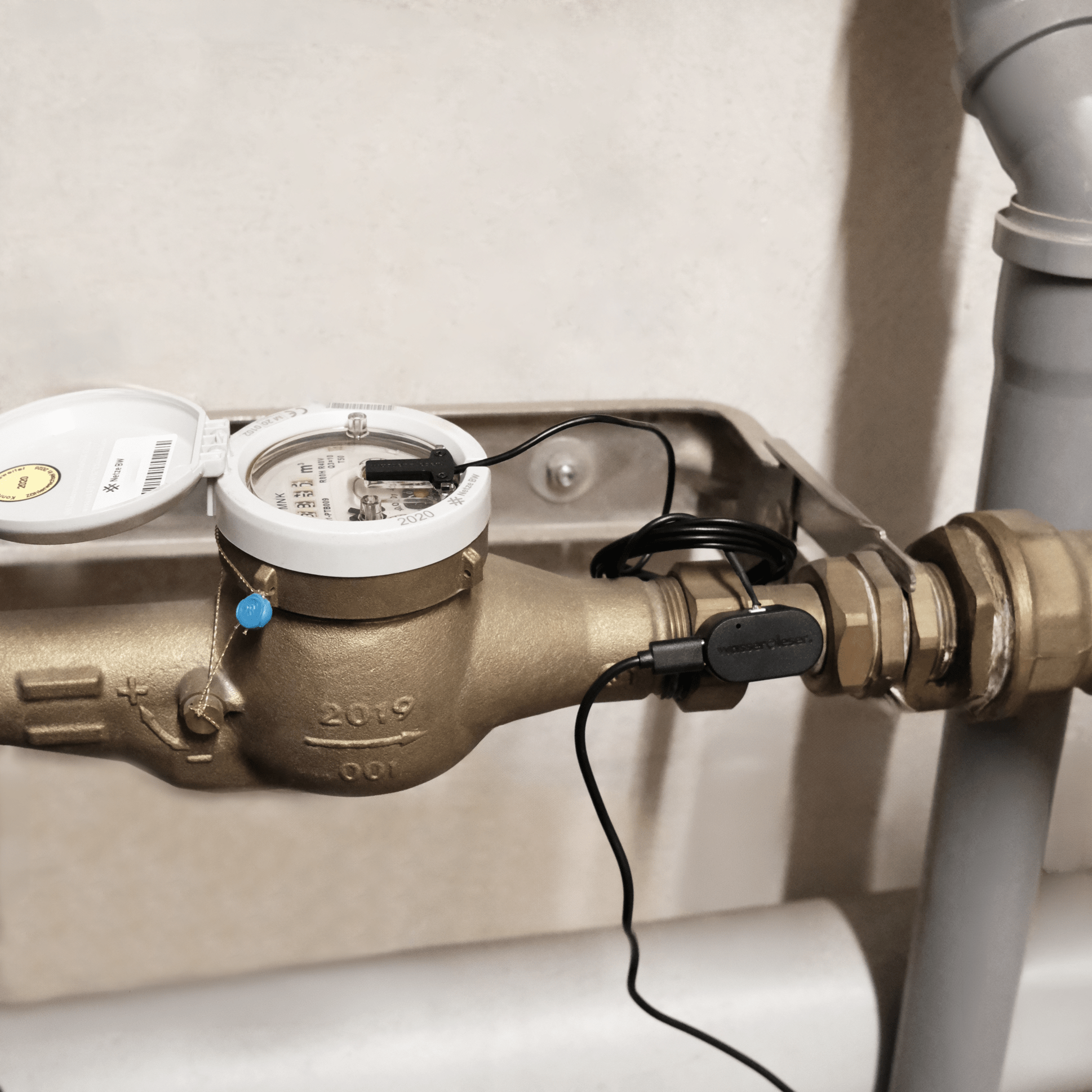
The reed contact is inserted into the notch of your Zenner meter and fastened with two included screws. The water consumption data is read out via the integrated sensor and transmitted to your water reader via the cable connection.
1.5 m cable
The cable of the reed contact is 1.5m long and allows flexible positioning of your water meter reader.
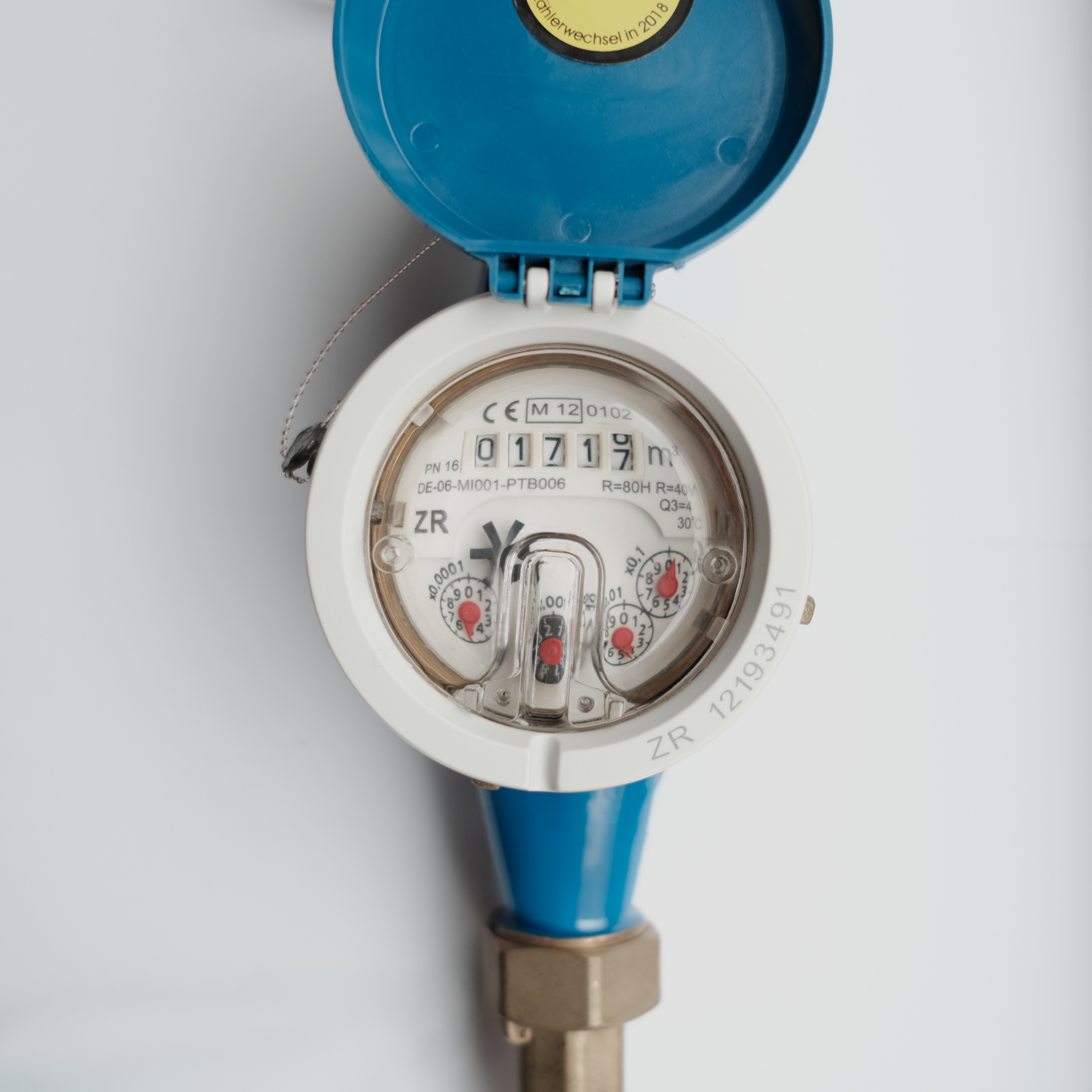
Prerequisite
compatibility
The wasserleser.reed is specially designed for reading Zenner MNK water meters with a T-shaped notch due to its associated reed contact.
The following Zenner models are compatible:
MNK-N, MNK-P-N, and MNK-ST.
If your Zenner meter does not have this notch, it is unfortunately not compatible.
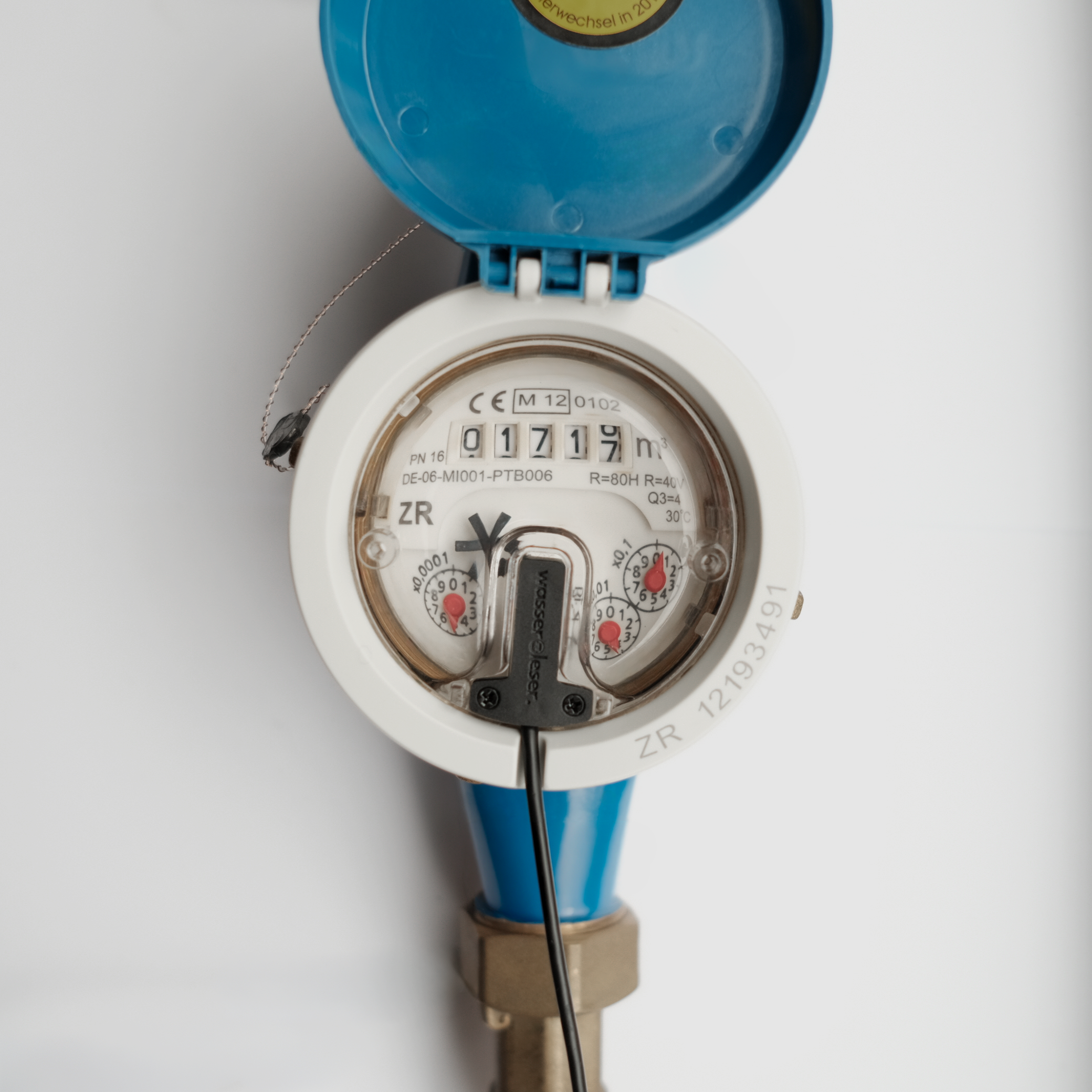
Step 1
Attach reed contact
Insert the reed contact into the notch of your Zenner meter and then fasten it to the water meter using the two included screws.
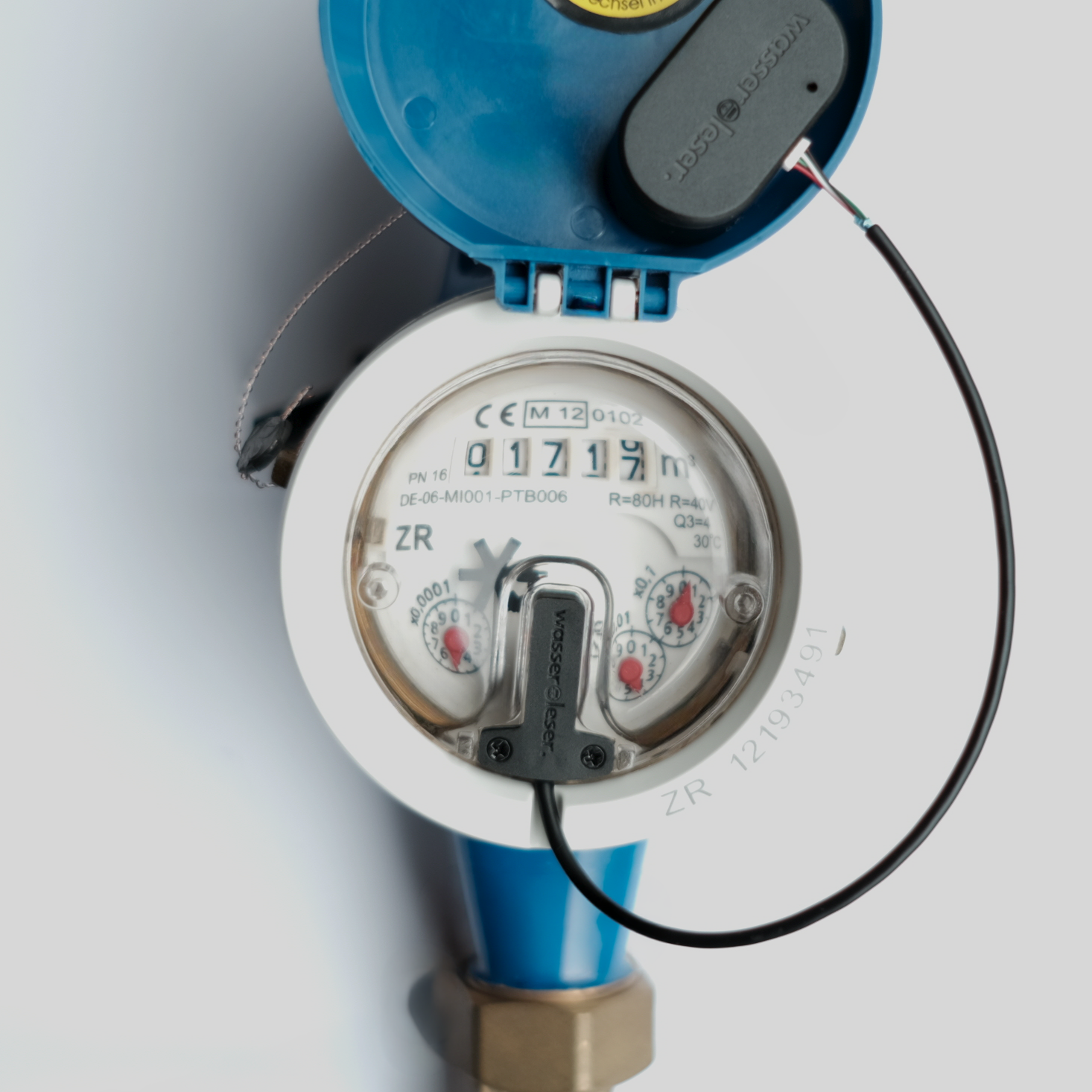
Step 2
Connect water reader
Connect the reed contact to your wasserleser using the cable. Then, plug the wasserleser into the socket with the included power supply unit.
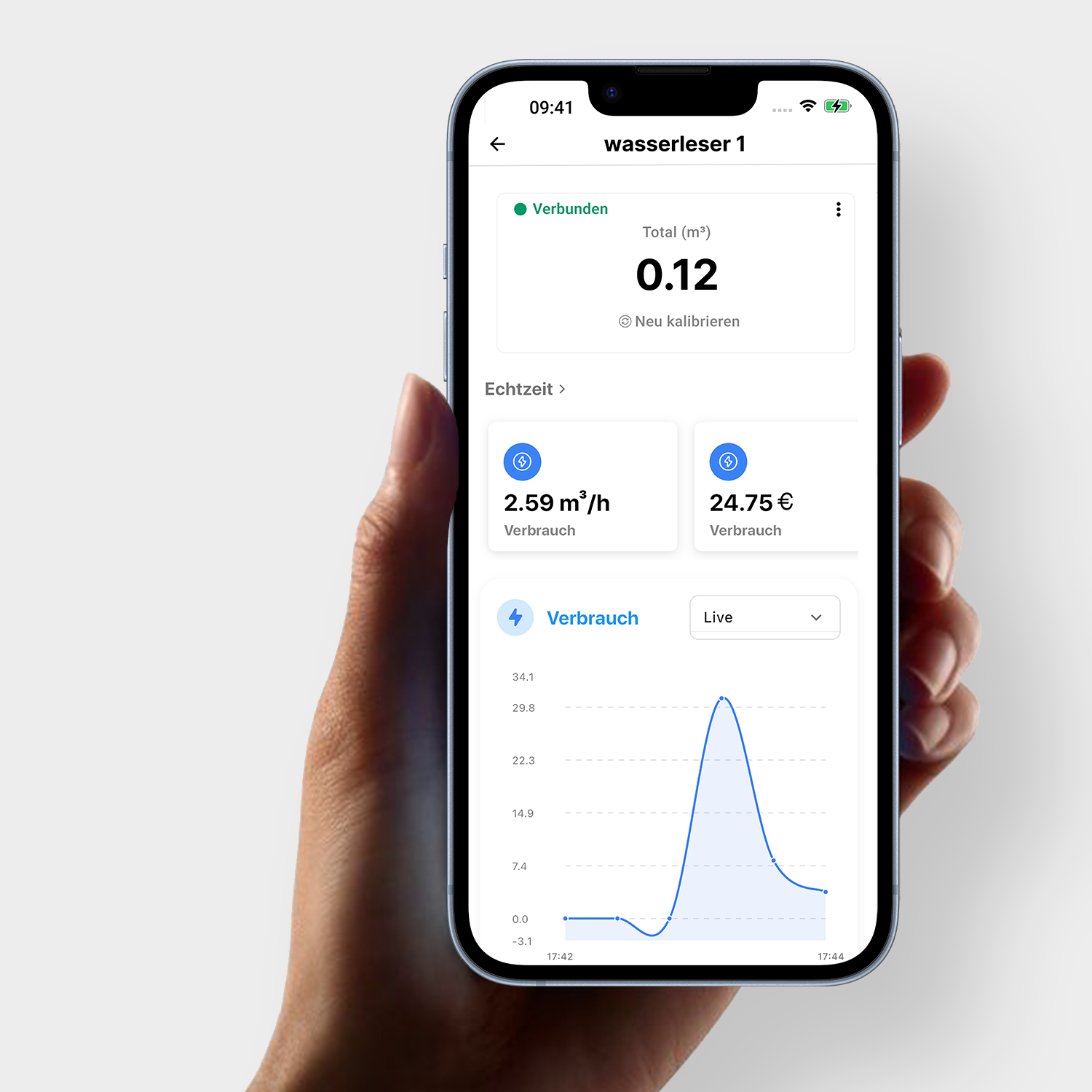
Step 3
Connect & integrate into app
Open the energieleser app, follow the simple steps to pair – and you can start tracking your water consumption live.
Scope of delivery:


You might also like: