



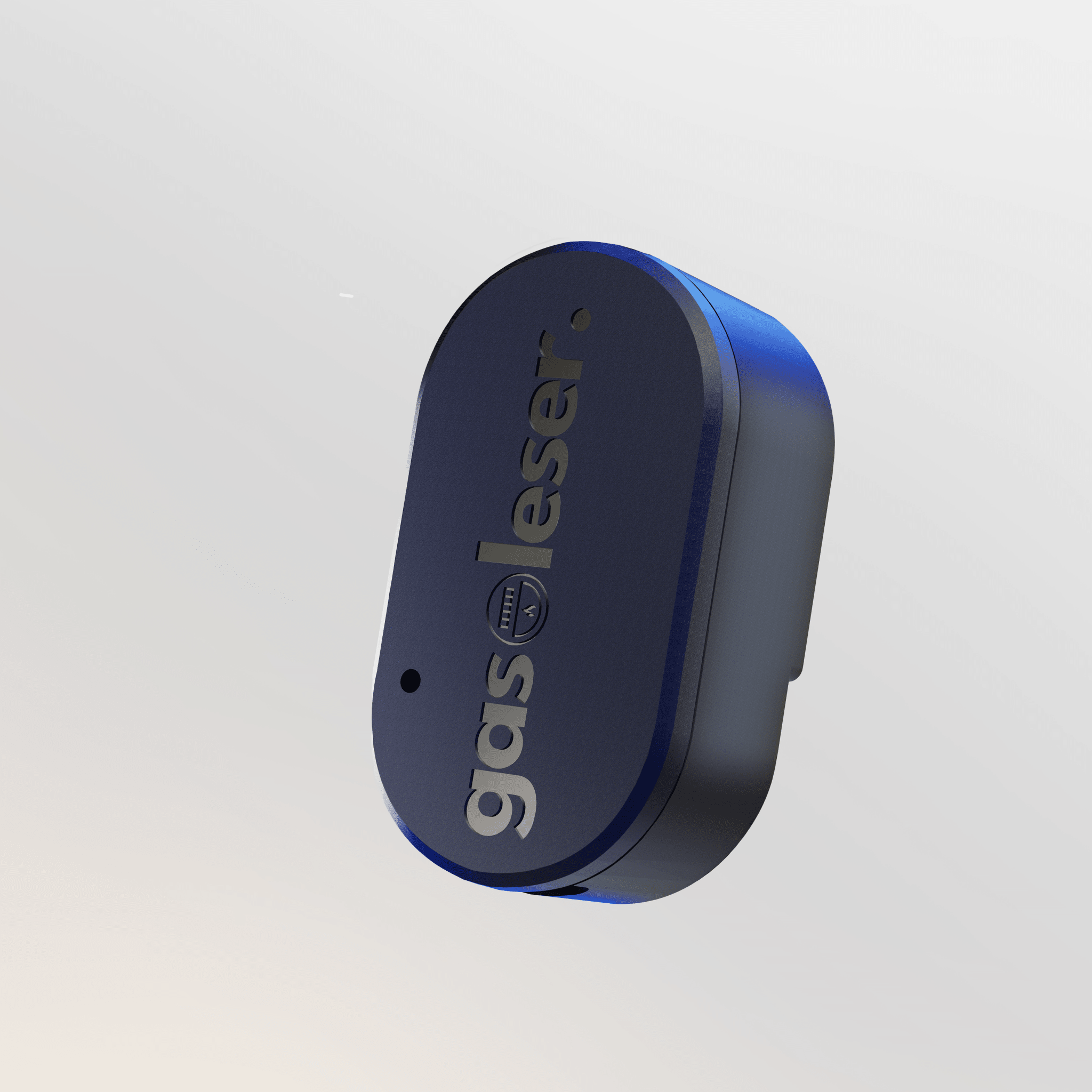
gasreader.pulse
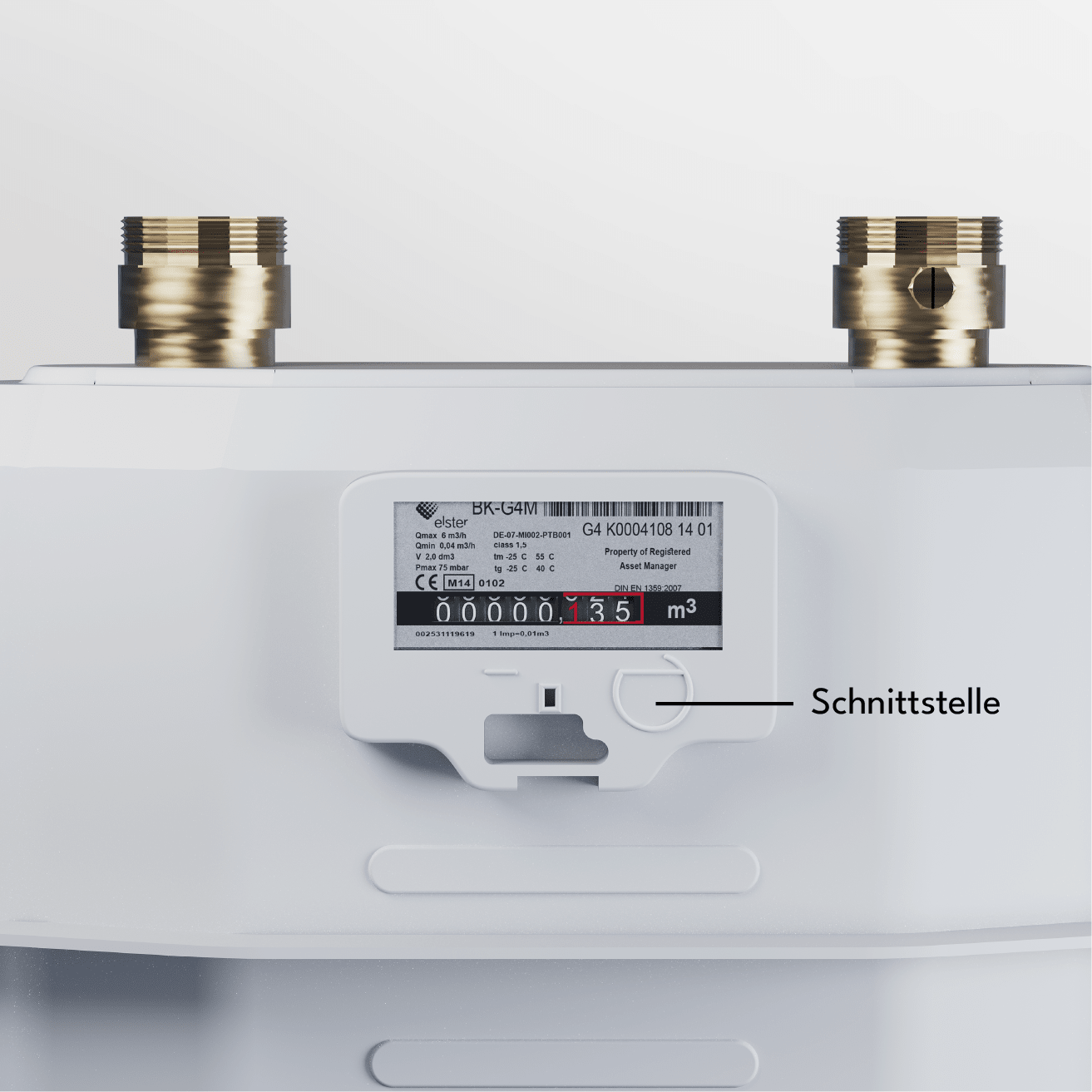
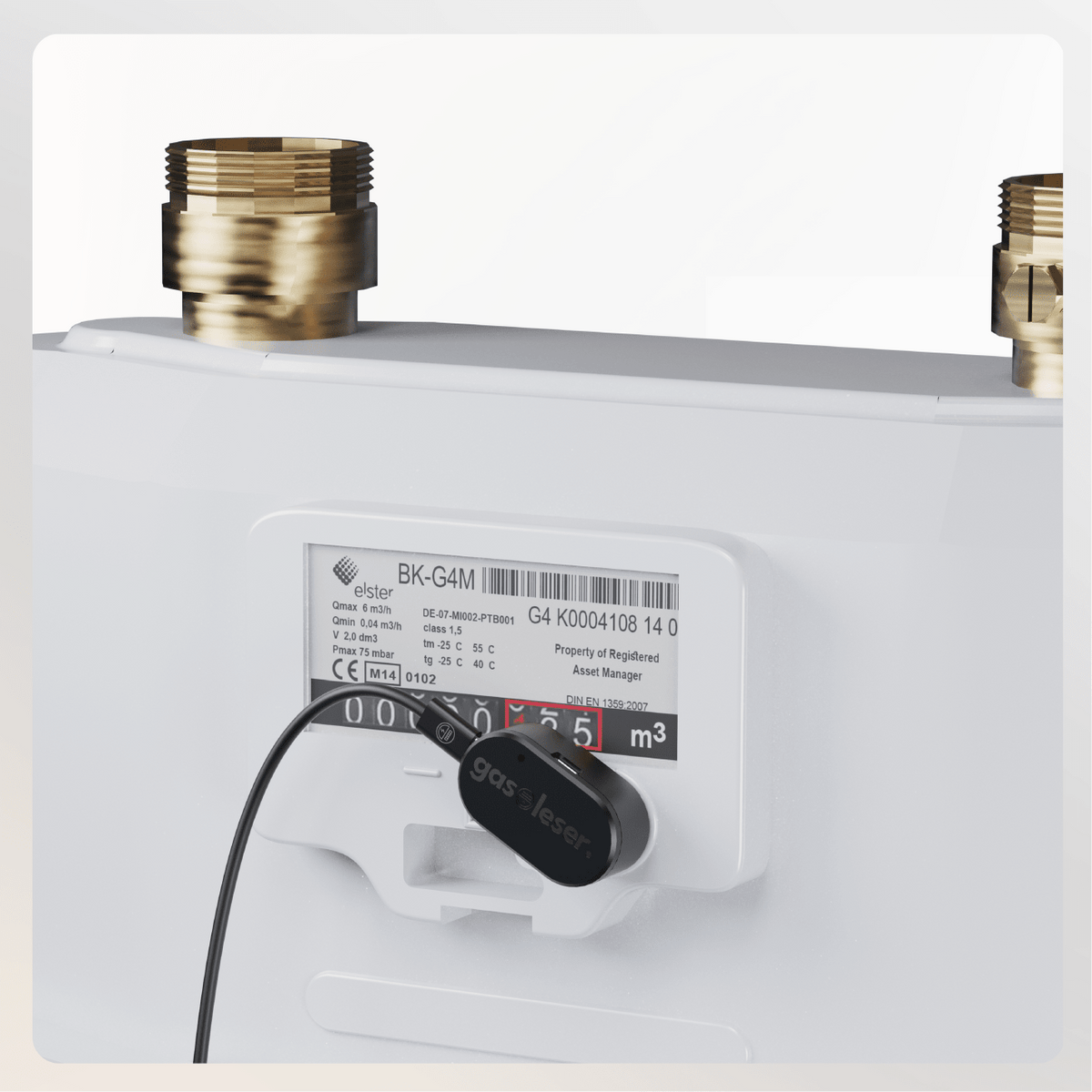
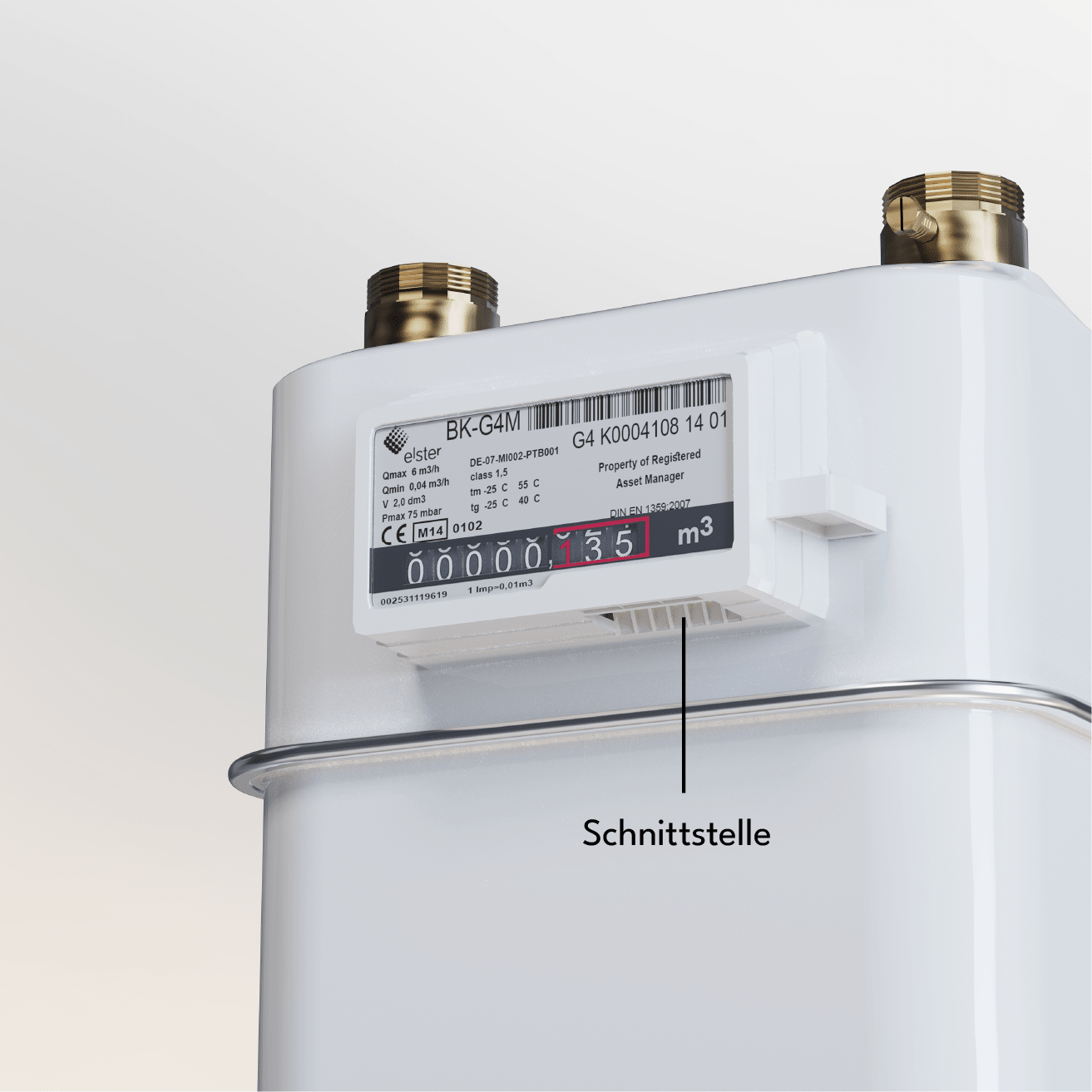
- Specifically for the following gas meter models: BK-G4 AC, G4 RF1c (Pipersberg)
- Make gas meters smart
- Plug & Play: Easy installation in minutes
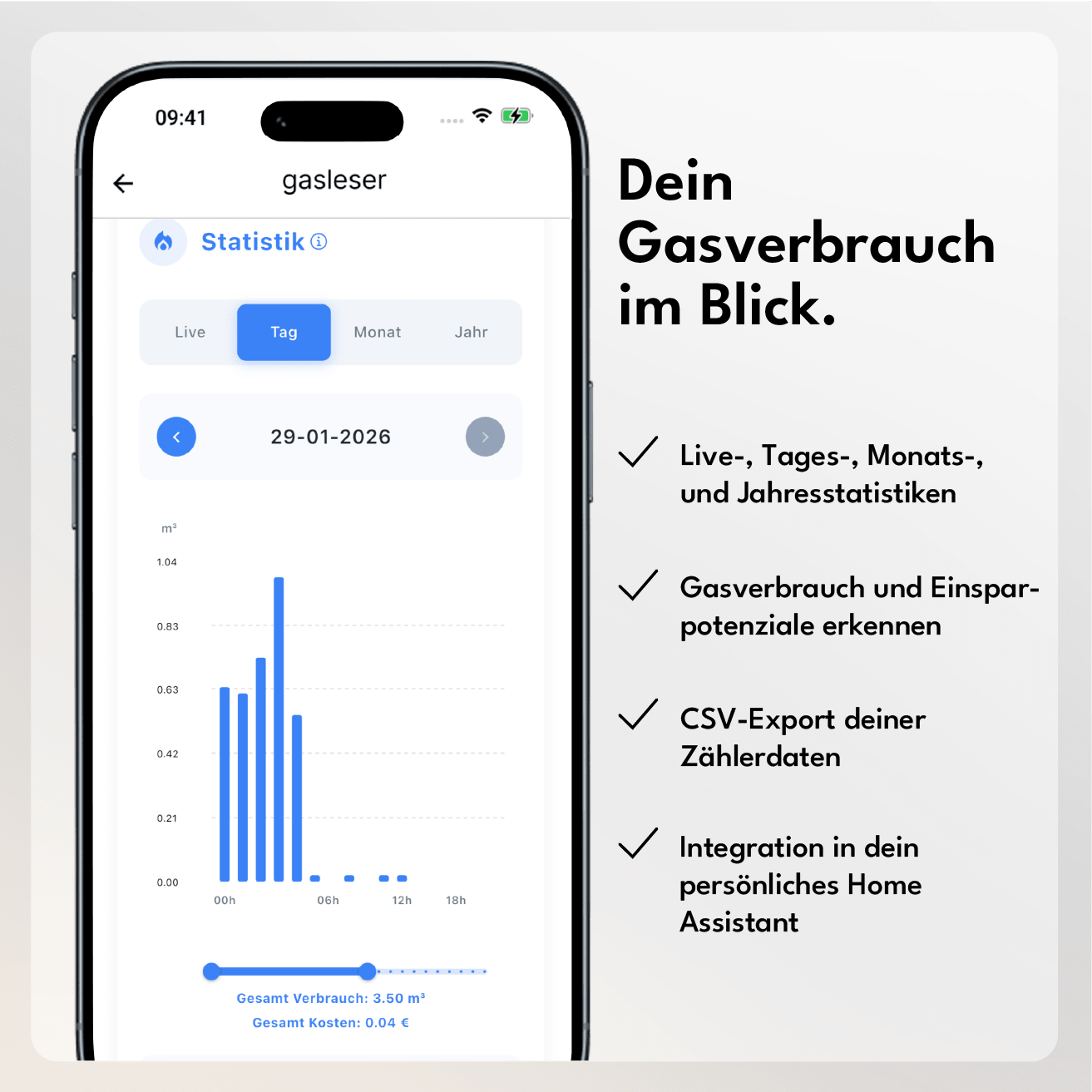
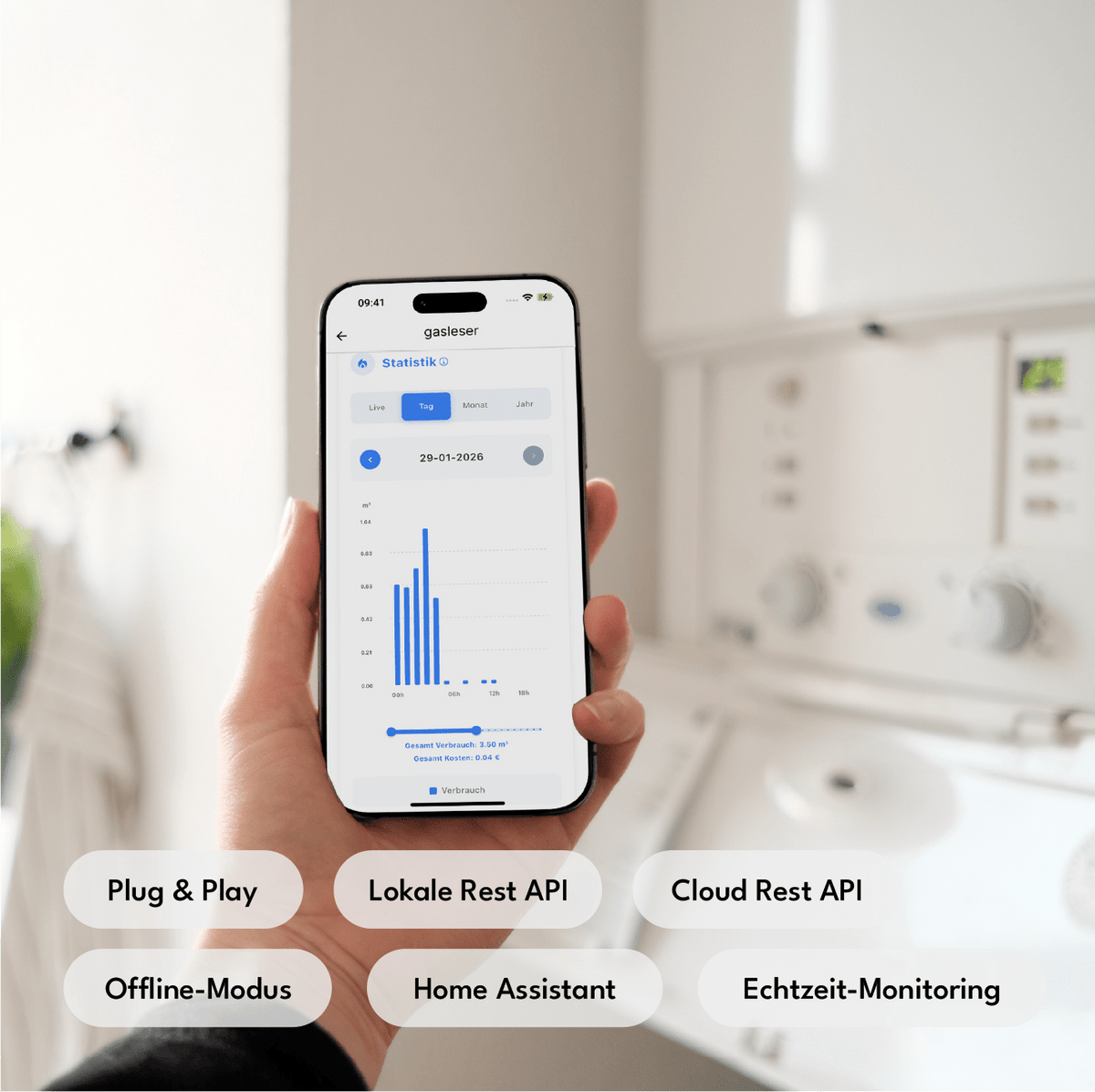
- Real-time gas consumption with charts in the app
- Power outlet & WiFi reception necessary
- Home Assistant integration available
Estimated delivery time: End of July 2026
Comprehensive instructions and documentation
If you are unsure whether your gas meter is compatible, simply send us a photo at info@energieleser.de. For any other questions – e.g. regarding installation – we are always there for you: 0711 39687998
Find out if your gas meter is compatible here.
 Pay in 30 days
 Pay in 30 days
Wie funktioniert die Installation – brauche ich einen Elektriker?
Nein, du benötigst keinen Elektriker. Unsere Leseköpfe funktionieren nach dem Plug-and-Play-Prinzip: Du bringst den Lesekopf einfach auf deinen Zähler an, verbindest ihn mit dem Stromnetz und koppelst ihn per Bluetooth über die energieleser App mit deinem Smartphone.
Wie oft werden meine Daten ausgelesen und wo sehe ich sie?
gasleser ließt deine Daten genau in dem Intervall, in dem dein Zähler sie sendet. Da dein gasleser über Impulse ausliest, siehst du deine ersten Daten sobald tatsächlich Gas verbraucht wird.
Was passiert bei Stromausfall / WLAN-Ausfall?
Bei einem WLAN-Ausfall zählt dein gasleser einfach ganz normal weiter – sobald die Verbindung wieder
steht, aktualisieren sich deine Daten automatisch in der App.
Bei einem Stromausfall wird die Ablesung unterbrochen, da der Lesekopf eine konstante Stromversorgung
braucht. Anders als bei digitalen Stromzählern kann dein Gaszähler seinen Stand aber nicht selbst digital
übermitteln – deshalb musst du den aktuellen Zählerstand nach einem Stromausfall einmal manuell in der App
aktualisieren.
Brauche ich ein Abo oder laufende Kosten für die App/Cloud?
Nein – um deine Daten abzurufen, brauchst du nur die kostenlose energieleser App aus dem Apple App Store oder Google Play Store. Es erwarten dich keine versteckten oder laufenden Kosten.
Kann ich die Daten auch selbst exportieren oder per API/Home Assistant weiterverwenden?
Ja - unsere Geräte sind Home Assistant (Silver) zertifiziert und lassen sich problemlos einbinden. Und falls du deine Daten lieber selbst weiterverarbeiten möchtest: Ein CSV-Export ist jederzeit direkt aus der App möglich.
Wie schnell sehe ich nach der Installation die ersten Daten?
Sobald dein Lesekopf angebracht und eingerichtet ist, misst er direkt, was er von deinem Zähler empfängt. Da dein gasleser über Impulse ausliest, siehst du deine ersten Daten sobald tatsächlich Gas verbraucht wird. Lediglich die Übertragung in deine App kann einen kurzen Moment dauern.
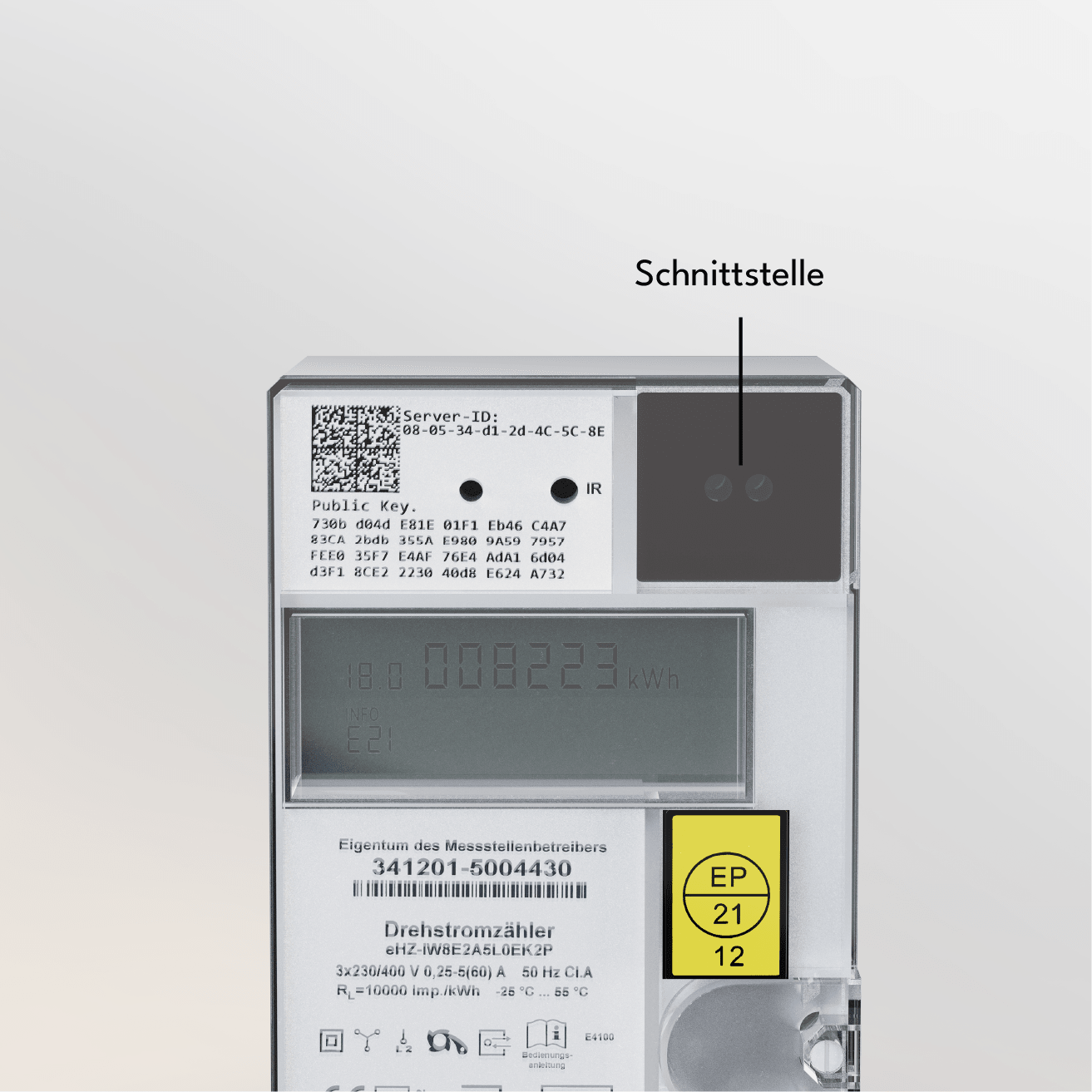
You can find out if your gas meter model is compatible in our compatibility overview, or with the help of our compatibility bot.


A detailed guide can be found in our documentation or in our YouTube video.

Attach to the gas meter
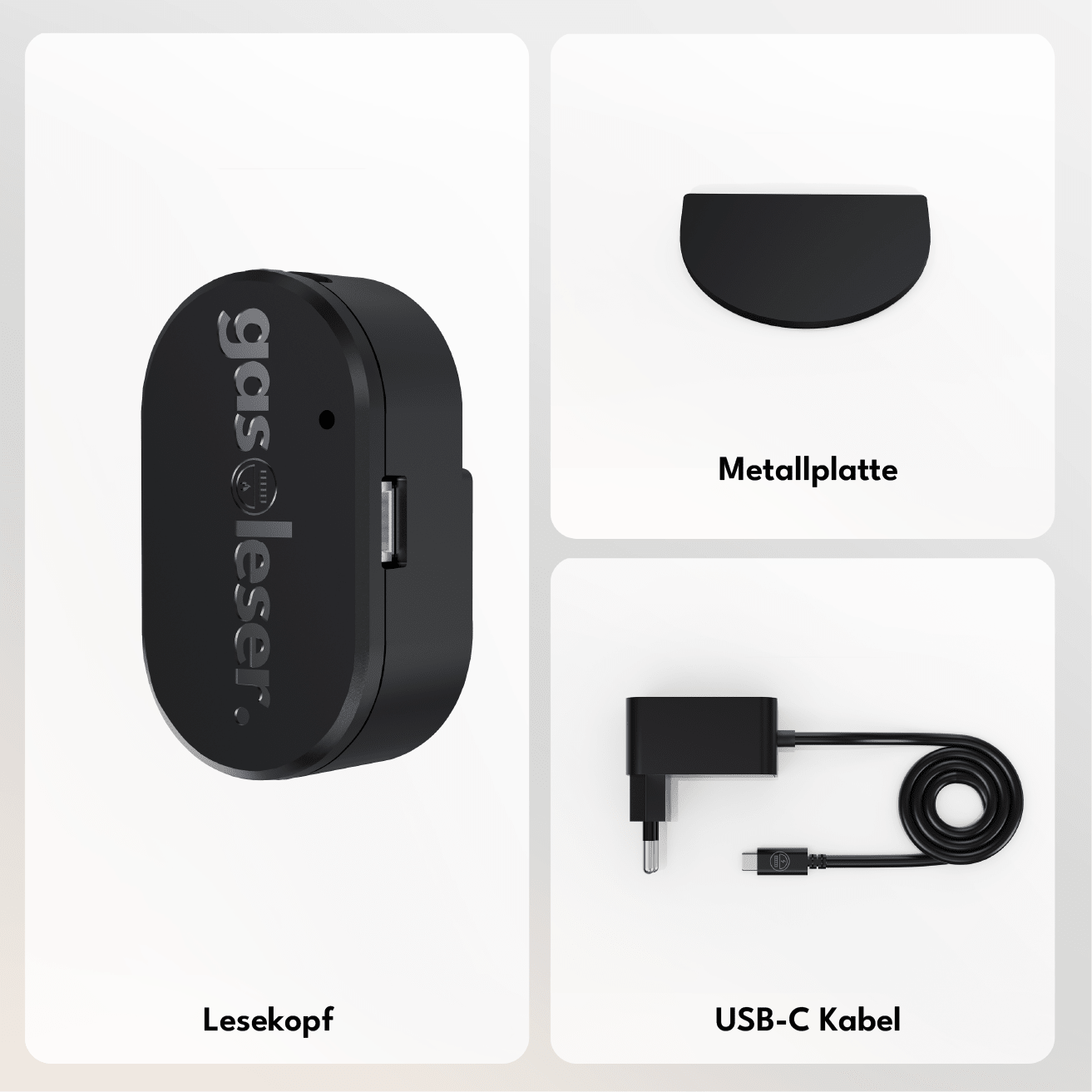
Depending on the meter model, attach the gas reader precisely to the magnetic interface of your gas meter using the appropriate accessories/adapter.

Connect electricity
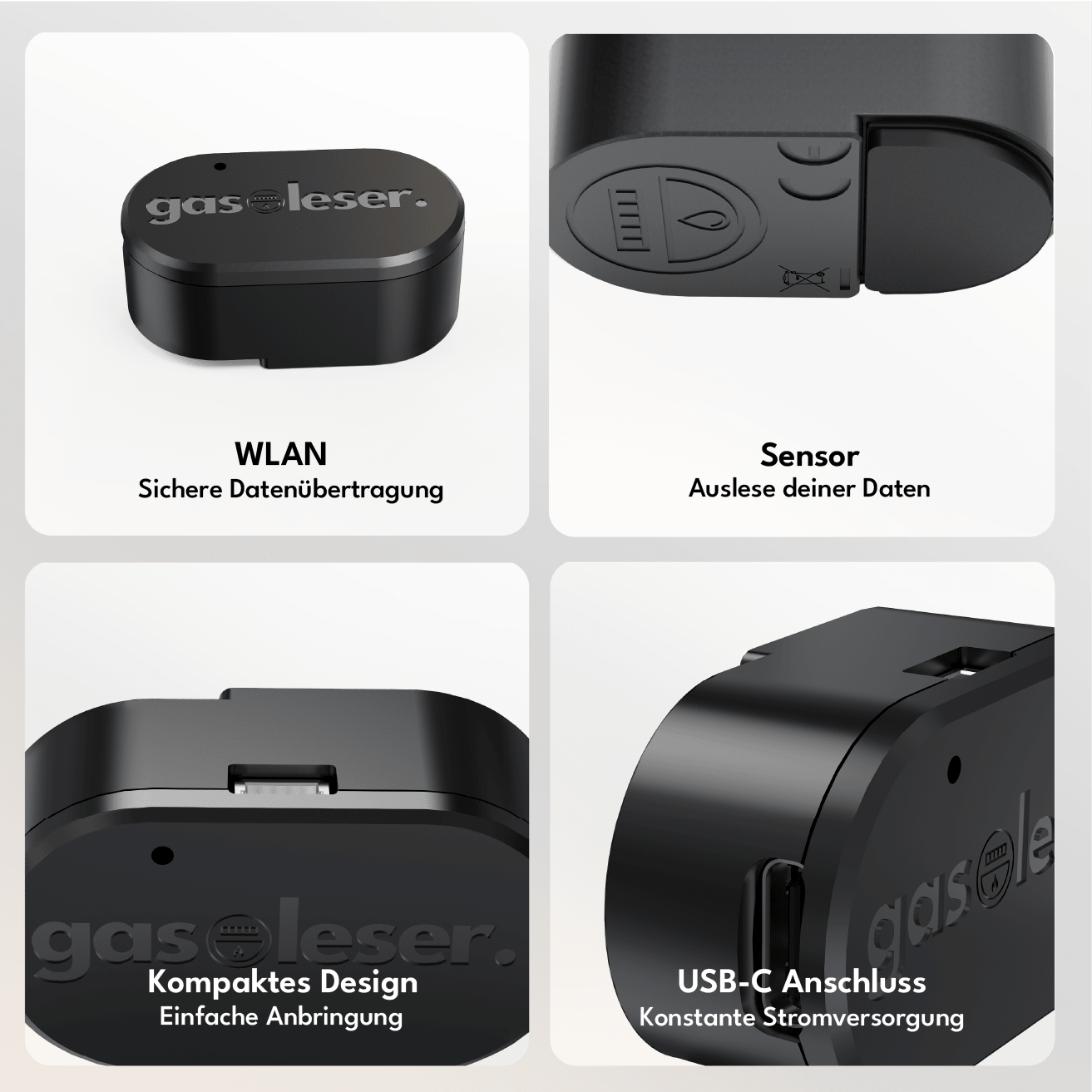
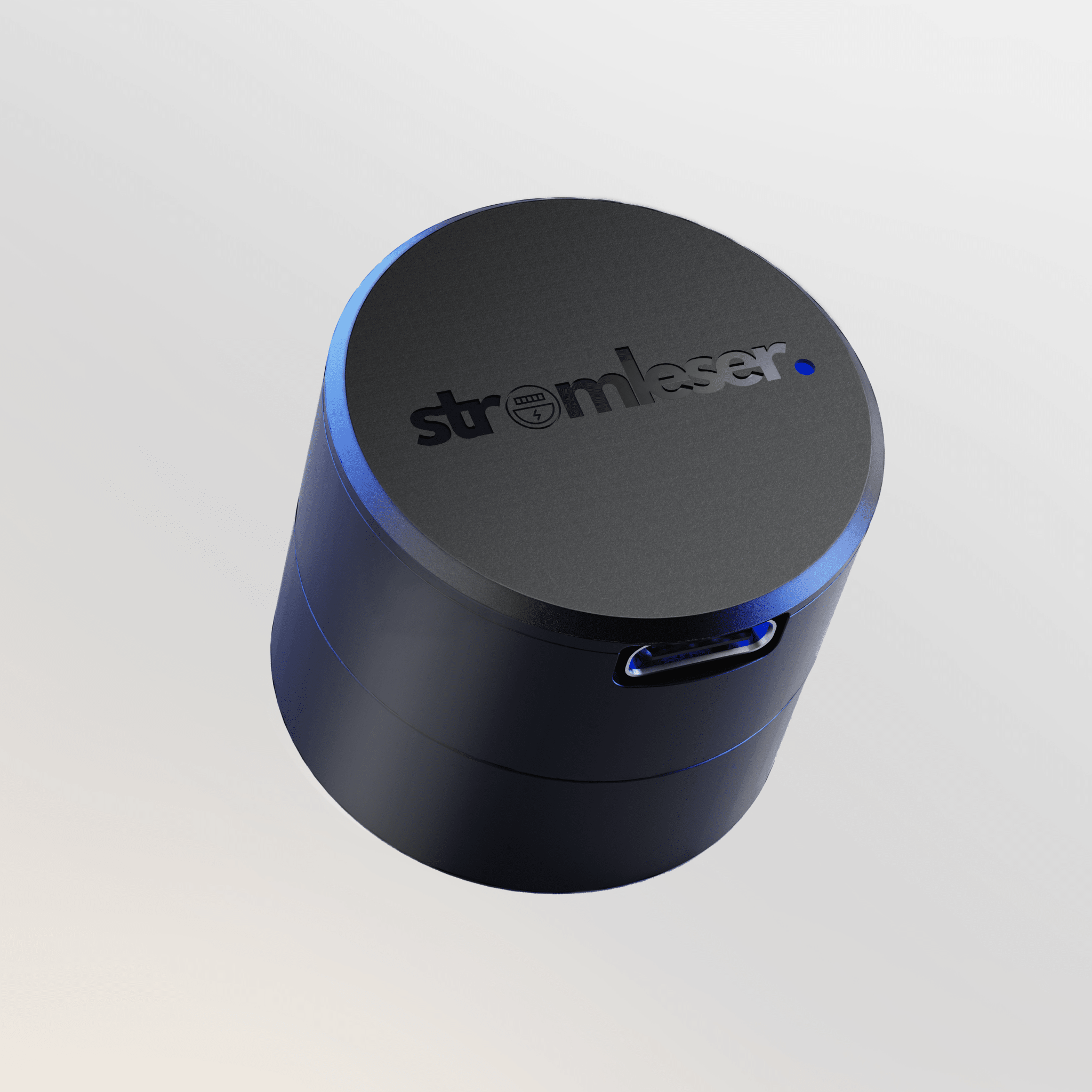
Connect your gas reader to power using the included USB-C power supply – for a constant power supply.

Integrate into your app
Download the energieleser App from the Apple App Store or Google Play Store. Install and connect your gasleser and keep track of your data from now on.
-> To the instructions.

With the energieleser app, you have your data in view at all times. Download the app - connect the reading head - read out the data.


Features

Local REST API
Full local API access with no cloud dependency — ideal for developers and advanced home automation users.

Cloud REST API
Remote access and control via our secure cloud infrastructure — accessible from anywhere.

Offline Mode
Complete separation from the cloud for maximum data protection – all functions remain locally available.

MQTT
Support for the industry standard for messaging — seamless integration into any smart home broker.

Dual Wi-Fi mode
Simultaneous connection to two Wi-Fi networks for increased connectivity and automatic failover.

OTA Updates
Firmware updates are installed automatically via Wi-Fi — no cable, no manual intervention, always up-to-date.

Data Storage
Measurements are stored in the cloud and can be accessed at any time — for consumption history, analyses, and billing.

Home Assistant
Your meter data can be directly integrated into your personal Home Assistant.
Local REST API
Full local API access with no cloud dependency — ideal for developers and advanced home automation users.
Cloud REST API
Remote access and control via our secure cloud infrastructure — accessible from anywhere.
Offline Mode
Complete separation from the cloud for maximum data protection – all functions remain locally available.
MQTT
Support for the industry standard for messaging — seamless integration into any smart home broker.
Dual Wi-Fi mode
Simultaneous connection to two Wi-Fi networks for increased connectivity and automatic failover.
OTA Updates
Firmware updates are installed automatically via Wi-Fi — no cable, no manual intervention, always up-to-date.
Data Storage
Measurements are stored in the cloud and can be accessed at any time — for consumption history, analyses, and billing.
Home Assistant
Your meter data can be directly integrated into your personal Home Assistant.
You might also like:
Funded by:

