



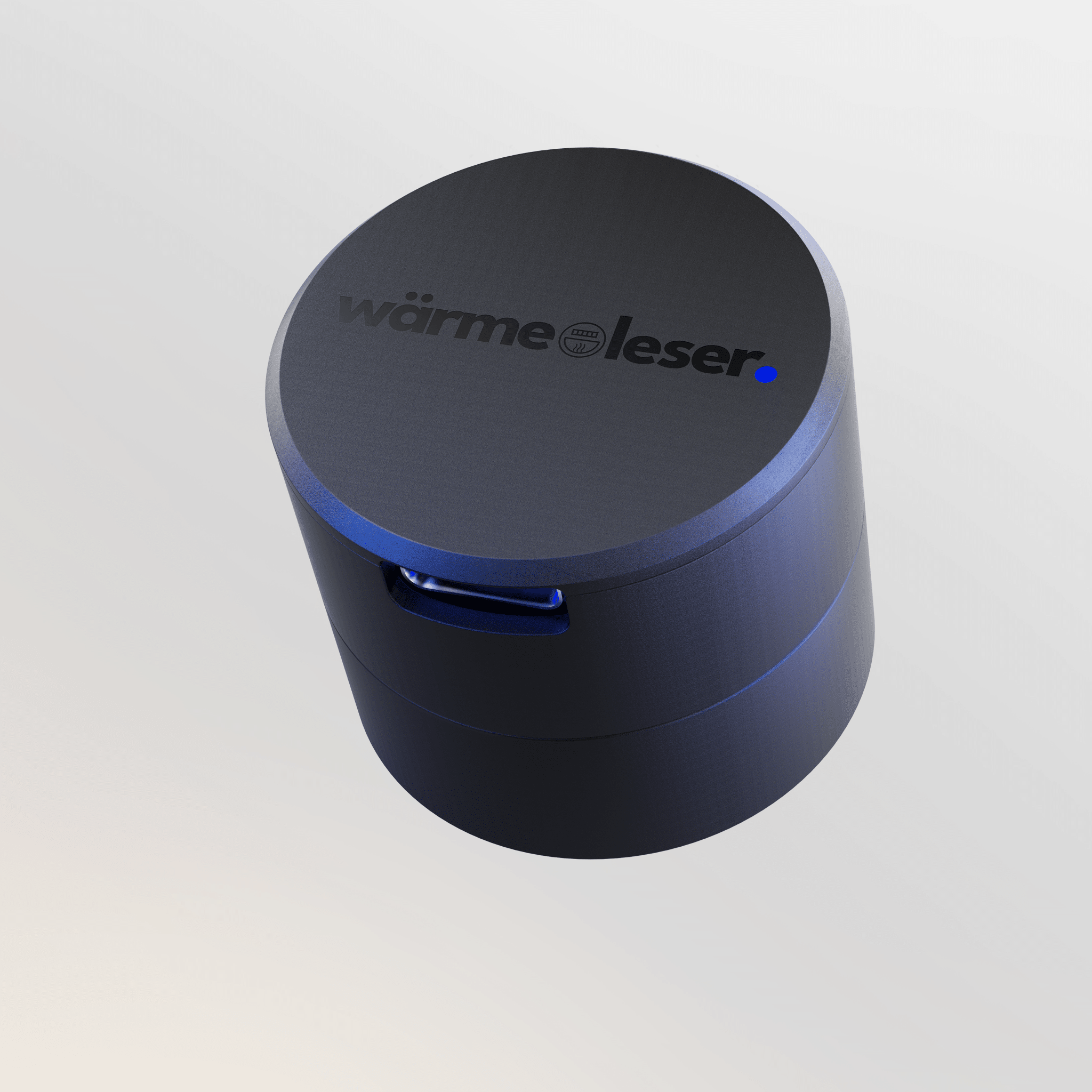
heat reader.
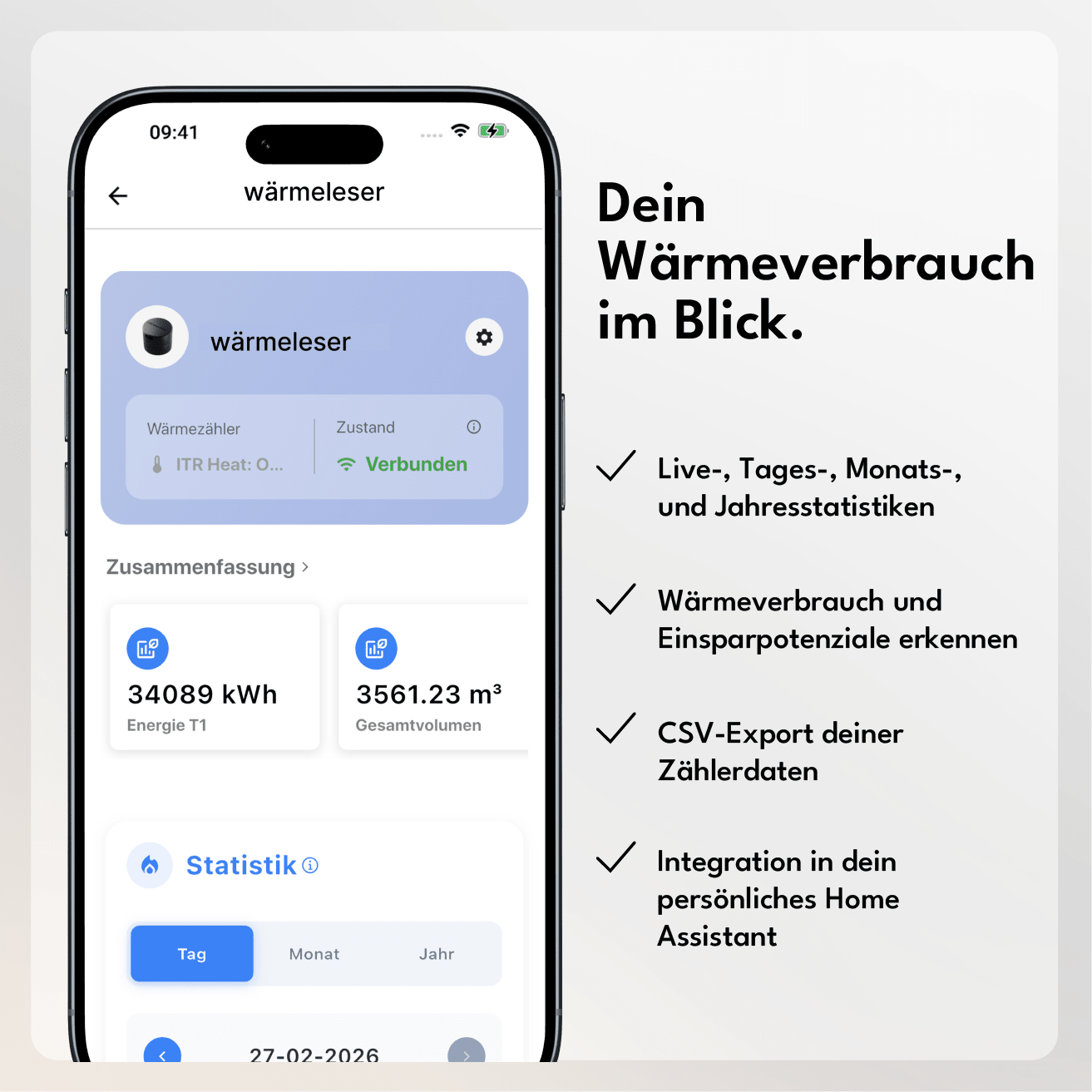
- Monitoring of heat consumption & heating costs
- Plug & Play – no electrician required, any number of heat readers can be used simultaneously in the app
- Flow rate, supply/return temperature & heat output live with diagrams in the app
- Power socket & Wi-Fi reception required at the meter location
-
Home Assistant Integration available
Attention: Many heat meters typically transmit only up to 4 readings per day. The actual update frequency depends on the meter. Activate the energy-saving mode in the app to optimally adjust data transmission.
Comprehensive instructions and documentation
If you're unsure whether your heat meter is compatible, simply send us a photo to info@energieleser.de . We're also available to answer any other questions you may have – for example, regarding installation – at 0711 39687998.
Find out here if your heat meter is compatible.
 Pay in 30 days
 Pay in 30 days
1. How does the installation work - do I need an electrician?
No, you don't need an electrician. Our reading heads operate on a plug-and-play principle: you simply attach the reading head to your meter, connect it to the power supply, and pair it with your smartphone via Bluetooth using the energieleser app.
2. How often is my data retrieved and where can I view it?
wärmeleser reads your data exactly at the interval at which your meter sends it. Important to know: Many heat meters only transmit their values at limited intervals – often only 4 times a day. Your app will therefore not show you new values constantly, but will update itself at this rhythm.
3. What happens in case of a power outage / Wi-Fi outage?
In the event of a Wi-Fi outage, your gas meter will simply continue to read as normal – as soon as the connection is restored, your data will automatically update in the app.
In the event of a power outage, readings are interrupted because the meter head requires a constant power supply. However, unlike digital electricity meters, your gas meter cannot transmit its reading digitally on its own – so you will need to manually update the current meter reading in the app once after a power outage.
4. Do I need a subscription or ongoing costs for the app/cloud?
No – to retrieve your data, you only need the free energieleser app from the Apple App Store or Google Play Store. There are no hidden or ongoing costs.
5. Can I also export the data myself or reuse it via API/Home Assistant?
Yes - our devices are Home Assistant (Silver) certified and can be integrated effortlessly. And if you prefer to process your data yourself: A CSV export is possible directly from the app at any time.
6. How quickly will I see the first data after installation?
Once your smart meter reader is attached and set up, it measures directly what it receives from your meter. Since your gas reader reads via impulses, you will see your first data as soon as gas is actually consumed. Only the transfer to your app might take a moment.
You can find out if your heat meter is compatible in our compatibility overview, or with the help of our compatibility bot.


You can find detailed instructions in our documentation or in our YouTube video.

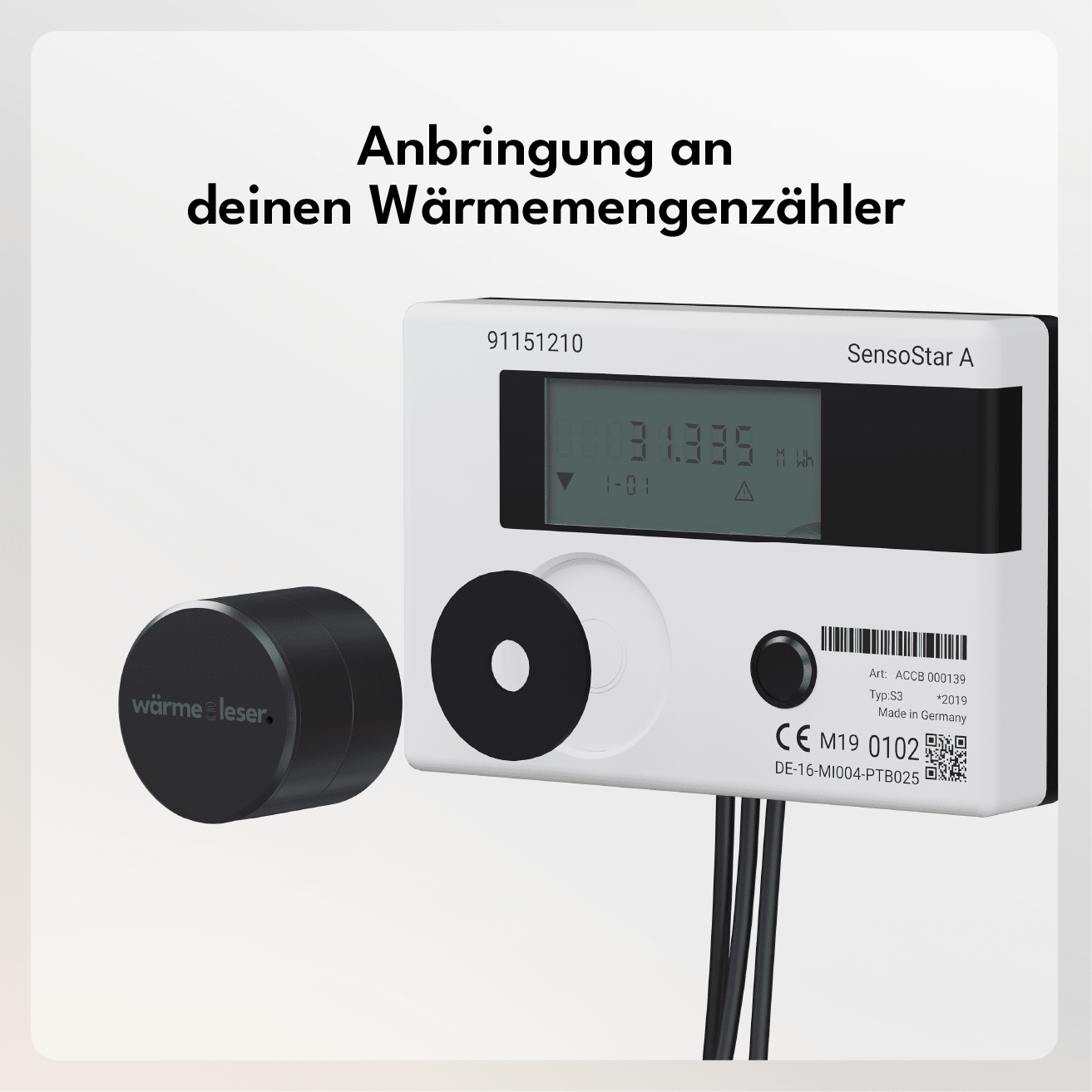
Attach to the meter
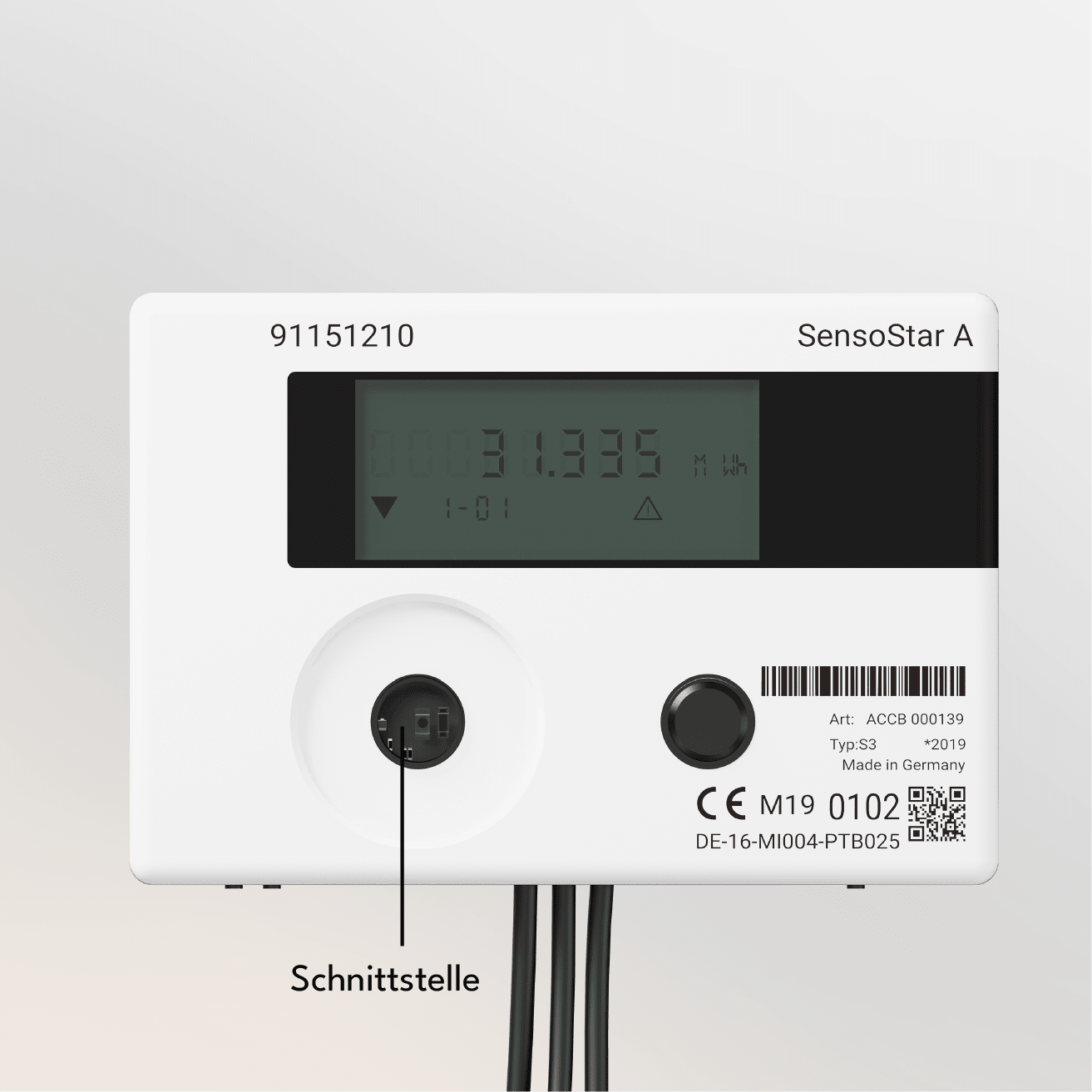
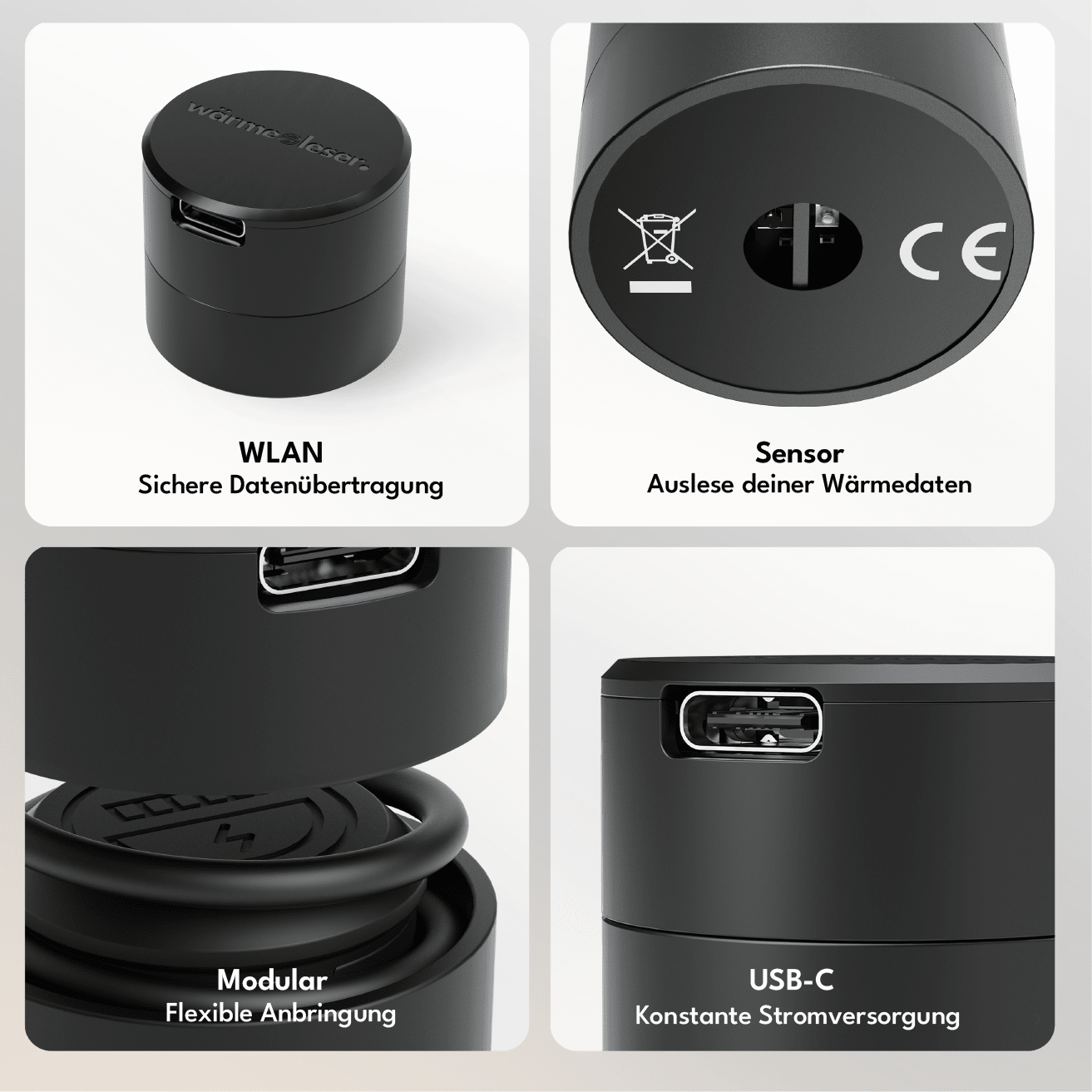
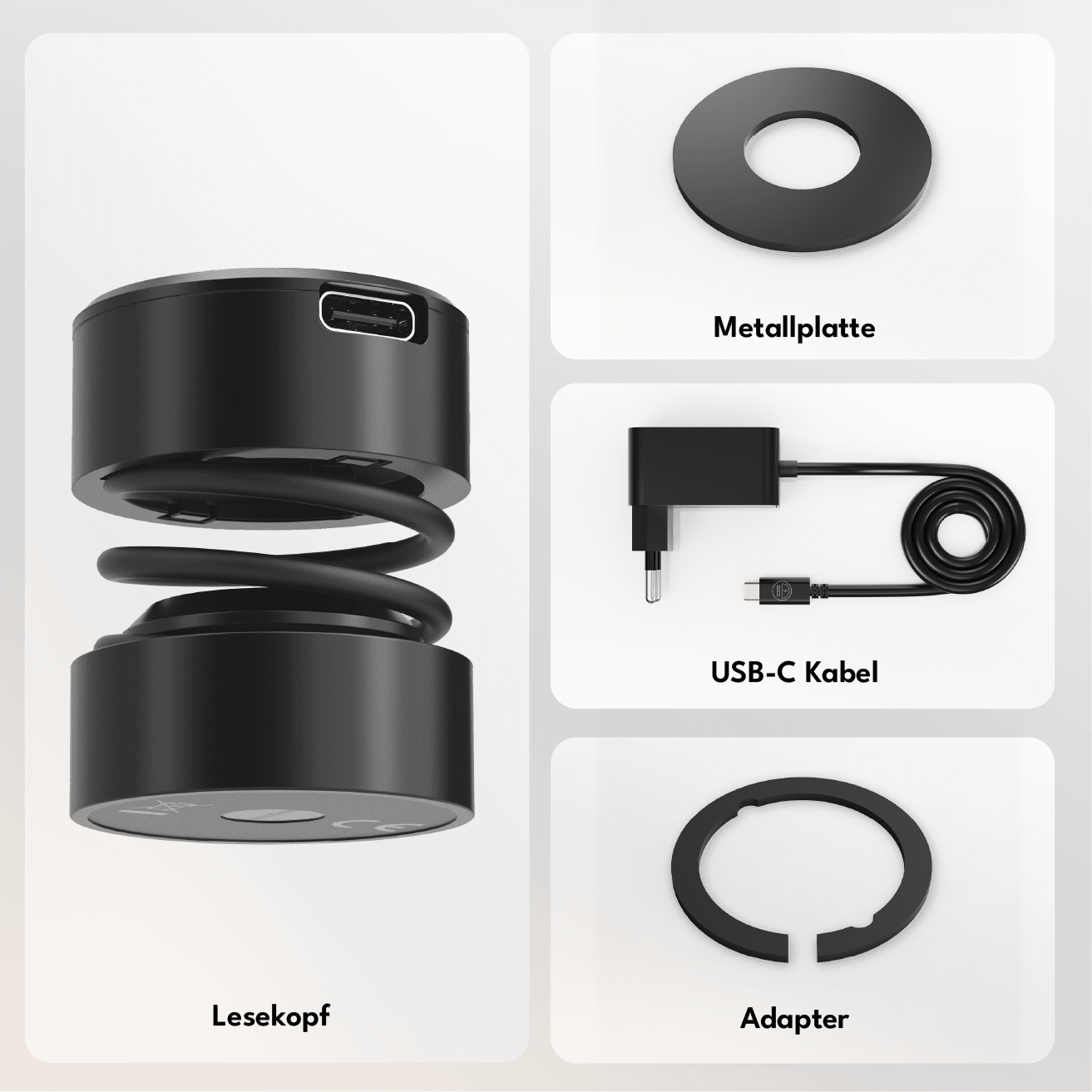
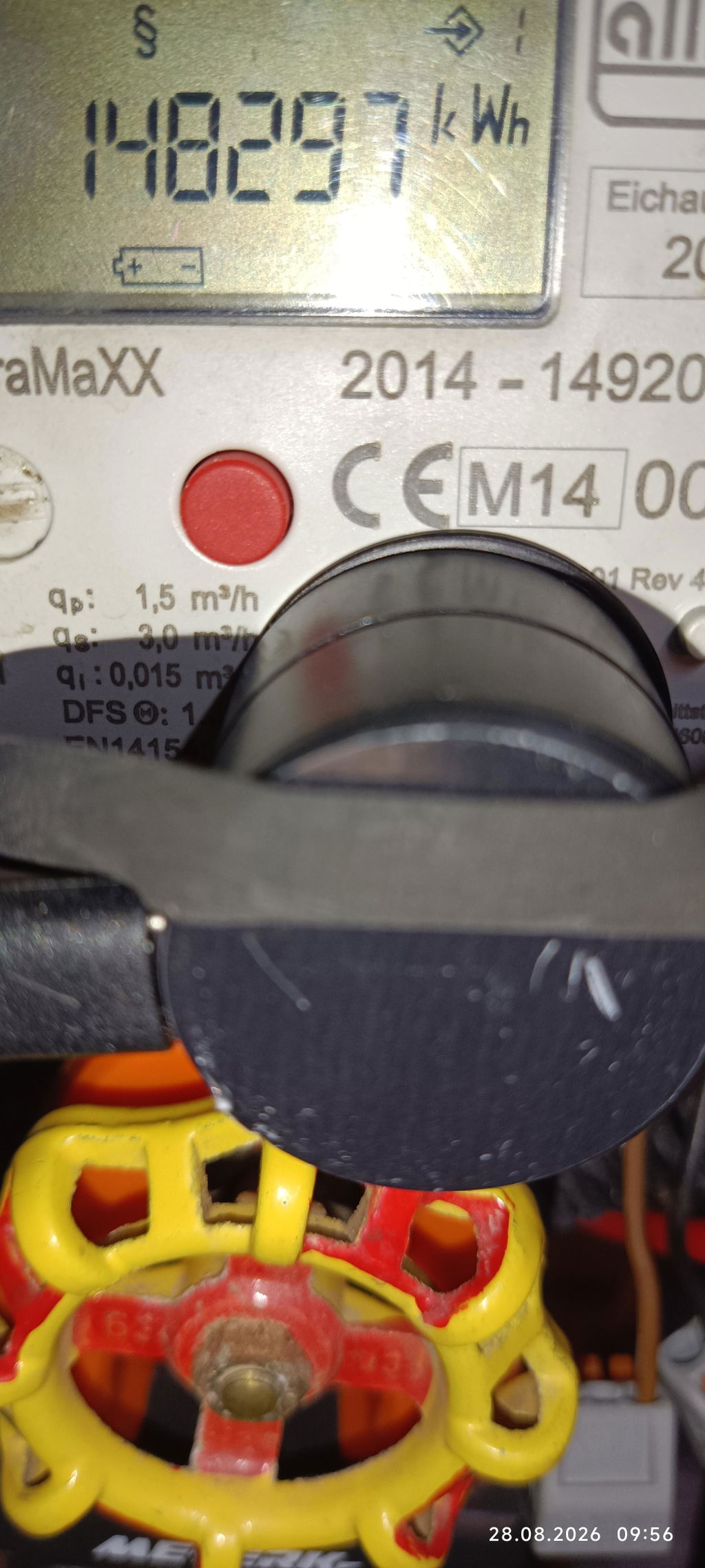
Attach the heat reader directly to the optical interface of your heat meter. For optimum adhesion, you can stick on the supplied metal plate.

Connect electricity
Connect the heat reader to the included USB-C power adapter to provide it with continuous power.

Integrate into your app
Download the energieleser app from the Apple App Store or Google Play Store. Install and connect your wärmeleser and keep track of your data from now on.

With the energieleser app, you have your data in view at all times. Download the app - connect the reading head - read out data.


Features

Dual-sensor
Two independent sensors for more precise pulse detection — reduces false readings and improves accuracy compared to single-sensor alternatives.

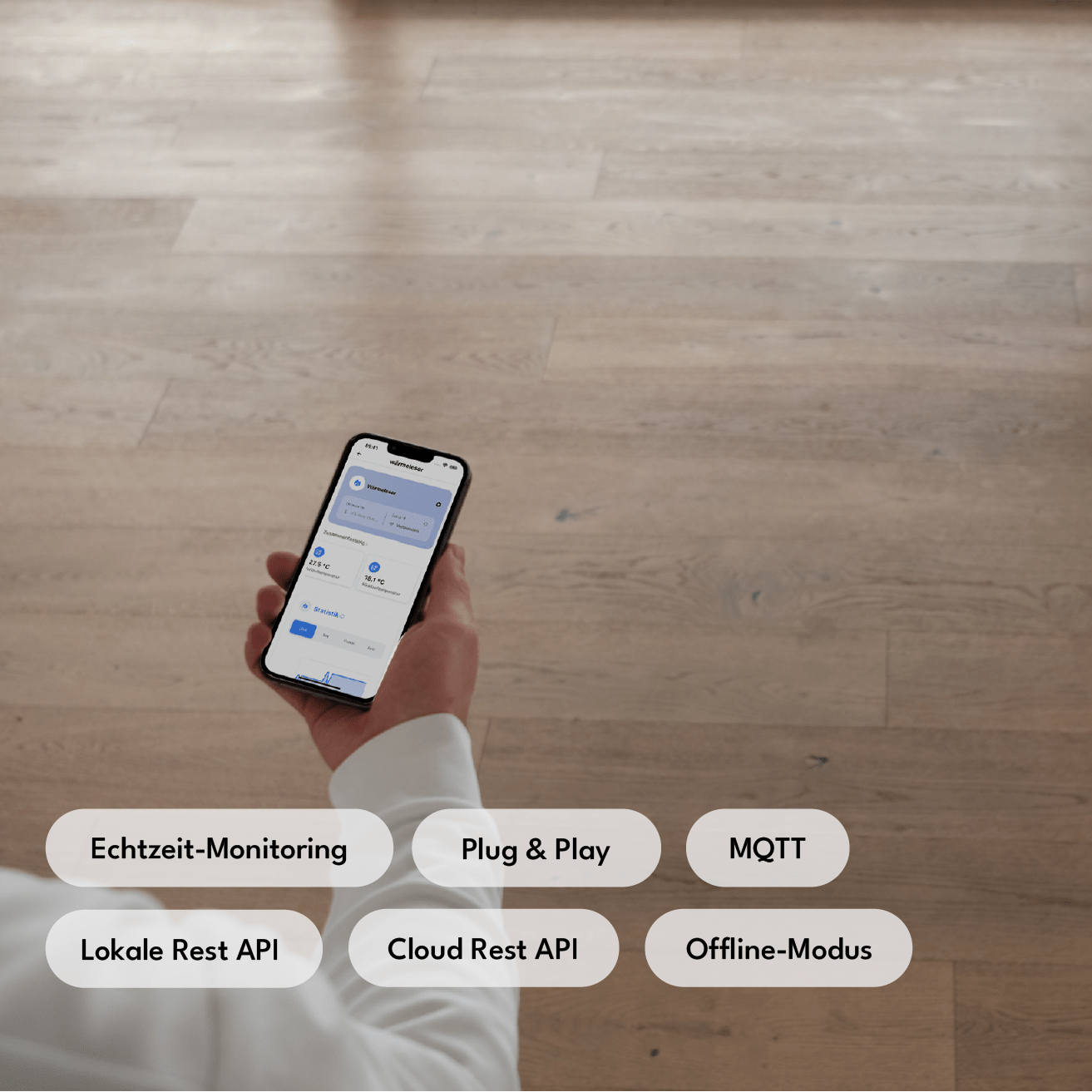
Local REST API
Complete local API access without cloud dependency—ideal for developers and advanced home automation users.

Cloud REST API
Remote access and control via our secure cloud infrastructure — accessible from anywhere.

Offline mode
Complete separation from the cloud for maximum data protection — all features remain locally available.

MQTT
Support for the industry standard for messaging — seamless integration into any smart home broker.

Dual Wi-Fi mode
Simultaneous connection to two Wi-Fi networks for increased connectivity and automatic failover.

OTA Updates
Firmware updates are automatically installed via Wi-Fi — no cables, no manual intervention, always up-to-date.

Data Storage
Measurements are stored in the cloud and can be accessed at any time — for consumption history, analyses, and billing.

Home Assistant
Your meter data can be directly integrated into your personal Home Assistant.
Dual-sensor
Two independent sensors for more precise pulse detection — reduces false readings and improves accuracy compared to single-sensor alternatives.
Local REST API
Complete local API access without cloud dependency—ideal for developers and advanced home automation users.
Cloud REST API
Remote access and control via our secure cloud infrastructure — accessible from anywhere.
Offline mode
Complete separation from the cloud for maximum data protection — all features remain locally available.
MQTT
Support for the industry standard for messaging — seamless integration into any smart home broker.
Dual Wi-Fi mode
Simultaneous connection to two Wi-Fi networks for increased connectivity and automatic failover.
OTA Updates
Firmware updates are automatically installed via Wi-Fi — no cables, no manual intervention, always up-to-date.
Data Storage
Measurements are stored in the cloud and can be accessed at any time — for consumption history, analyses, and billing.
Home Assistant
Your meter data can be directly integrated into your personal Home Assistant.
You might also like:
Funded by:

