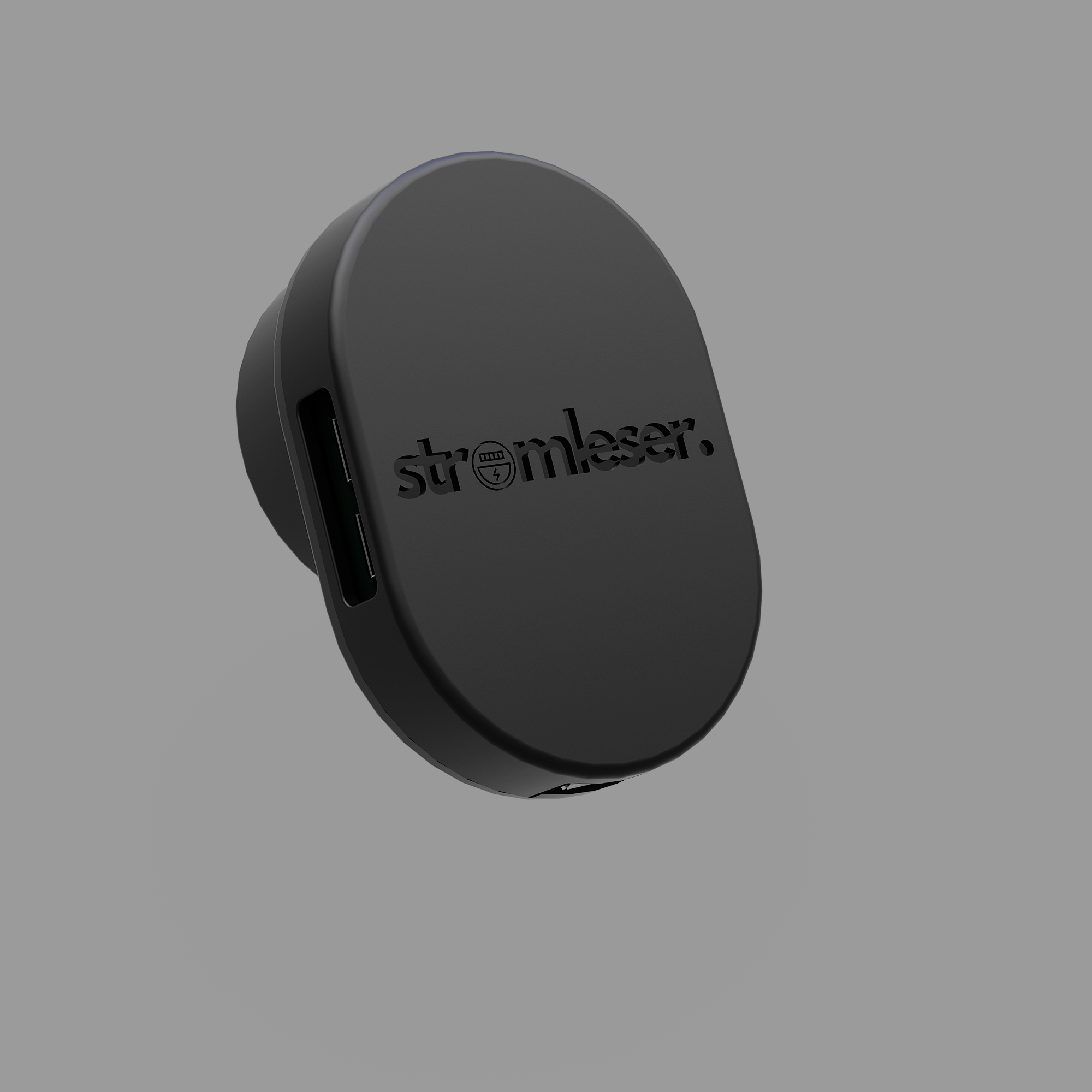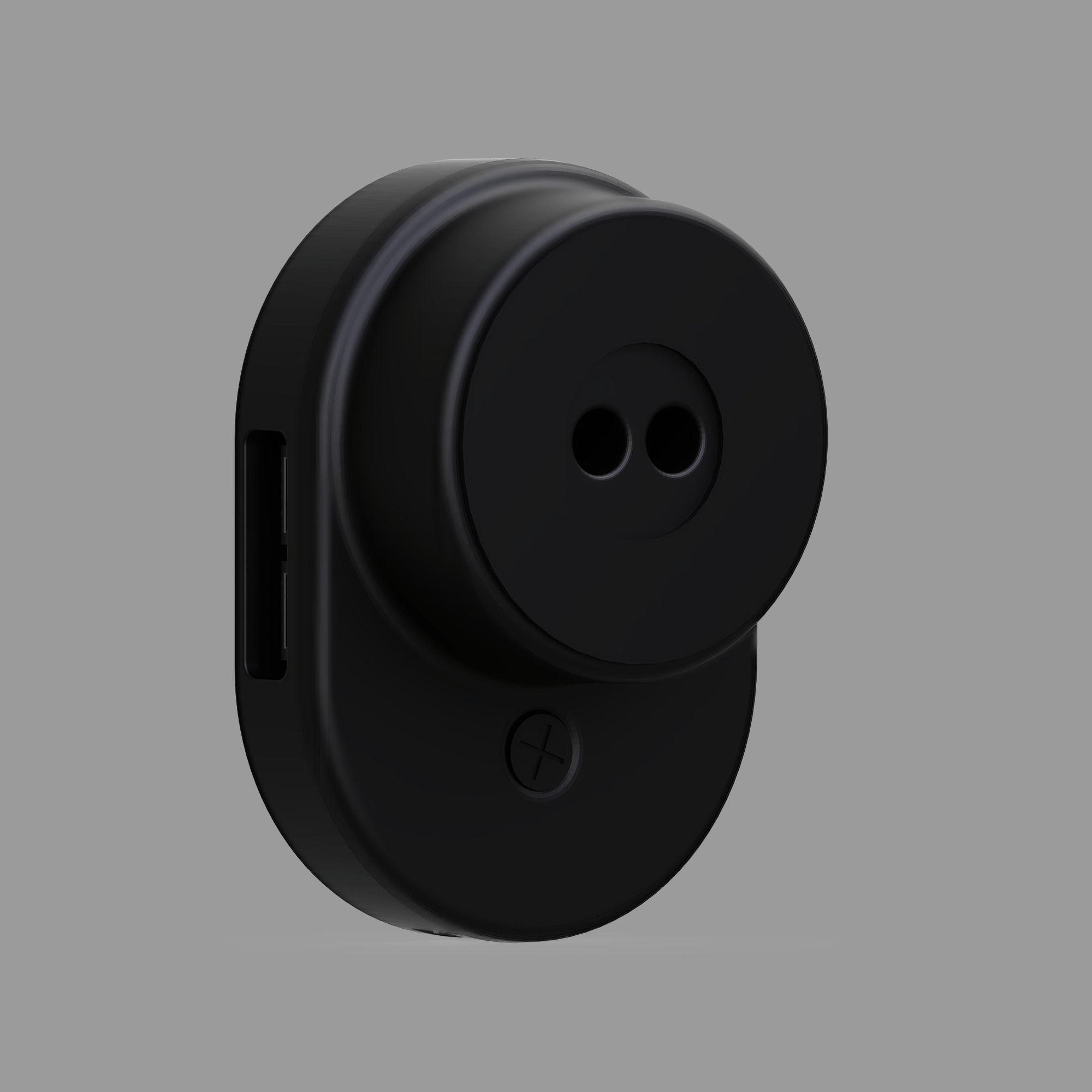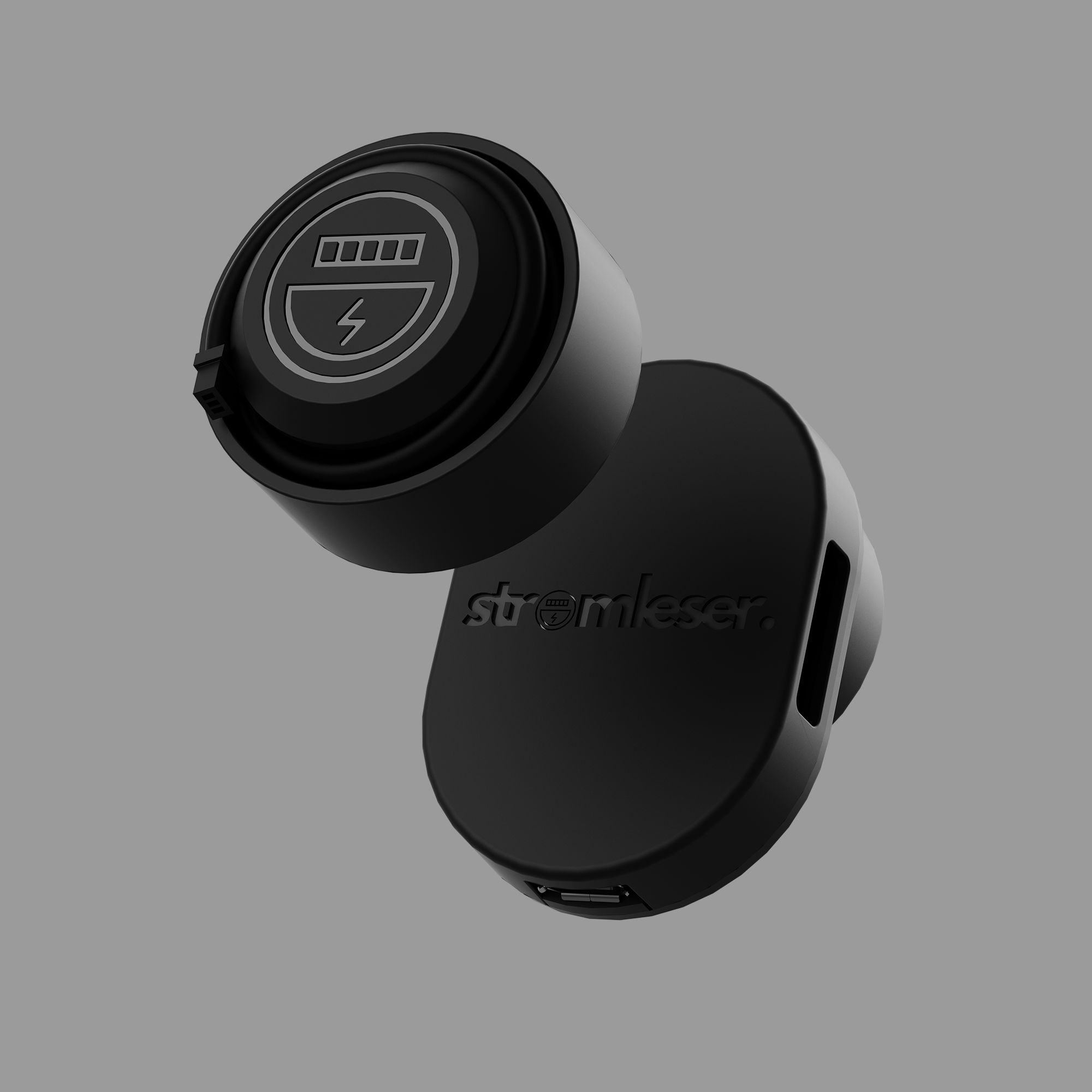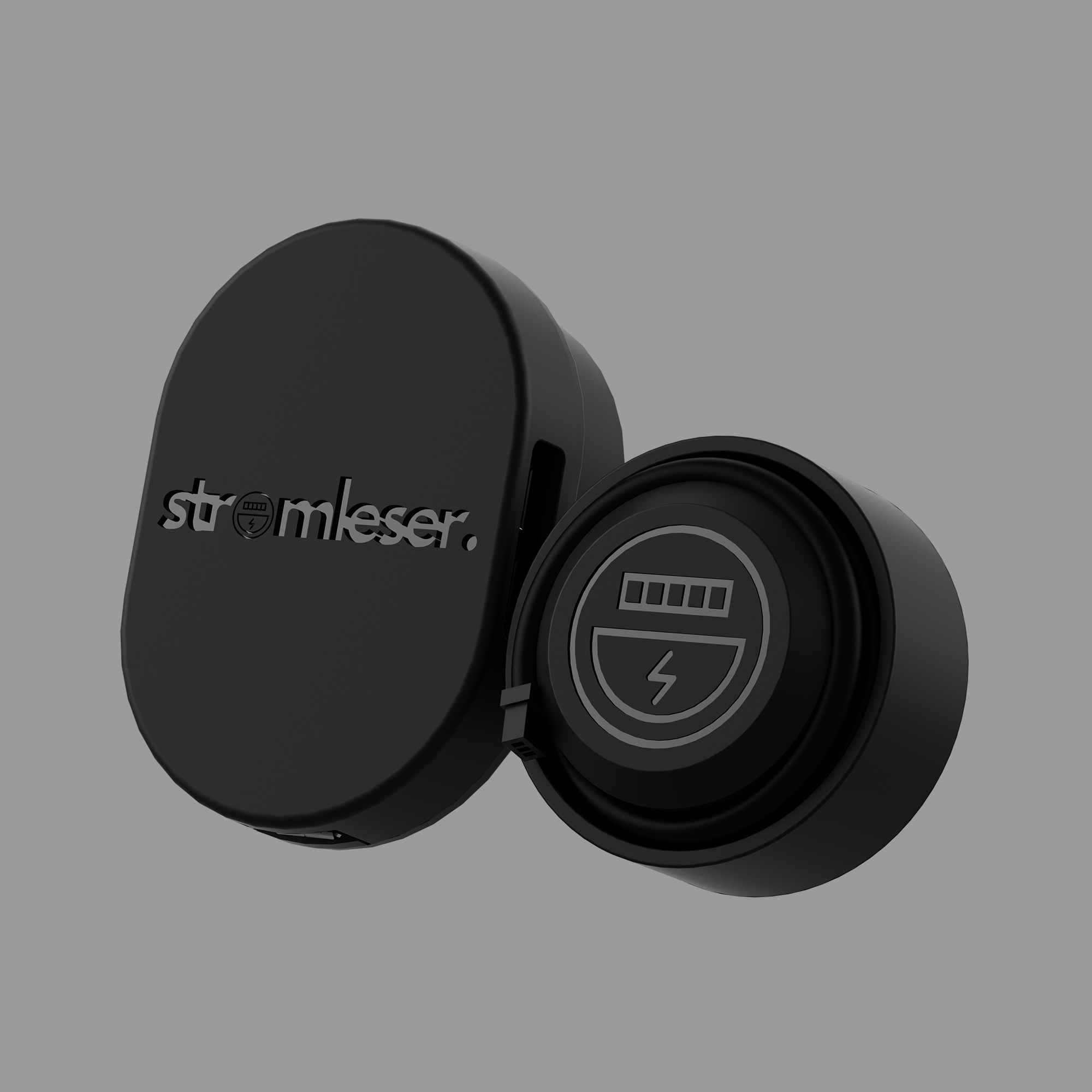

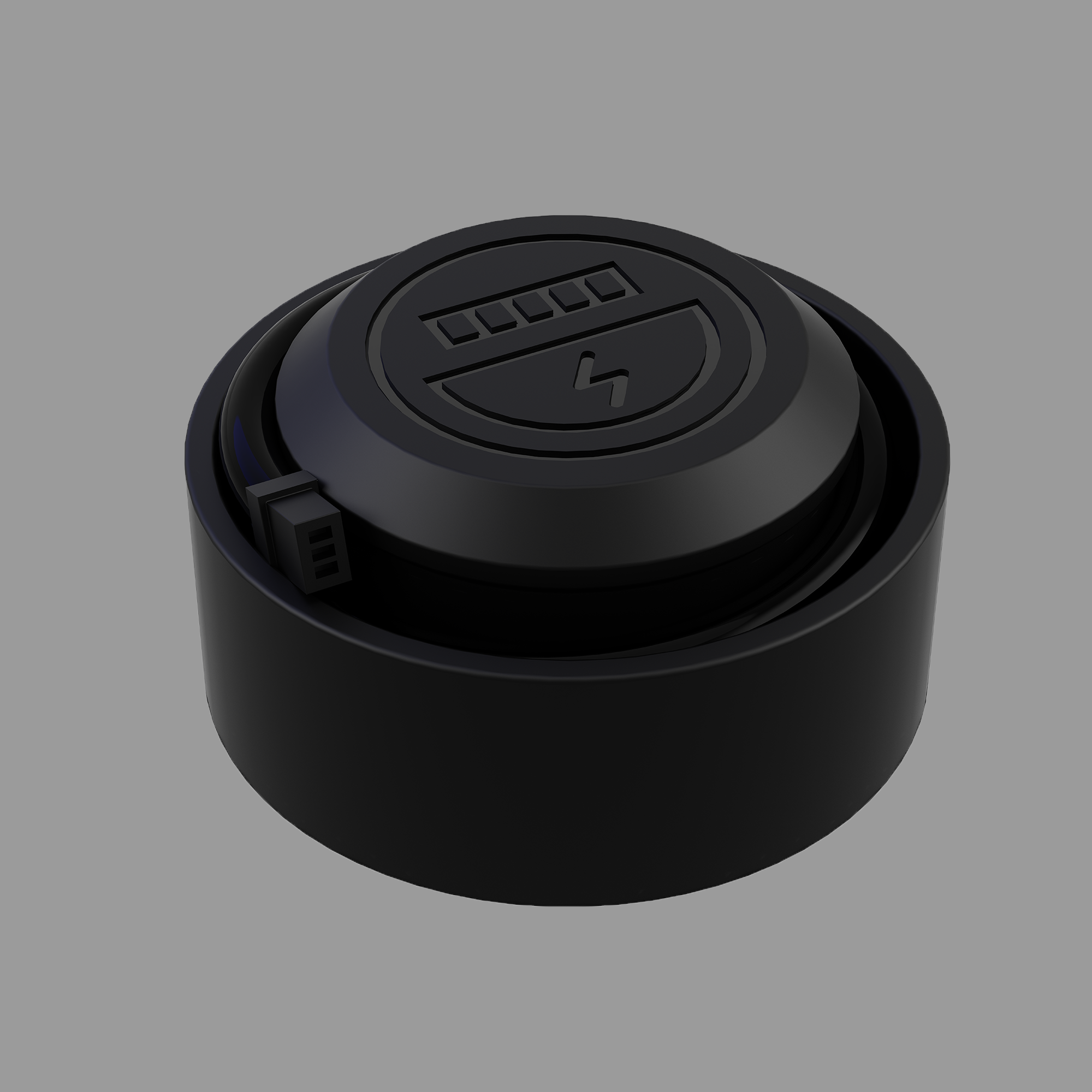
stromleser.ttl
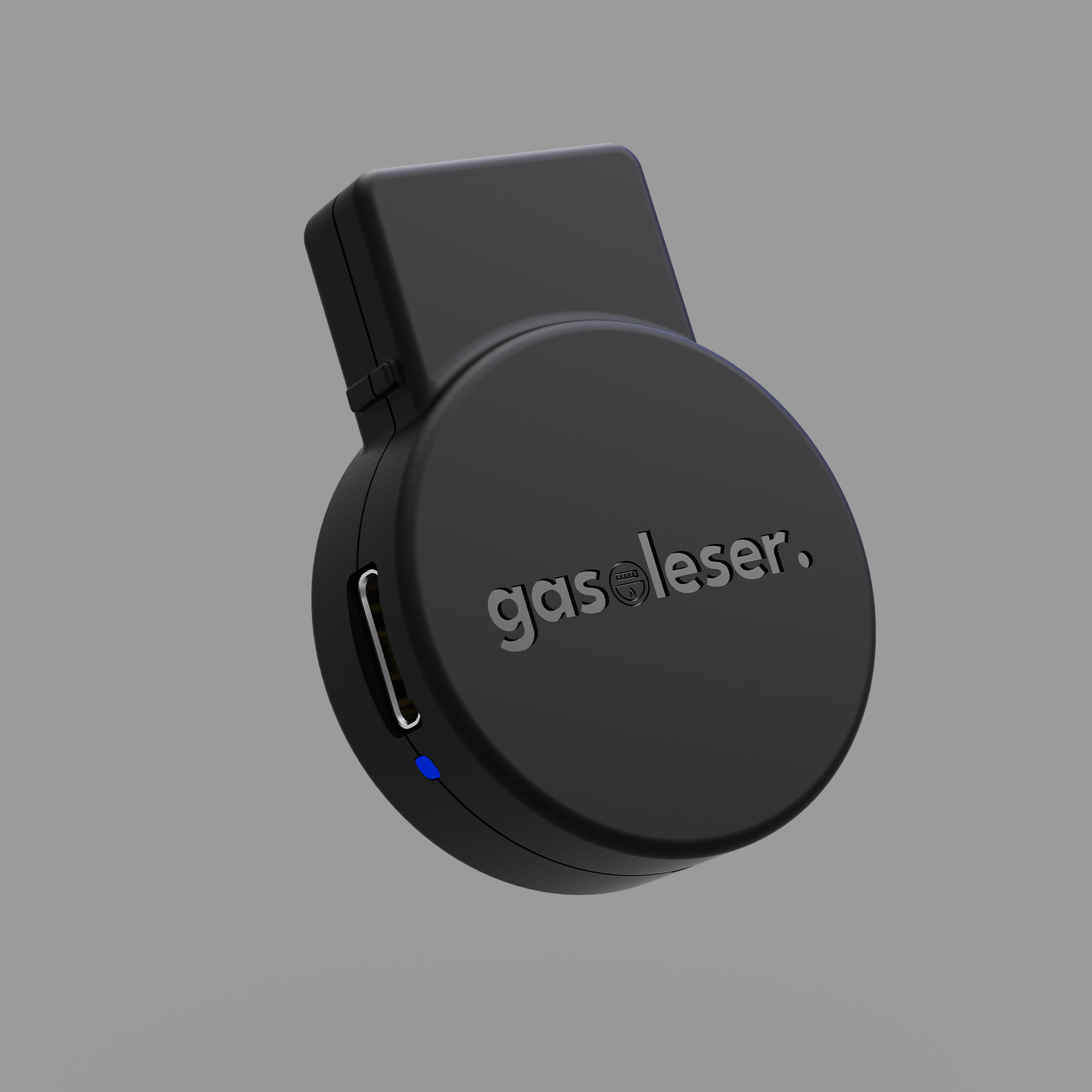
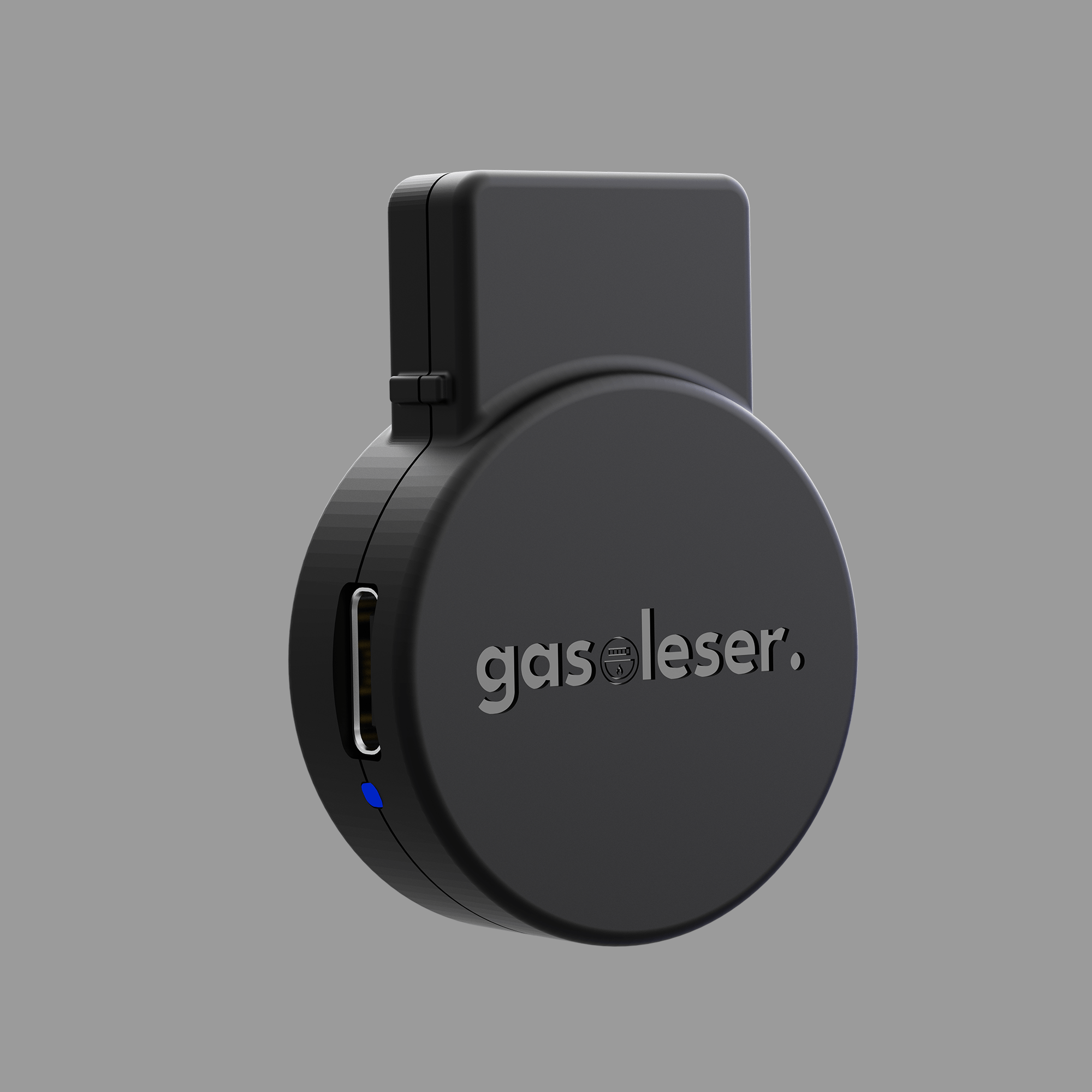
- Extension for stromleser.tasmota or Development Board
- Read electricity meter locally & integrate into Home Assistant
- Record up to 5 meters simultaneously (e.g., PV & household)
- Power outlet and Wi-Fi reception required at the meter cabinet
To display real-time readings, you usually need to request the PIN from your metering point operator and enter it on the meter beforehand. If you have any questions or are unsure whether your electricity meter is compatible, simply send us a photo to info@energieleser.de .
Comprehensive instructions and documentation
We are also available to answer any other questions you may have – e.g., regarding installation: 0711 39687998
If you use the electricity meter in connection with a (mini) PV system, the VAT rate of 0% applies according to § 12 para. 3.
You can easily find the right script for your electricity meter here .
 Pay in 30 days
 Pay in 30 days

The smart view into your meter box - live, precise and independent.

TTL cable
The power supply is provided via the 1 m long TTL cable, which is connected to the stromleser.tasmota.
Tasmota
With pre-installed Tasmota firmware – perfect for MQTT, Home Assistant & ioBroker.
Connect up to 4 TTL
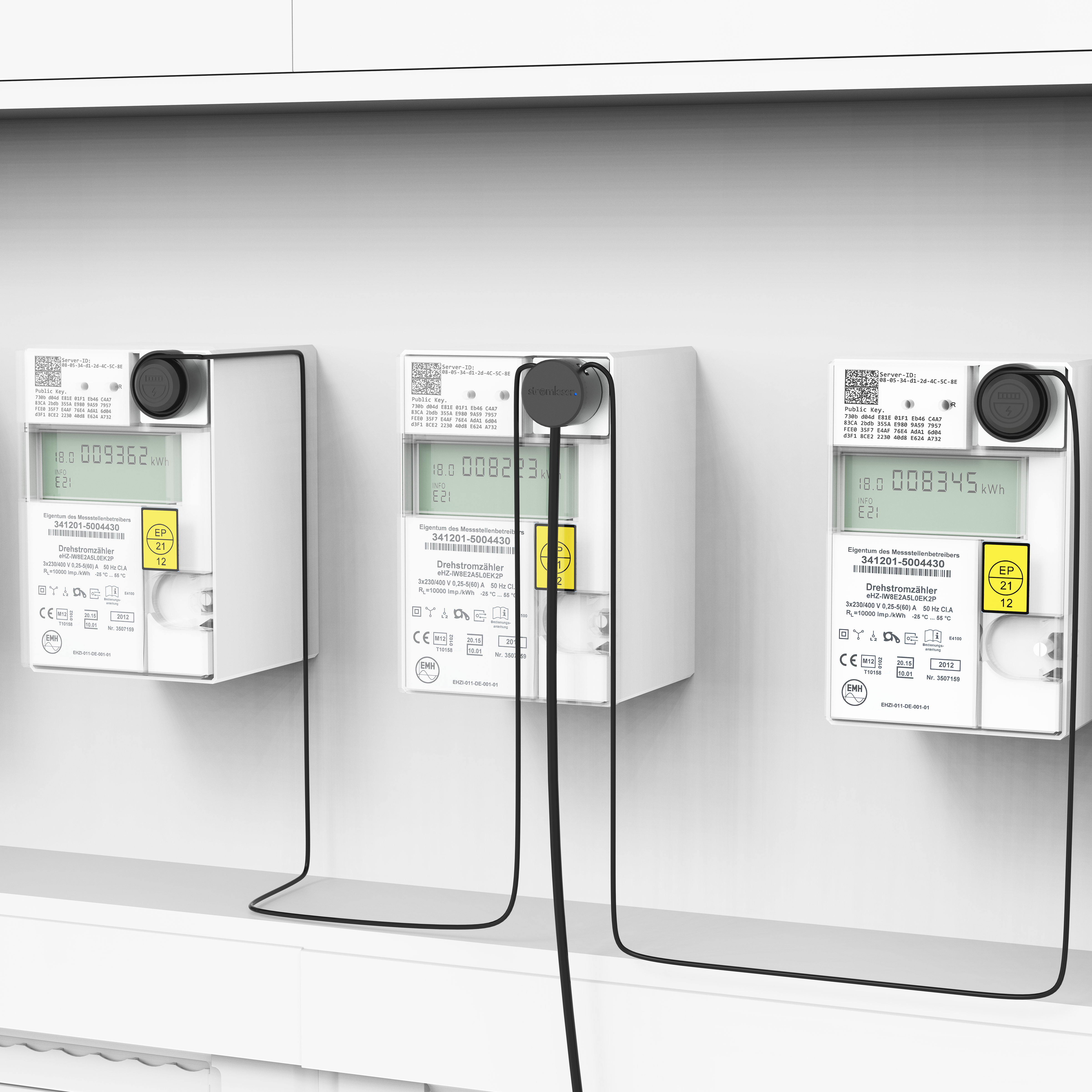
Expand the stromleser.tasmota with up to four stromleser.ttl and read up to five meters simultaneously.
Set up. Configure. Read.
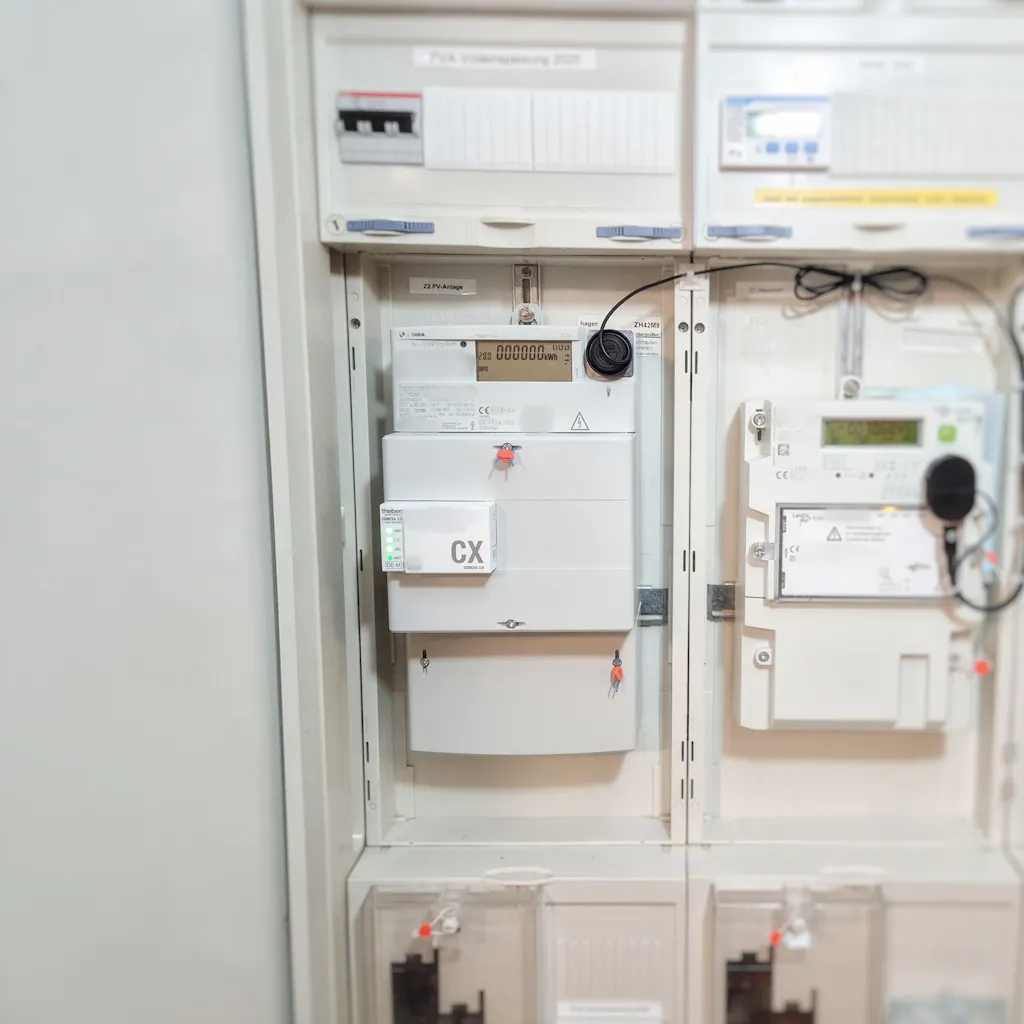
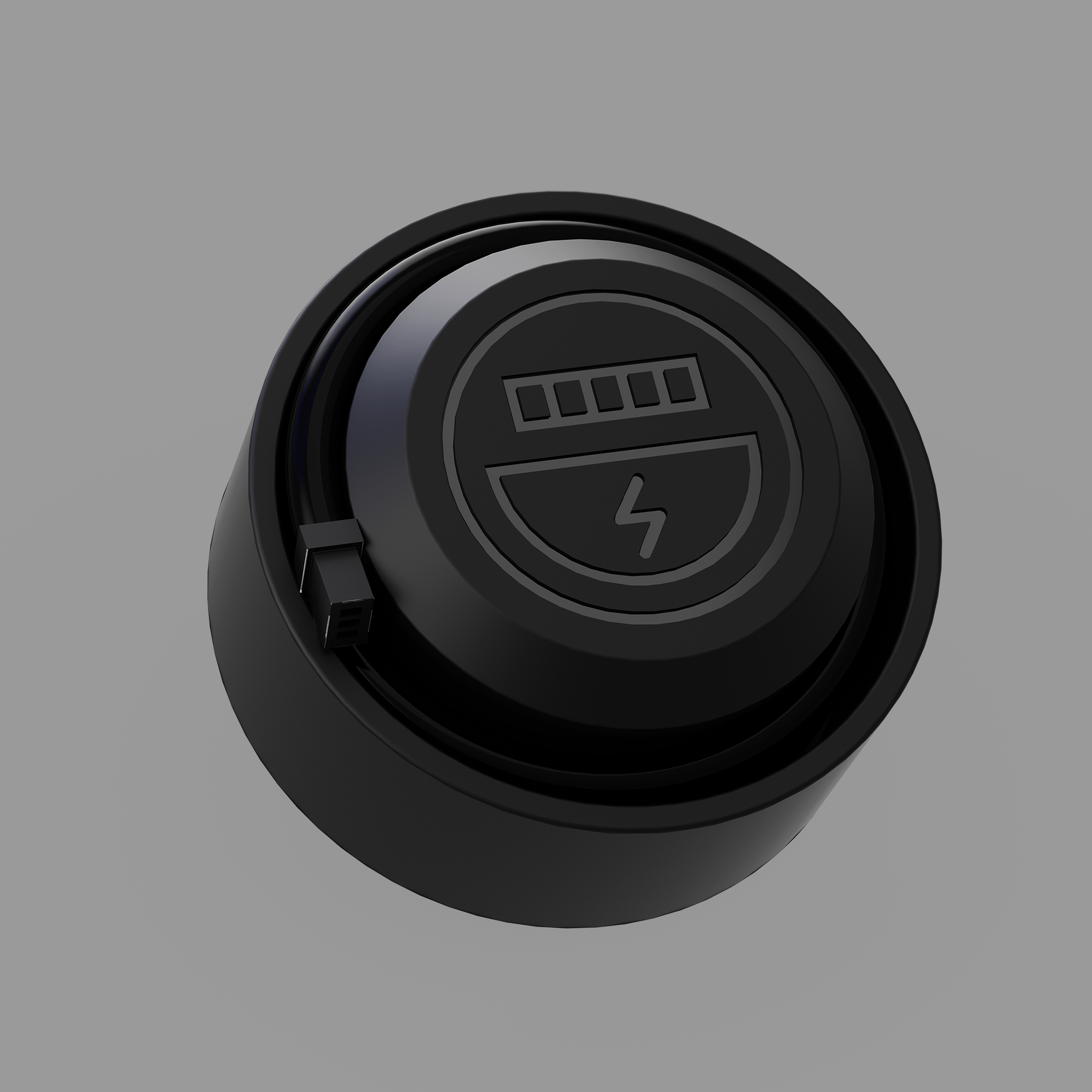
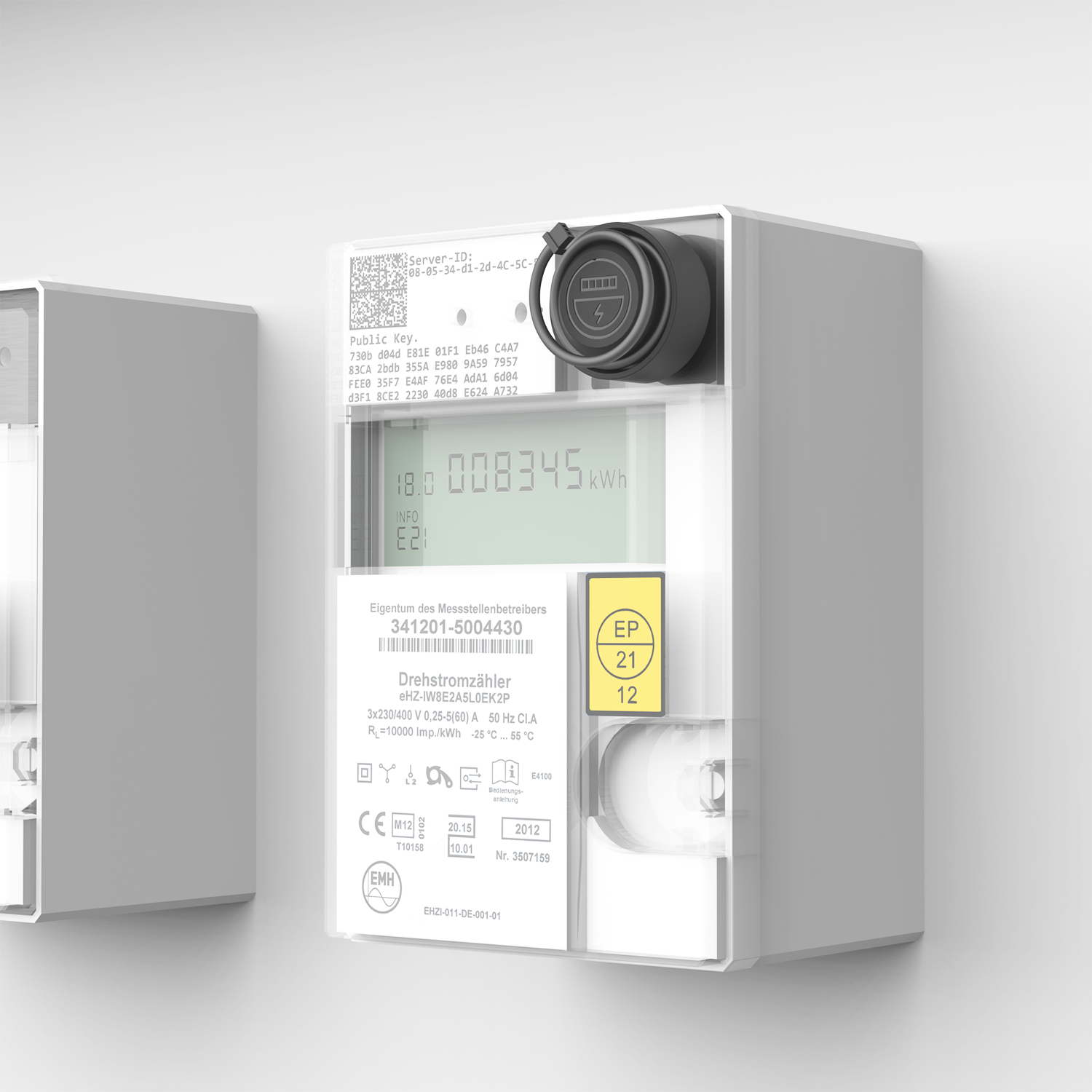
Bring the stromleser.tasmota Attach it to the optical interface of your electricity meter using a magnet. Connect it to power, enter the appropriate script , and the data will be displayed in real time on the Tasmota interface.
Read more, understand more
Thanks to the TTL extension, you can read up to five meters simultaneously – perfect for an additional PV meter or consumption recording in multi-family houses .
Live data at a glance
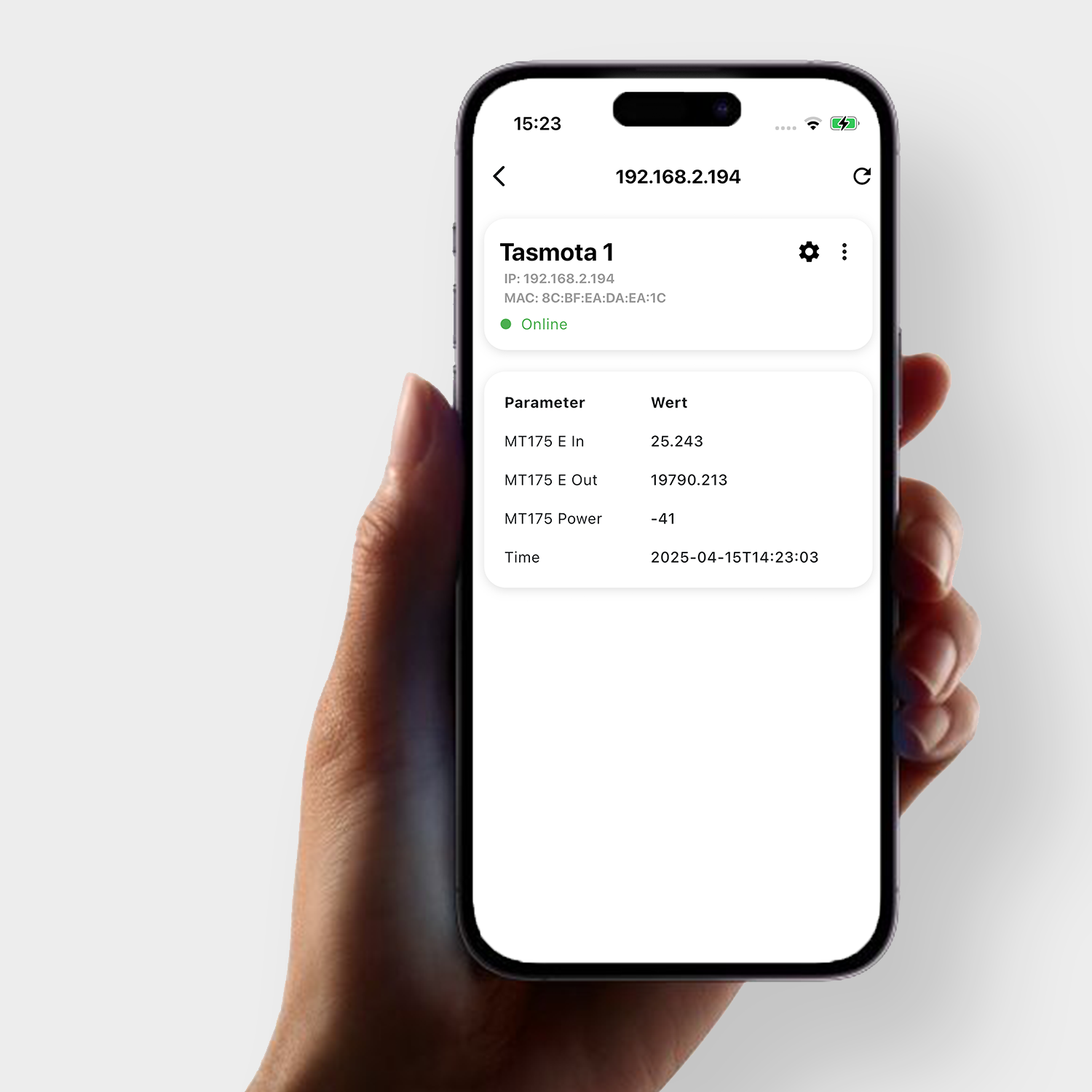
You can see the consumption values in real time – directly as a numerical overview in the stromleser app or with graphical evaluation and historical data when integrated into Home Assistant .
Scope of delivery:


You might also like