

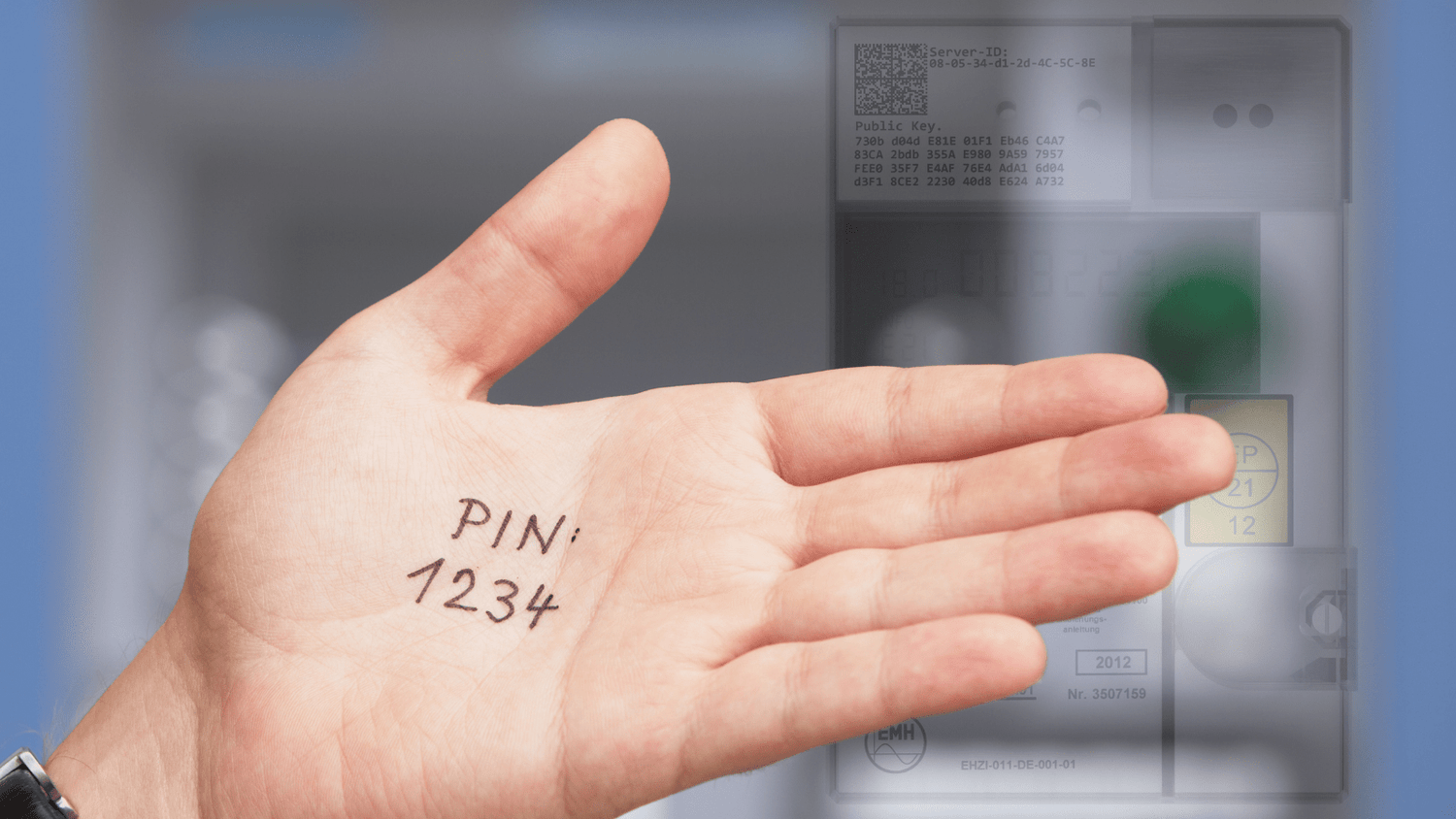
Modern metering devices (digital meters) and intelligent metering systems (smart meters) are increasingly finding their way into German households. They offer detailed consumption recording, enable remote reading, and open up new possibilities for energy-conscious behavior. However, many of these functions are protected by a PIN for data protection and security reasons.
This blog post explains when a PIN is required, how to obtain it, what data is available even without a PIN, and whether you need a PIN to use the electricity meter. We also cover the differences in installation, the role of the responsible metering point operator, and everyday use.
Digital electricity meters and modern measuring devices – why a PIN is important
Modern metering devices – also known as digital electricity meters – are electronic devices for measuring electricity consumption and, if applicable, the amount fed into the grid (e.g., from photovoltaic systems). Unlike mechanical Ferraris meters, they have a display and a digital data interface (e.g., D0 port). Smart metering systems combine a digital meter with a communication unit (smart meter gateway) for remote reading.
Protecting these devices with a PIN is necessary for good reason: it prevents unauthorized access to sensitive consumption data, technical configurations, and calibration-relevant test values.

When do you need a PIN – and what can you see with it?
The PIN is the key to advanced functions of your digital electricity meter or smart metering system. While the meter displays basic values such as the current meter reading or simple instantaneous power consumption even without the PIN, you need it to access:
- Historical consumption data and long-term load profiles
- Real-time performance values such as active power, current, voltage, frequency
- Tariff information for day/night electricity or dynamic tariffs
- Feed-in data , e.g., for PV systems or balcony power plants
- Technical settings : Language, display format, lighting
- Communication parameters such as readout interval or protocol
- Test values for calibration
- Information regarding the installation , e.g., power cable or current transformer.
PIN access is particularly relevant if you want to optimize your self-consumption, participate in variable electricity tariffs, or intelligently control your smart home.
What data does the meter provide even without a PIN?
Even without entering a PIN, the counter offers a lot of helpful information:
- Current meter reading (total consumption in kWh) ( step-by-step instructions )
- Consumption history of the last few days
- Partially instantaneous values of the power consumed
- Display information for the unit (e.g. kWh, kW)
This information is often sufficient to get an overview of one's own energy consumption and to compare it with similar households.
Installation and execution: Who assigns the PIN?
The installation of modern metering devices is carried out by the responsible metering point operator – usually on behalf of the network operator. The PIN is assigned individually for each device.
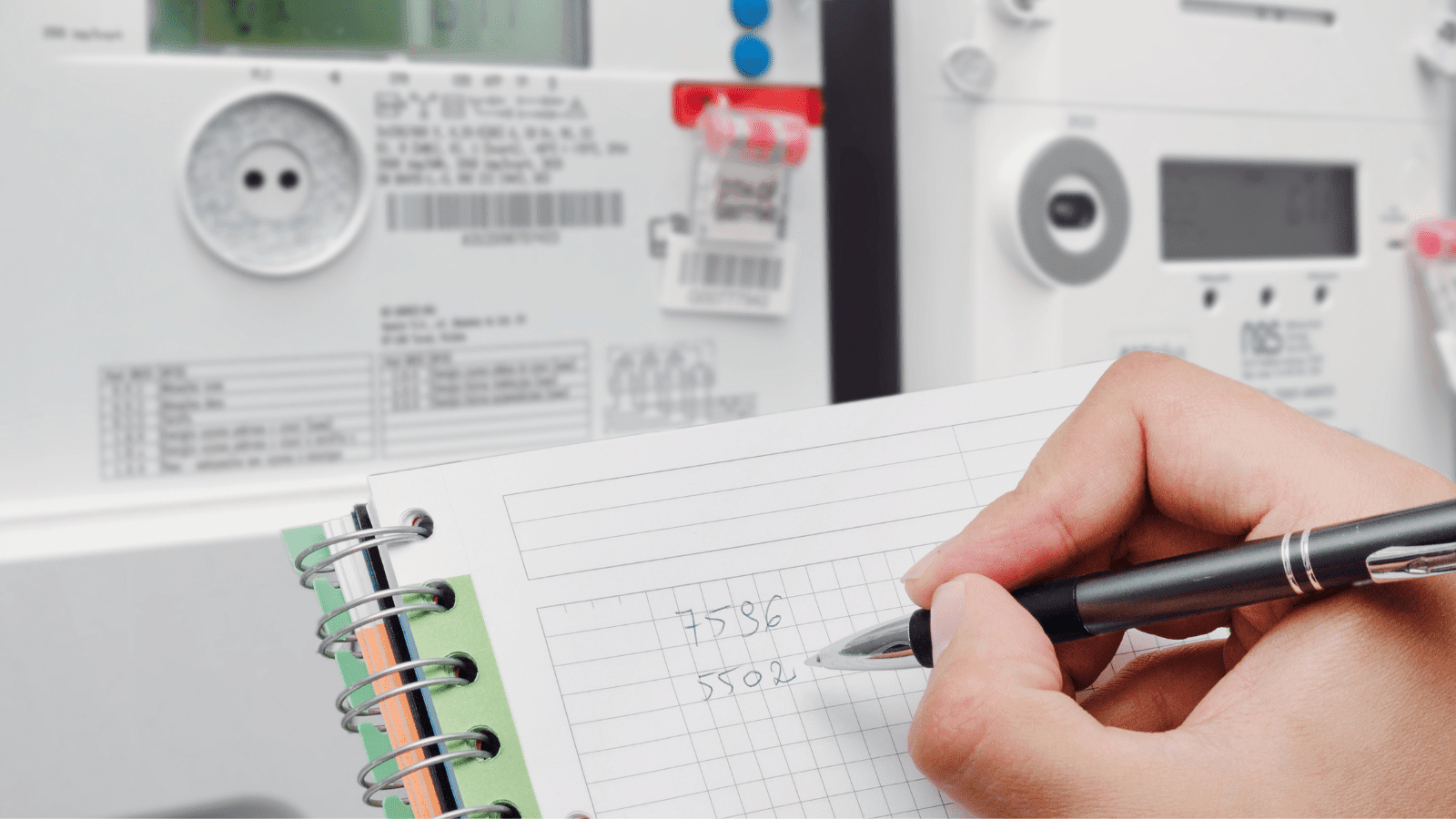
The meter itself is usually located in the meter cabinet, often in combination with a 32A CEE socket or other documentation relating to the electrical installation. Be sure to note the exact model name, serial number, and unit (e.g., kWh).
This is how you get your PIN from the metering point operator.
If you do not have your PIN or have lost it, you can request it from the responsible metering point operator:
Step-by-step instructions:
- Note down meter number and device data
- Go to your provider's website (often found on your electricity bill)
- Fill out the online form there or call the hotline.
- Prepare proof of your eligibility (e.g., last bill, rental agreement)
- The PIN will be sent by post (for security reasons).
Some providers also require a photo of the meter display or the side of the meter cabinet.
This is how PIN entry works on the device.
The PIN entry process on the device varies slightly depending on the manufacturer, but essentially works like this:


Using the power meter: Do you need a PIN?
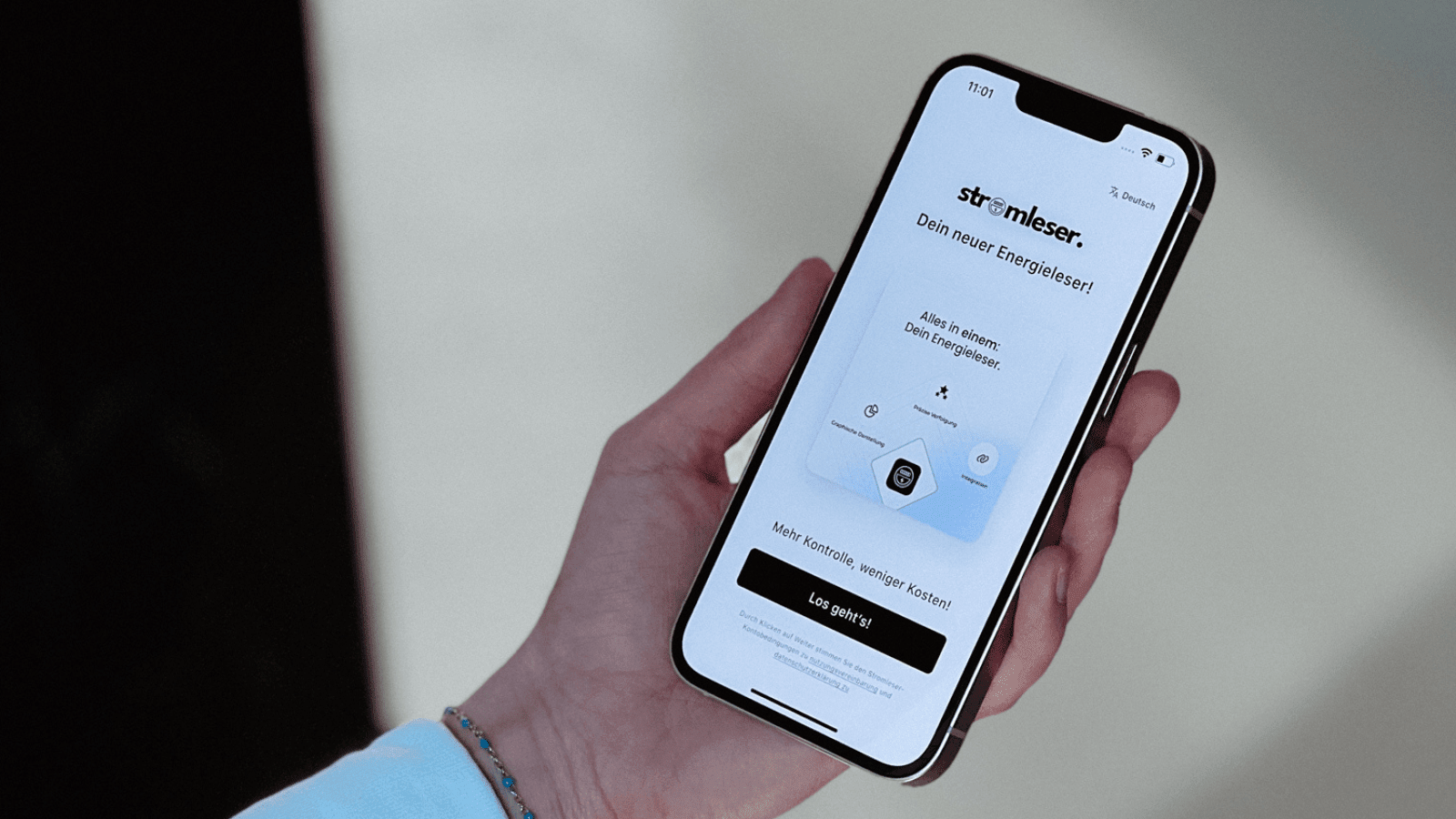
No PIN is required for basic use of the electricity meter reader . The electricity meter readers access the meter via the optical D0 interface. No PIN is required to read basic data, such as the current meter reading. The electricity meter reader reads data exclusively via publicly accessible interfaces, without accessing any protected areas.
However, if you want to use advanced features – such as displaying current power consumption, detailed usage histories, tariff switching, or smart home integrations – a PIN entry may be required. This applies, for example, to:
- Long-term analyses in the app
- Active tracking of day/night tariffs
- Comparison of operating values for energy-intensive devices
- Smart home rules based on real-time values
Whether and which data are available without a PIN depends on the respective meter model, the technical design and the settings of the responsible metering point operator.

Smart meters in practice: From principle to application
Smart meters, also known as intelligent metering systems, are based on the principle of precise and automated recording of energy flows. This principle originally comes from industry, where machinery, plants, or production lines need to be efficiently monitored and controlled. This technology has now also arrived in the private sector – and is becoming key to sustainable energy use.
The main function of these meters is to measure electricity consumption – not only in absolute figures, but also over time, including peak loads and consumption profiles. Thanks to the integrated communication unit, remote reading is possible at any time – without requiring a technician to be on site.
Especially when combined with solar power, heat pumps, battery storage systems or dynamic electricity tariffs, intelligent metering systems provide crucial data to reduce energy costs and automate processes.
Everything at a glance: Technical specifications on the side of the device.
If you're looking for technical specifications for your digital meter, it's worth checking the device's side panel. There you'll usually find information on:
- Model and manufacturer
- Serial number
- Unit of measurement (e.g. kWh, kW)
- Year of manufacture and version
- Interfaces (e.g. D0, LMN or HAN)
- Communication module (for smart metering systems)
You will often need this information if you want to request a PIN from the network operator or the responsible metering point operator, or if you have technical questions.
Conclusion: PIN is the key to greater transparency and control
Digital electricity meters and smart meters are far more than just digital versions of analog devices. They form the interface between consumption, the grid, and digitalization. Thanks to PINs, app connectivity, and real-time analysis, smart metering systems are evolving into an integral component of modern energy concepts – in single-family homes as well as apartment buildings and commercial properties.

FAQ about the PIN for digital electricity meters
What to do if you forget your PIN.
→ You can request a new one free of charge from the responsible metering point operator.
Does my old PIN still apply after a meter change?
→ No, you will also receive a new PIN with a new meter.
Can I see my total electricity consumption without using a PIN?
→ You can see the current meter reading and basic consumption values – for more in-depth analysis you need a PIN.
Where can I find technical information about the measuring device?
→ On the side of the device, in the meter cabinet, in the instructions or on the manufacturer's website.
❗️ If you have any questions or need support, please contact us by email ( info@energieleser.de ).


Leave a comment
This site is protected by hCaptcha and the hCaptcha Privacy Policy and Terms of Service apply.