



stromleser.tasmota 2
- Make digital electricity meters smart – with pre-installed Tasmota firmware and display of real-time data via Tasmota
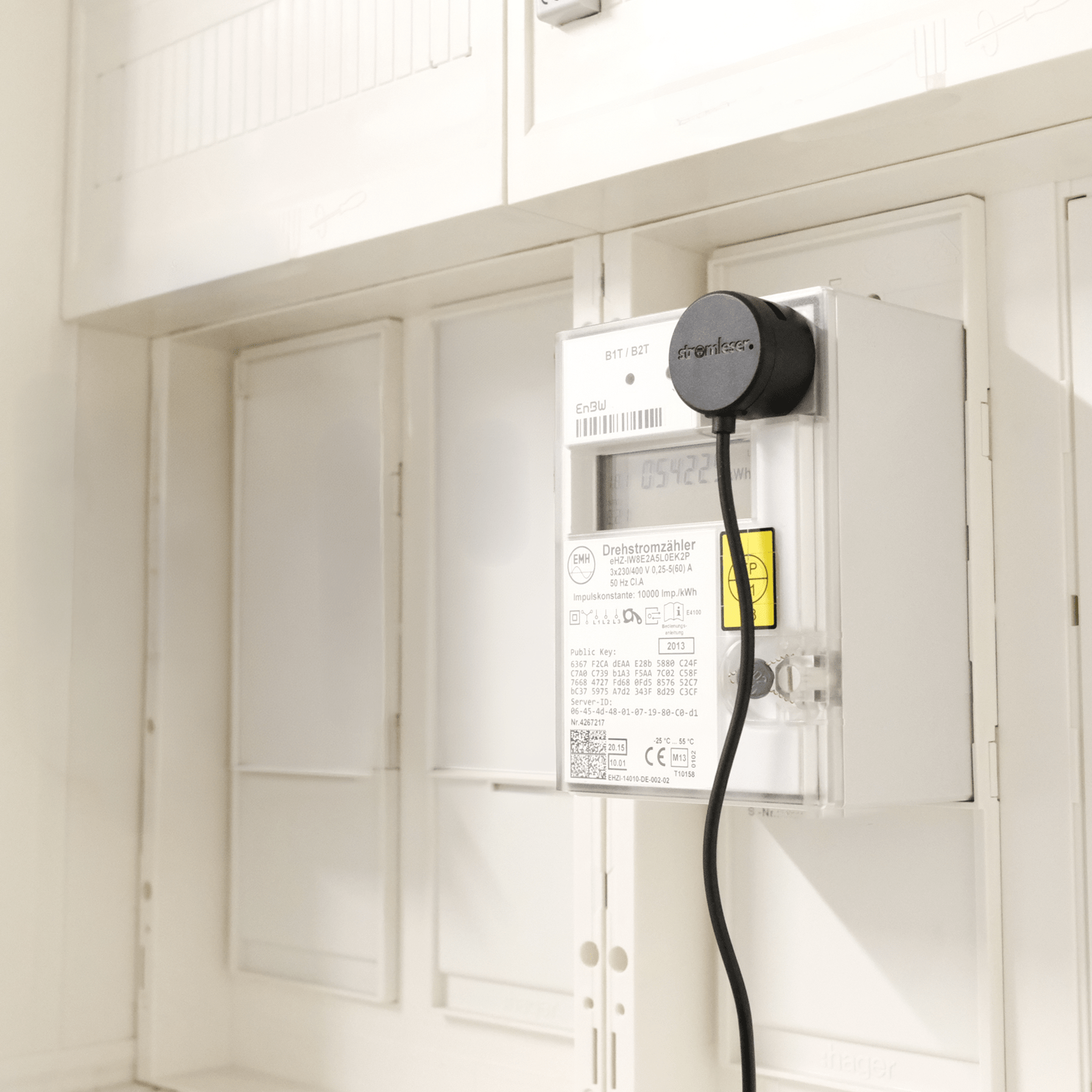
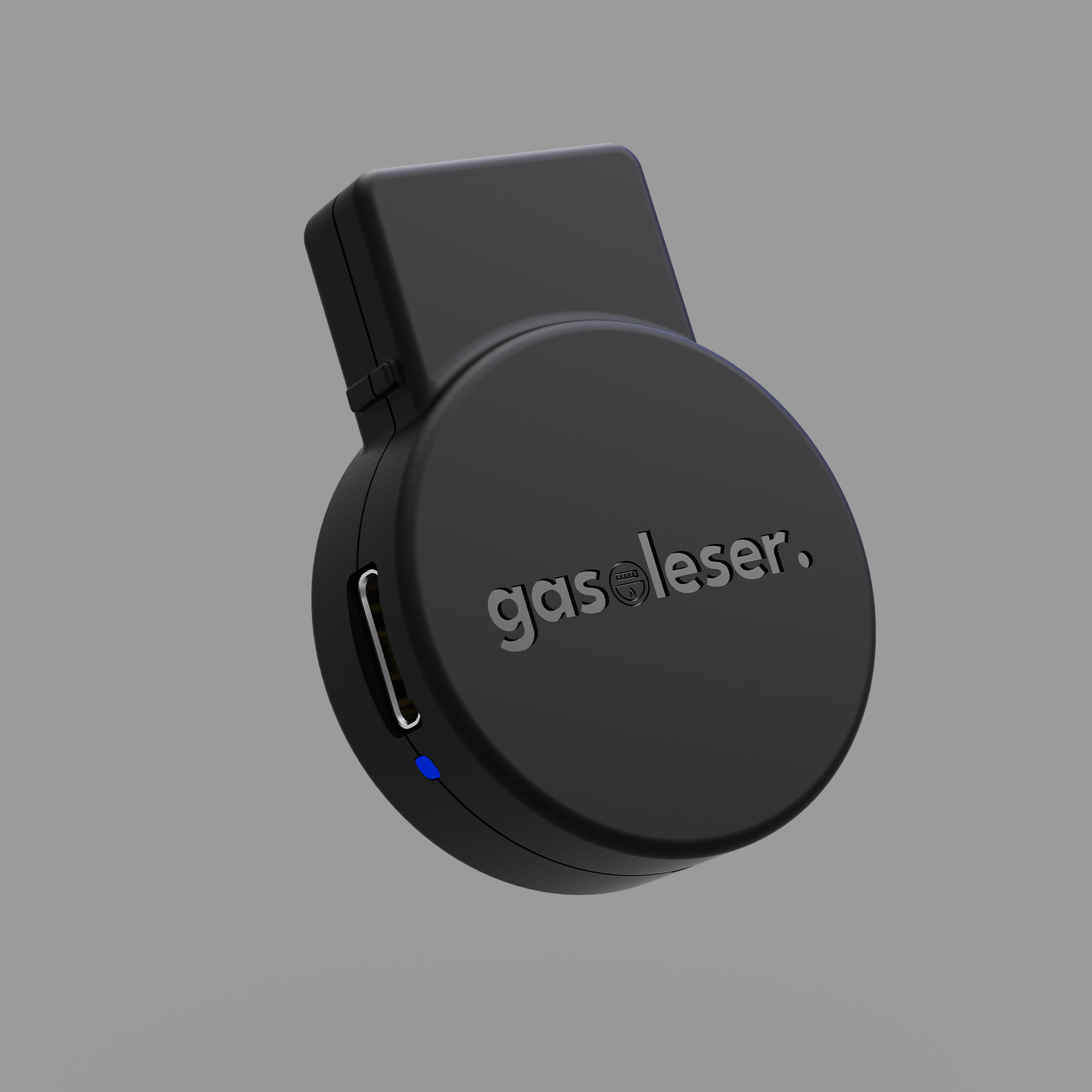
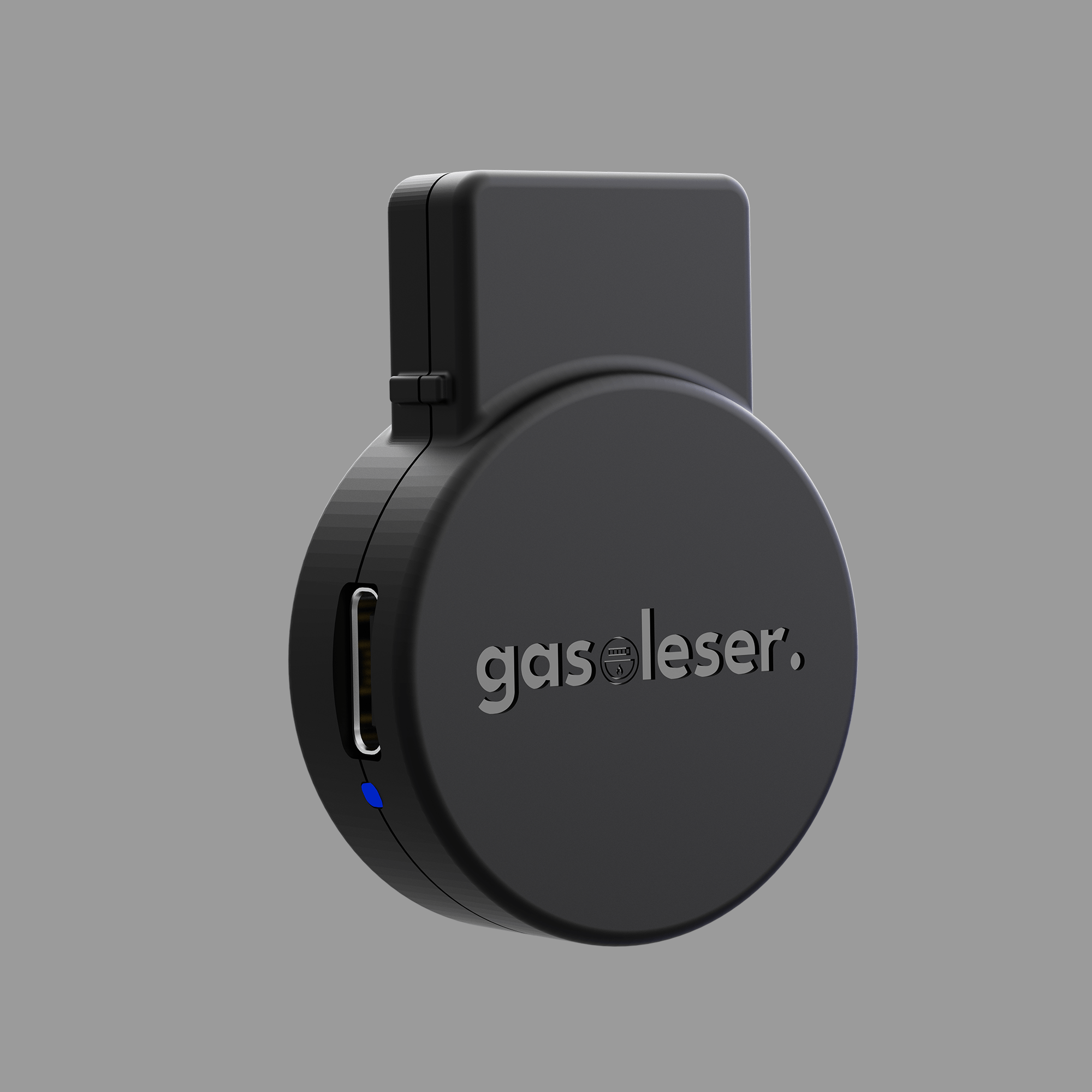
- Innovative design with integrated cable for a particularly clean installation (even with plastic front panel on the meter)
- Read locally & seamlessly integrate into Home Assistant
- Optional: Display diagrams in the energieleser app with a Pro subscription (1 consumption value per day)
- Power outlet & WLAN reception required at the meter cabinet
Comprehensive guides and documentation
We are also available to help with any other questions you may have – e.g., regarding installation – at any time: 0711 39687998
You can easily find the right script for your electricity meter here .
 Pay in 30 days
 Pay in 30 days
Finde deinen stromleser.
Jetzt die stromleser Modelle vergleichen.
.one |
.tasmota |
.tasmota 2 |
.ttl |
|
|---|---|---|---|---|
| Software | stromleser | tasmota | tasmota | wie Hauptmodul |
| App | nur in Kombination mit .tasmota / .tasmota 2 | |||
| Echtzeitdaten | nur in Kombination mit .tasmota / .tasmota 2 | |||
| Historische Daten als Grafiken | Mit Pro Subscription | |||
| Optimierter Formfaktor | ||||
| Erweiterung durch stromleser.ttl | ||||
| Home Assistant |

The smart view into your meter box - live, precise and independent.

Innovative design with integrated cable
The USB-C cable elegantly disappears into the housing, ensuring a tidy installation on the meter cabinet. Power supply included.
Rounded design for maximum compatibility
The optimized round form factor prevents bumping against the plastic stem of many meters.
Reading three electricity meters simultaneously
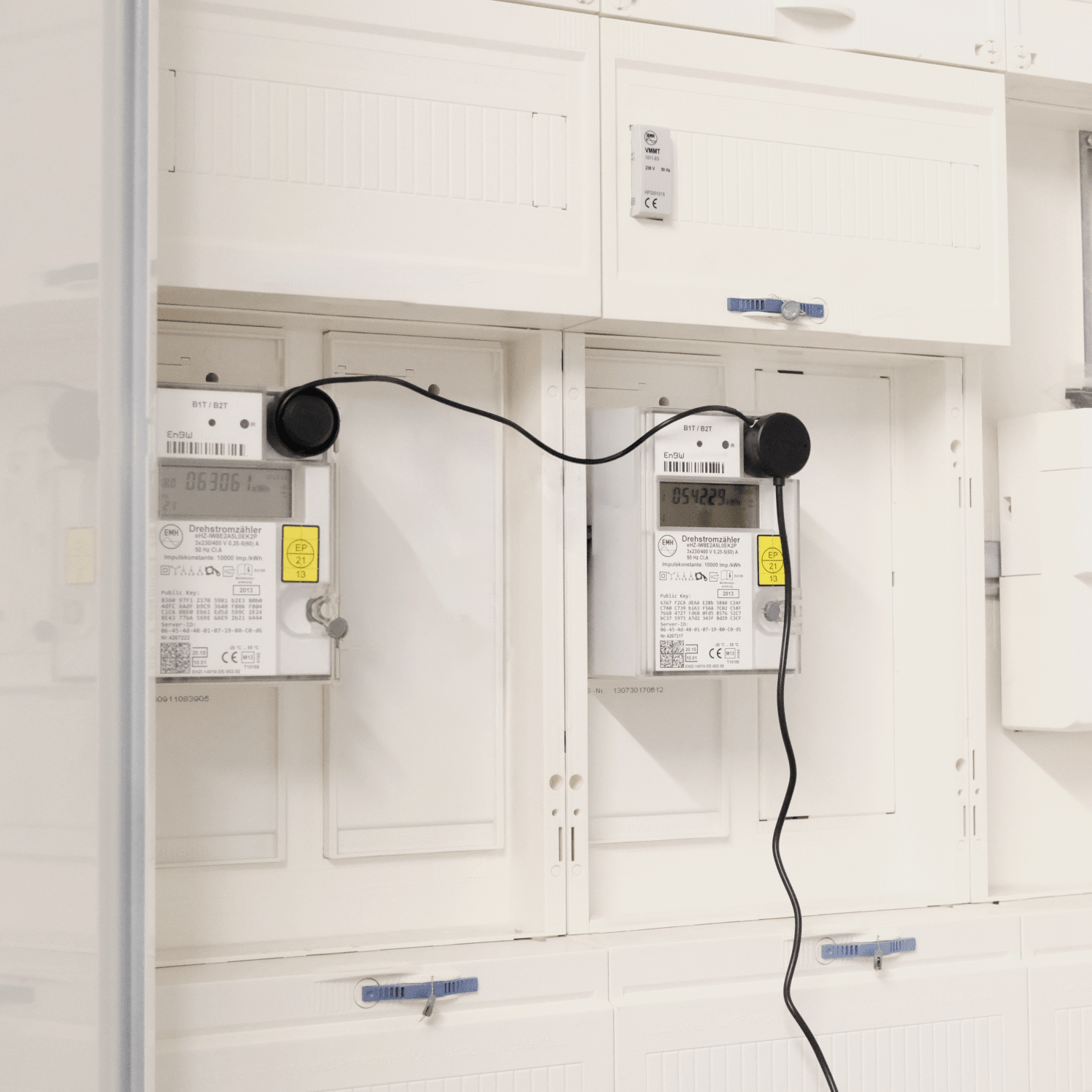
Thanks to two additional TTL connections, a total of up to 3 electricity meters can be read in parallel.
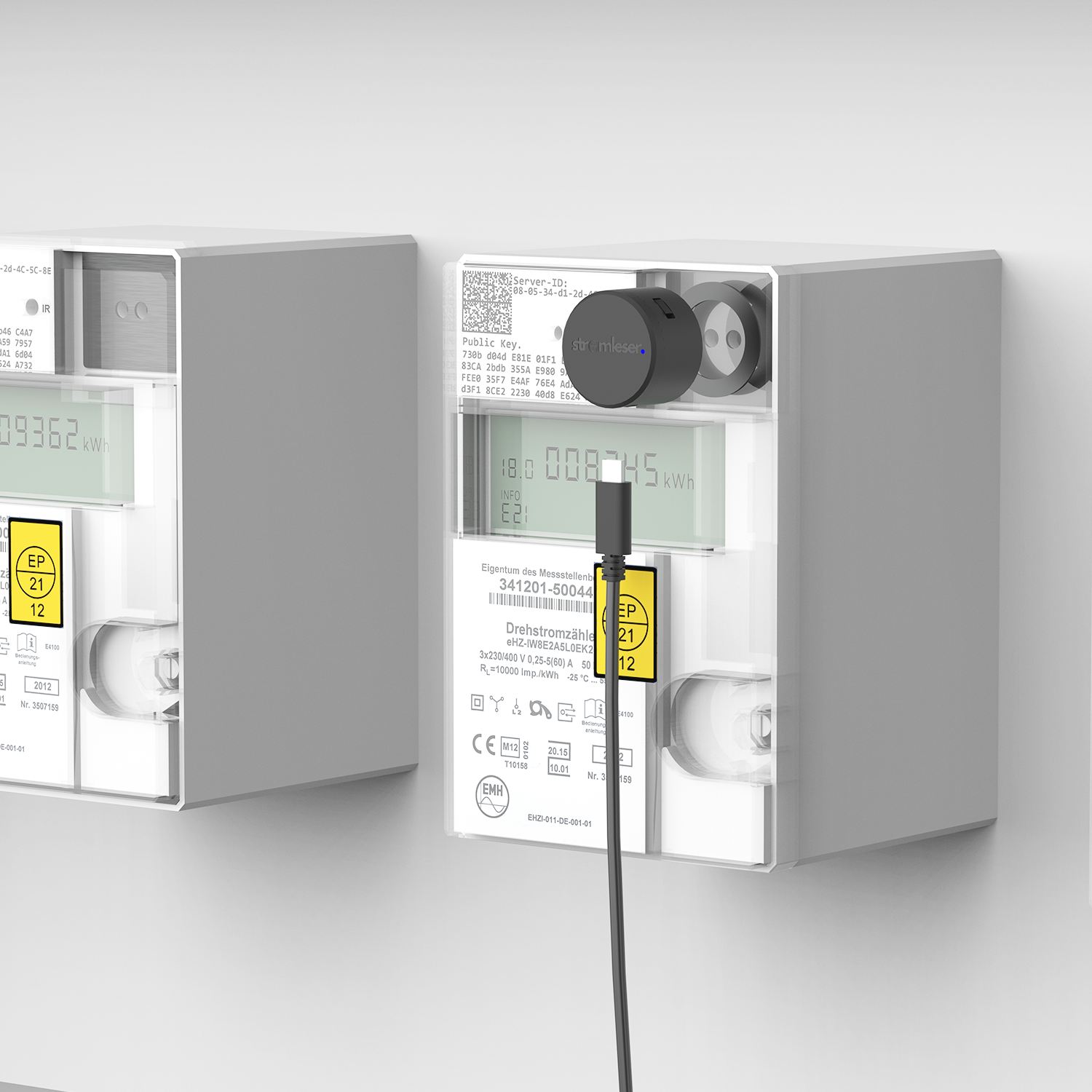
Set up. Configure. Read.
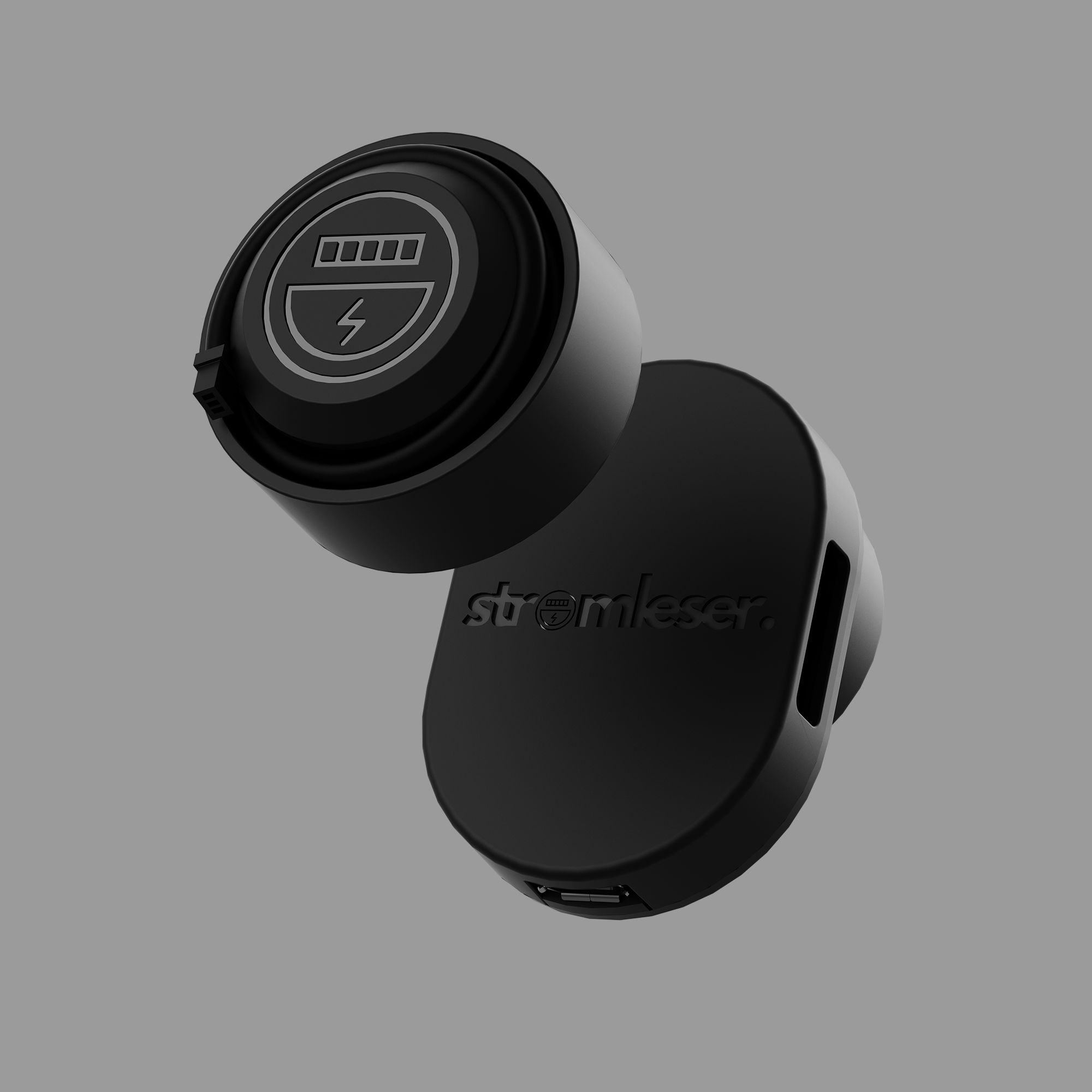
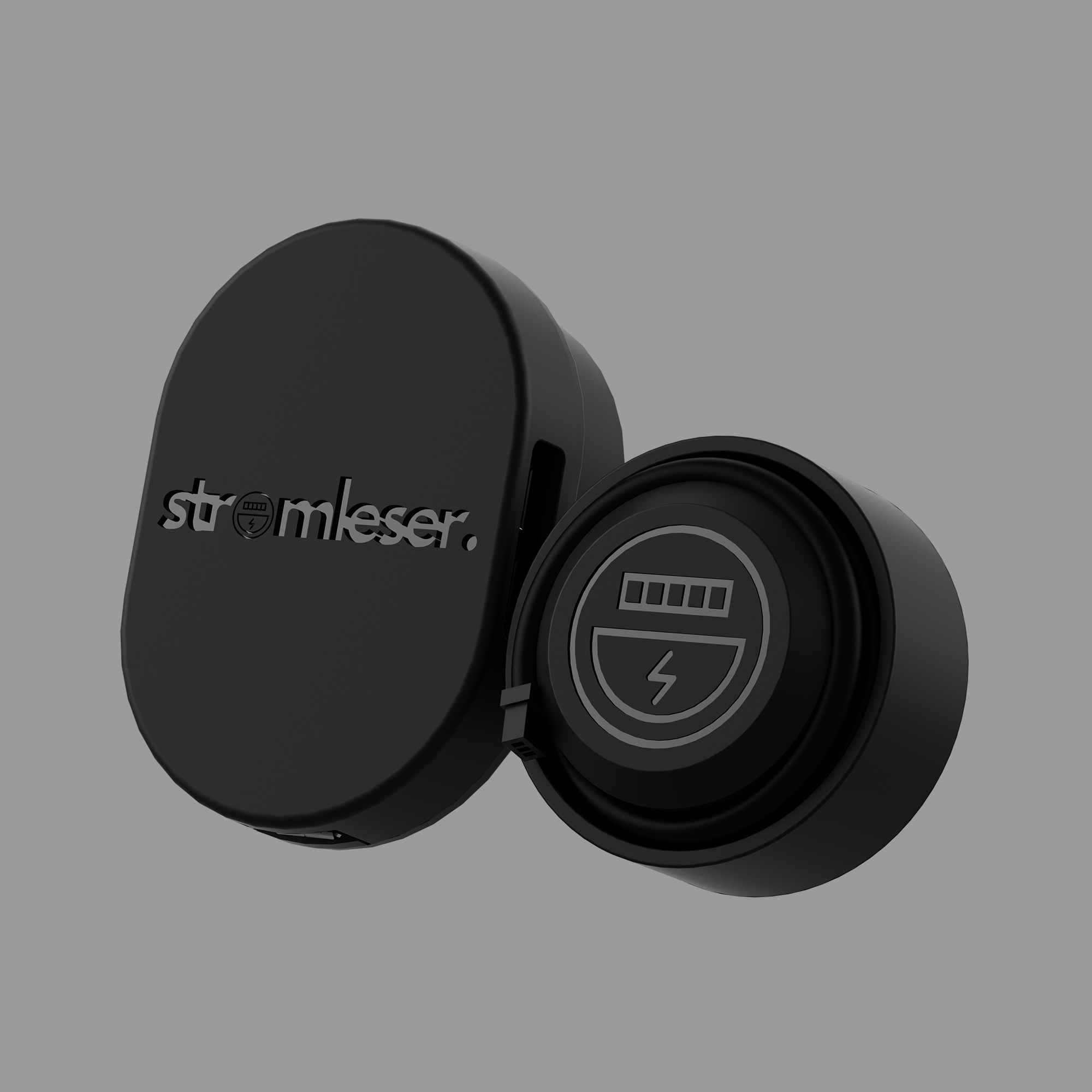
Attach the stromleser.tasmota 2 magnetically to the optical interface of your electricity meter. Connect it to power, upload the appropriate script – and the data will be displayed in real-time (locally) on the Tasmota interface.
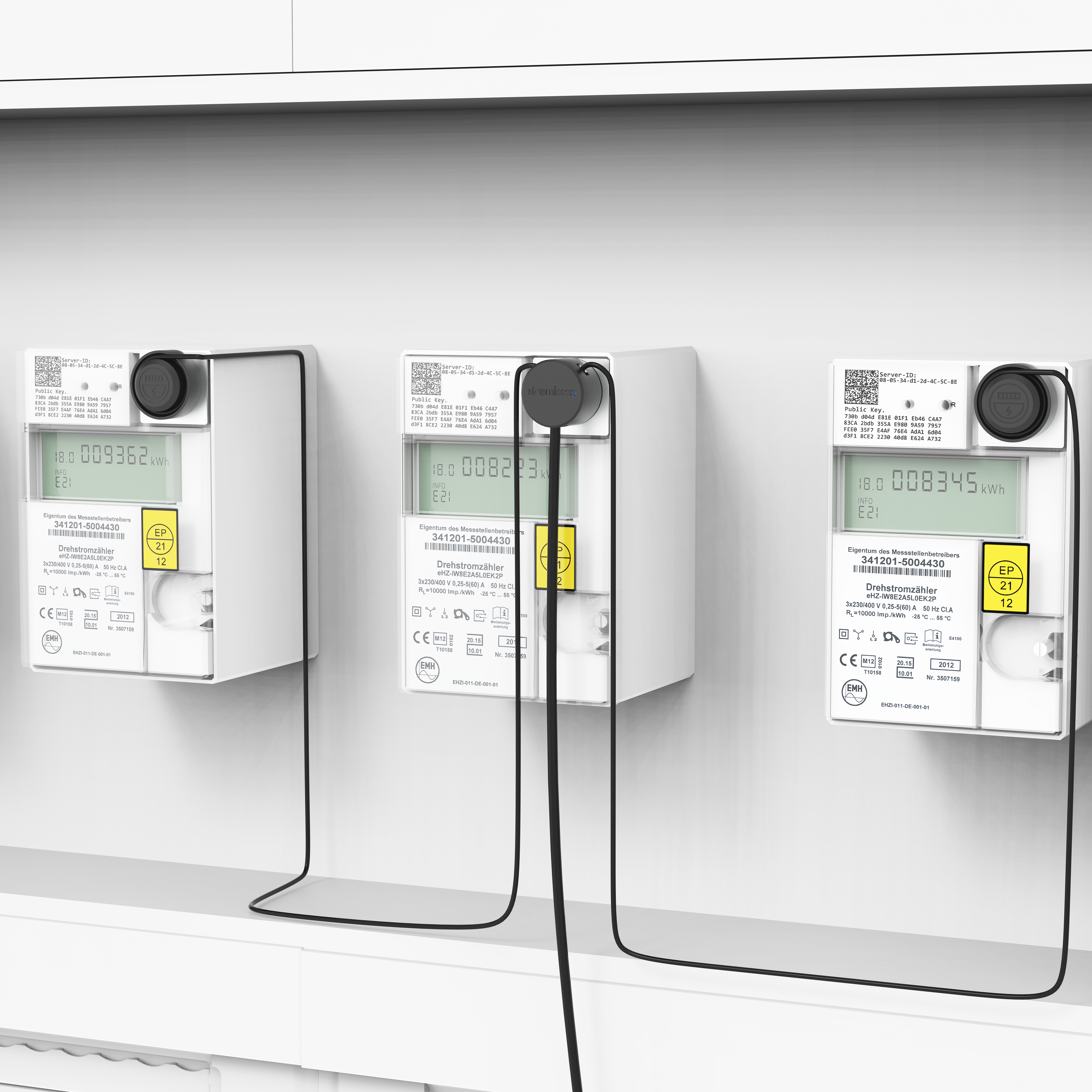
Read more, understand more
Thanks to TTL expansion, you can read up to three meters simultaneously – perfect for an additional PV meter or consumption logging in multi-family homes.
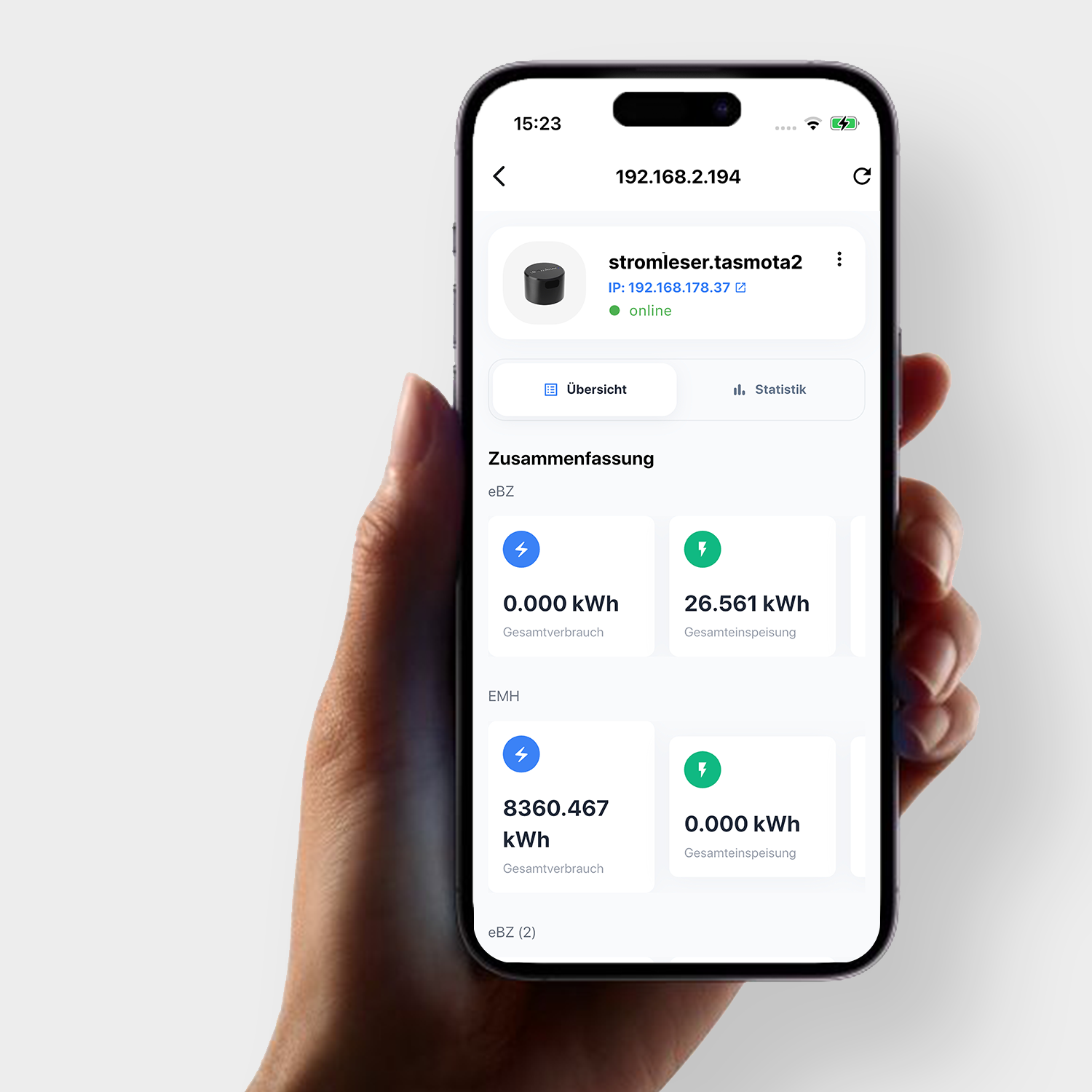
Live data at a glance
You can see the consumption values in real-time (locally) in your Wi-Fi – directly as a numerical overview in the energieleser app, via Tasmota, or in your Home Assistant setup. Since the data is retrieved locally, access is only possible within the same Wi-Fi network.
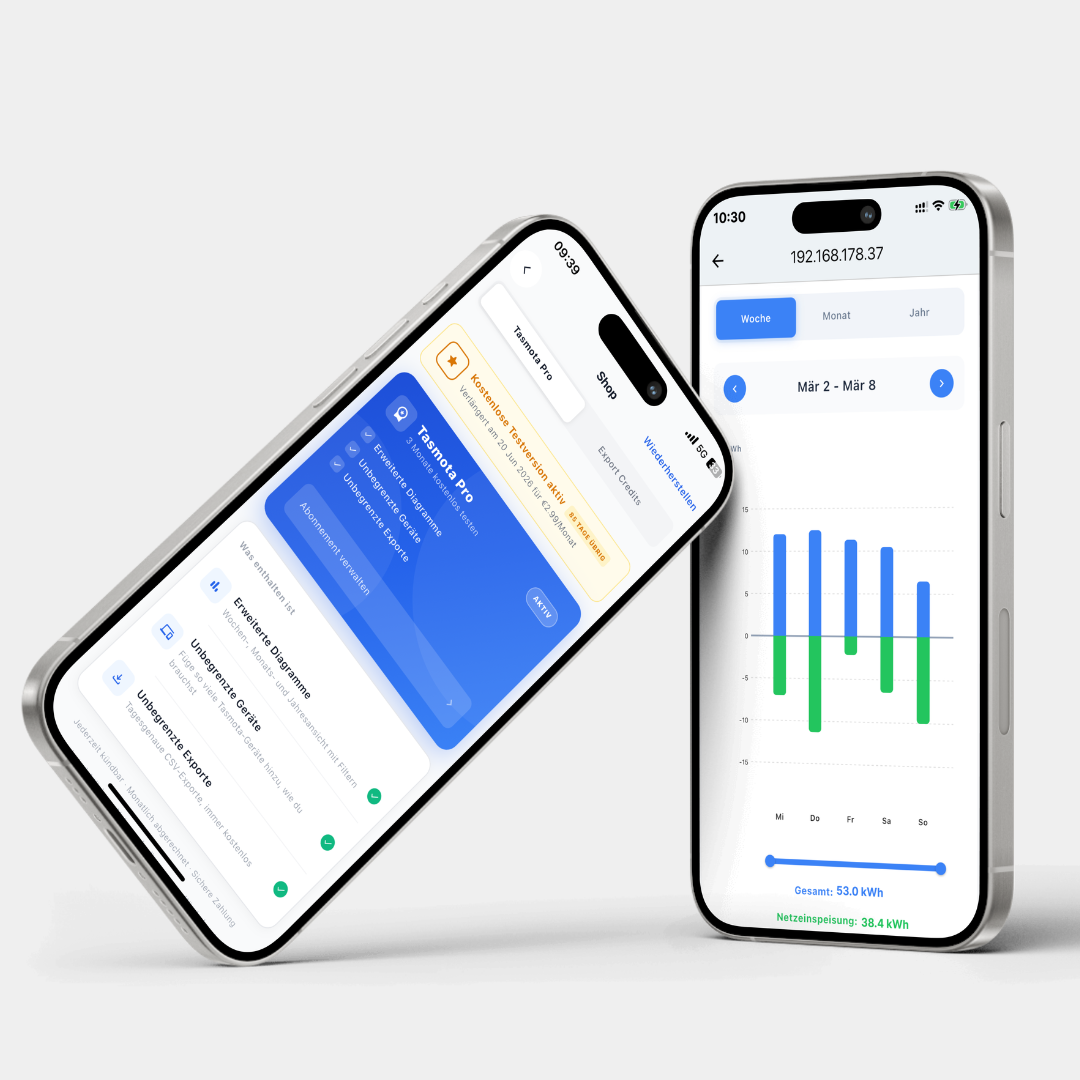
Discover the Pro Subscription for more insights
With the new Pro Subscription, you can now not only retrieve the consumption data of your Tasmota devices in real-time, but also permanently save it as daily values and display it graphically.
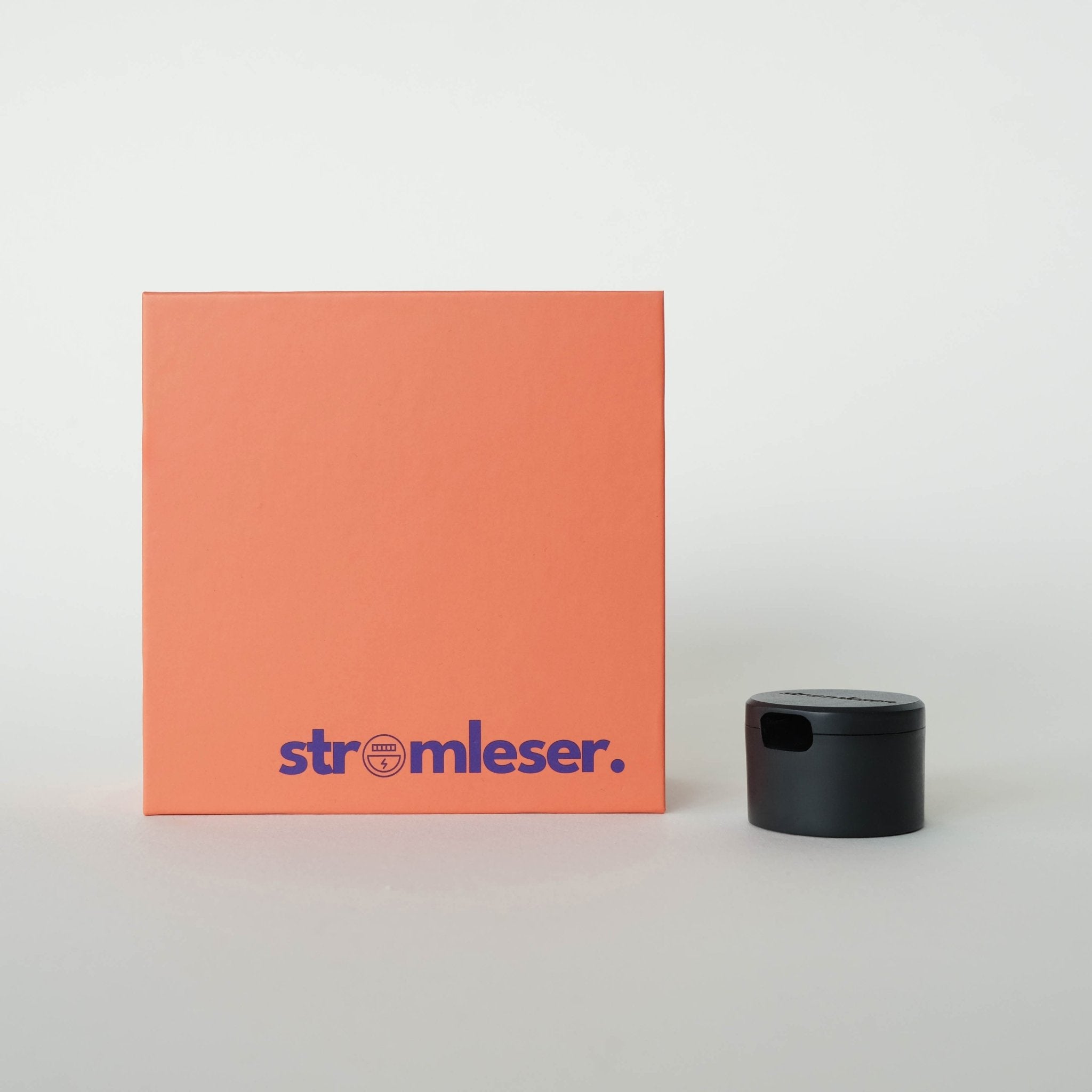
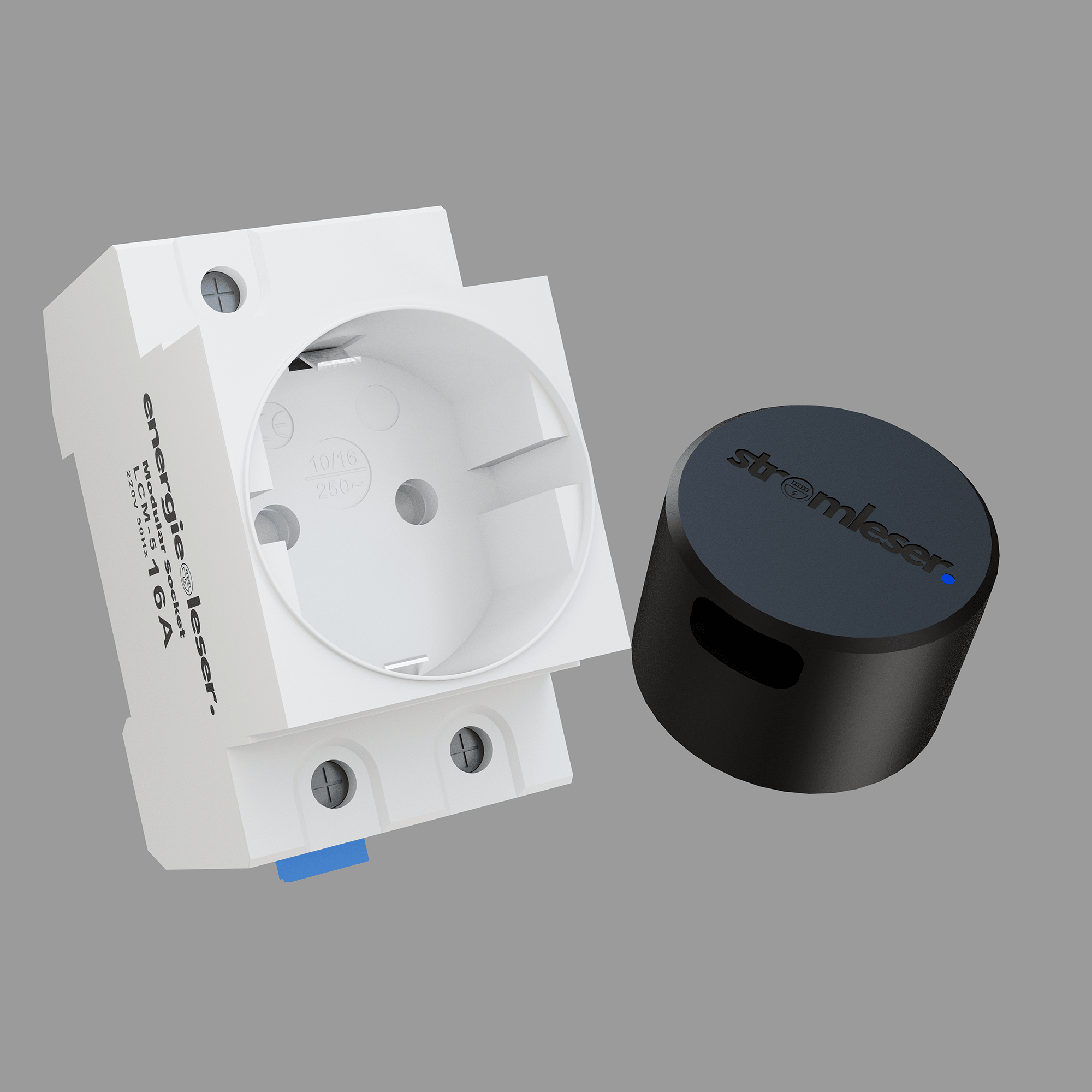
Scope of delivery:


You might also like


Gefördert durch:

