

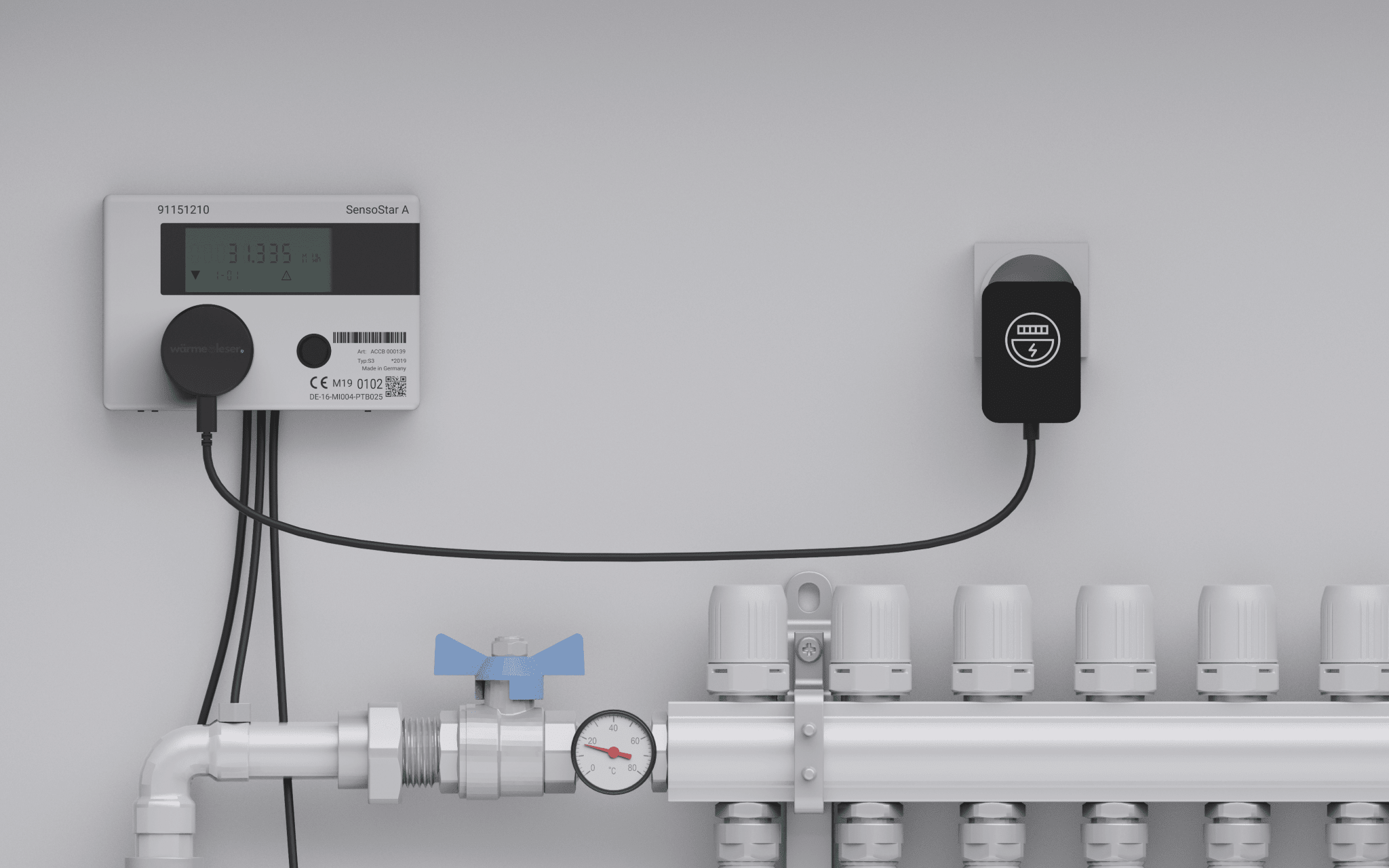
Step-by-step instructions: heat reader
With this step-by-step guide, you can install your heat reader yourself in just a few minutes – from attaching it to the heat meter to integrating it into the electricity reader app. Installatio...
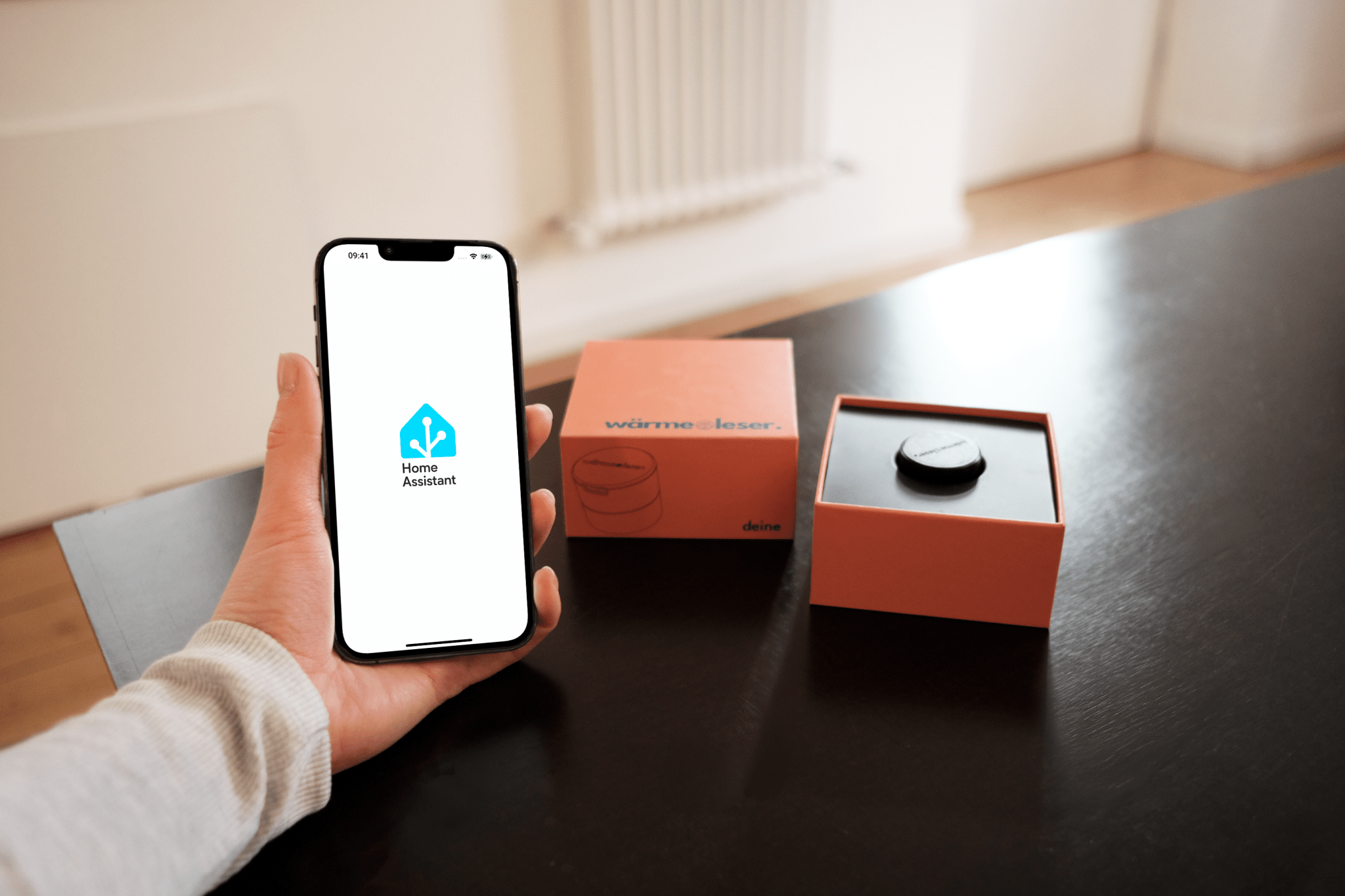
Home Assistant integration for heat readers
You've purchased a heat sensor and now want to connect it to Home Assistant ? This guide will show you step-by-step how to easily set up your device and integrate it into your smart home system. ...
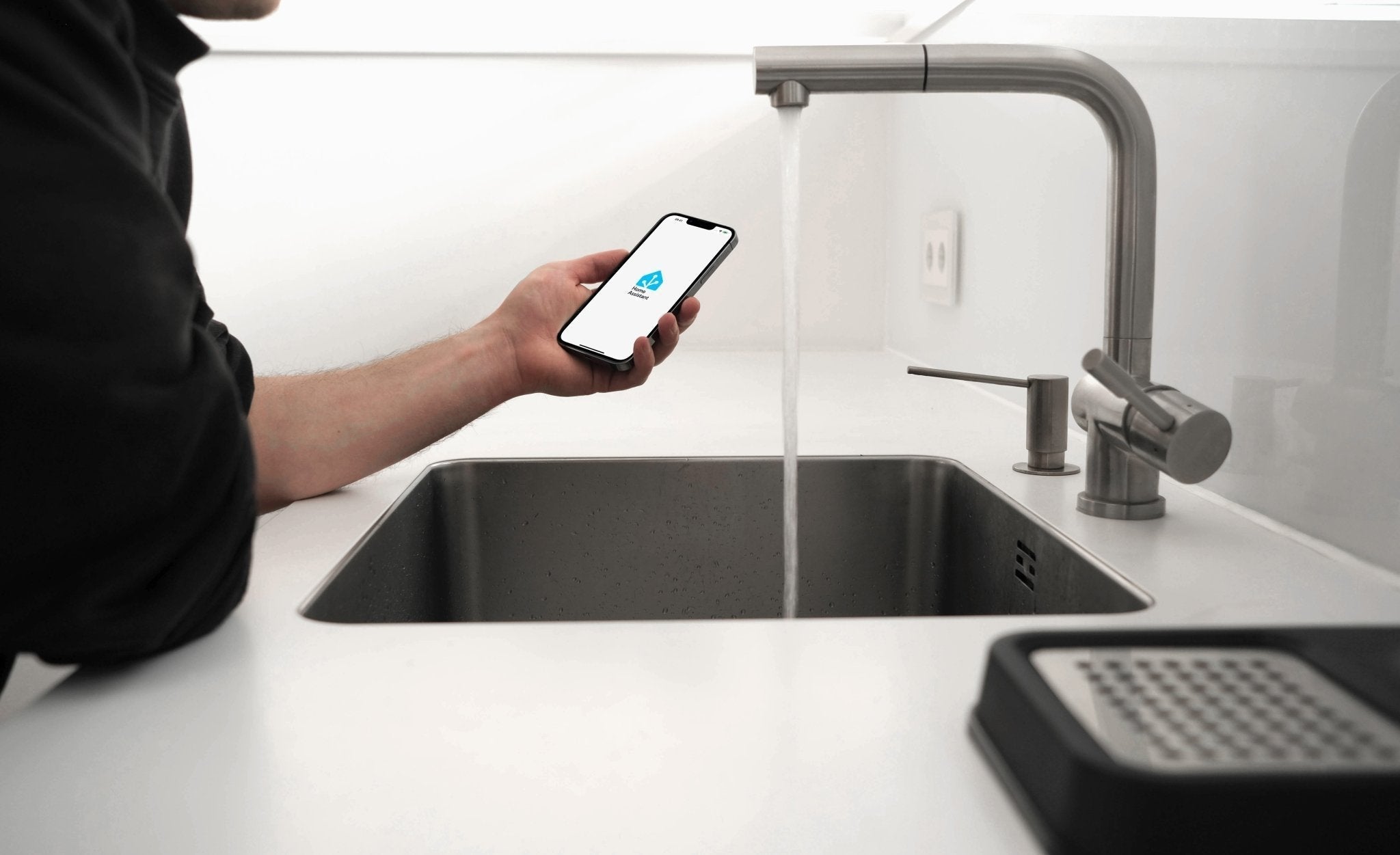
Home Assistant integration for water readers
Want to use your water meter with Home Assistant? This guide will show you step-by-step how to set up MQTT and connect the water meter to the electricity meter app. Plus: helpful tips, important p...
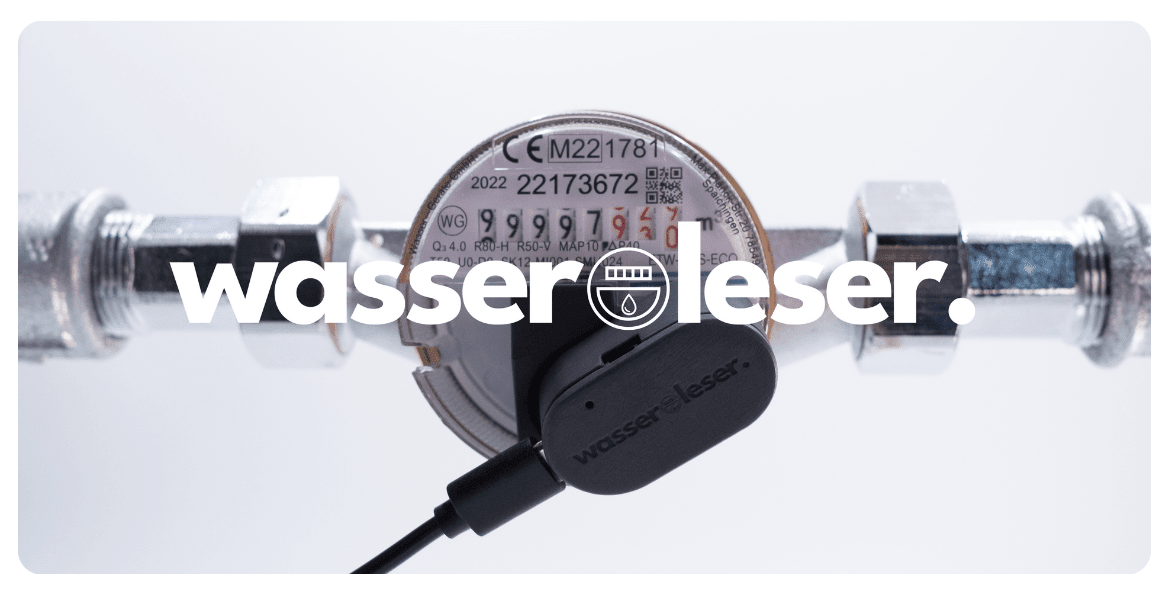
Step-by-step instructions: water reader
With the water reader, you can digitize your water meter in no time. This guide shows you step by step how to install the device, align it correctly, connect it to the app, and use all its functio...

Home Assistant integration for gas readers
This step-by-step guide will show you how to easily connect your gas meter to Home Assistant. From setting up the MQTT broker and user configuration to integration with the electricity meter app –...
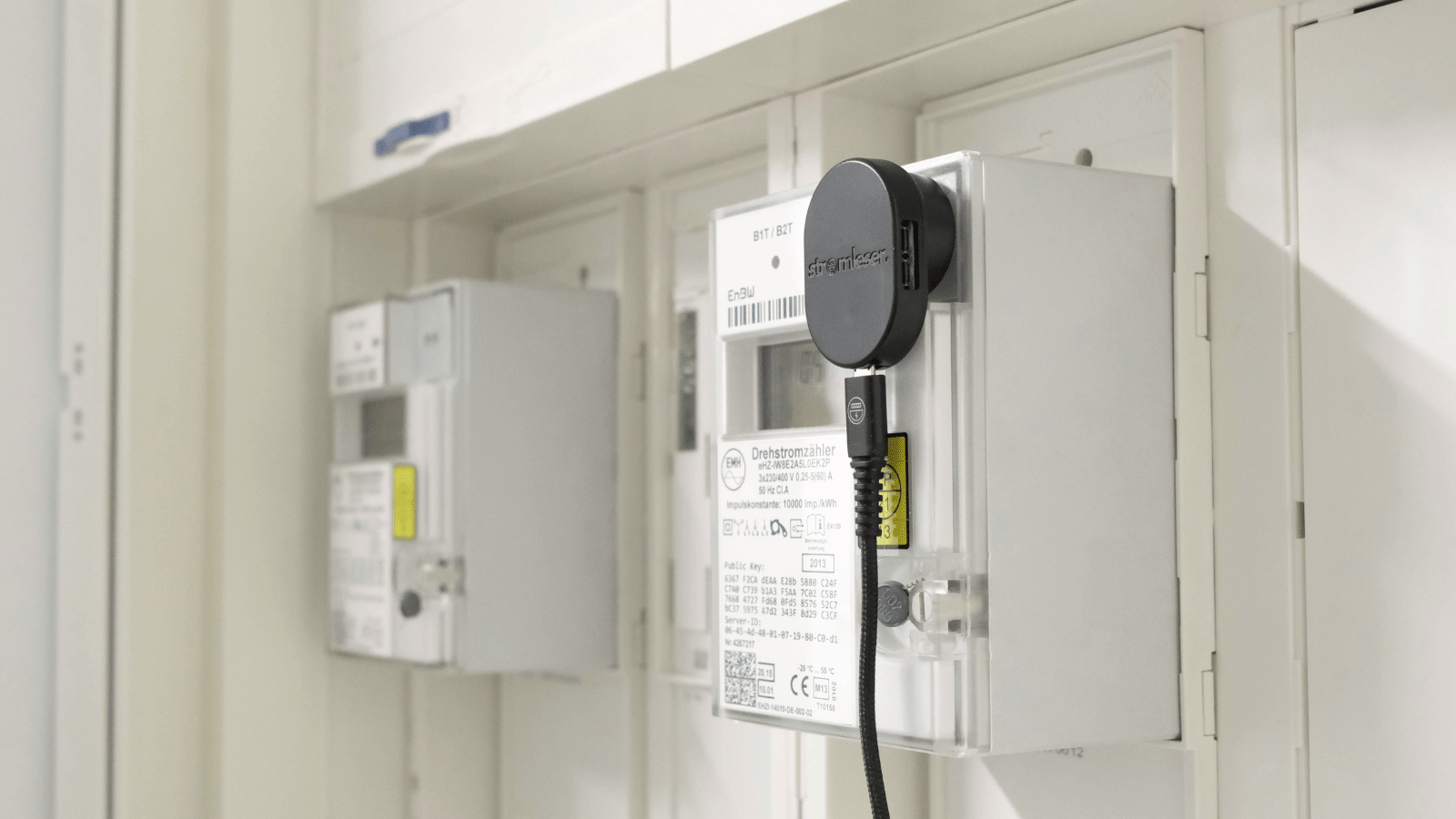
Setting up stromleser.tasmota on your digital electricity meter: Step by step
With these step-by-step instructions, you can set up your stromleser.tasmota on your digital electricity meter—from PIN activation and Tasmota configuration to integration into the stromleser app. ...
Funded by:

